x
Sign Up
Free trial. No credit card required.
Email already taken. Please sign in or try another email.
I agree to the terms of service and privacy policy.
Please agree to the terms of service and privacy policy to continue.


Free trial. No credit card required.
Please check your email.
We've sent you an email. Please check your inbox and follow the link provided to verify your email address.

Learn how Heymarket can help your business create personalized conversations at scale.
Book a DemoDeliver instant, personalized support across SMS, email, and every channel customers use. Heymarket gives your team full visibility into every conversation, with AI agents picking up routine requests automatically so you can respond faster and more consistently.






Customers expect quick, personalized support—and Heymarket’s SMS for business customer service platform makes it easy to meet their needs across text, email, and messaging channels. Improve response rates with automated texts, RCS messages, and email, and give customers real-time support on the channels they already use.
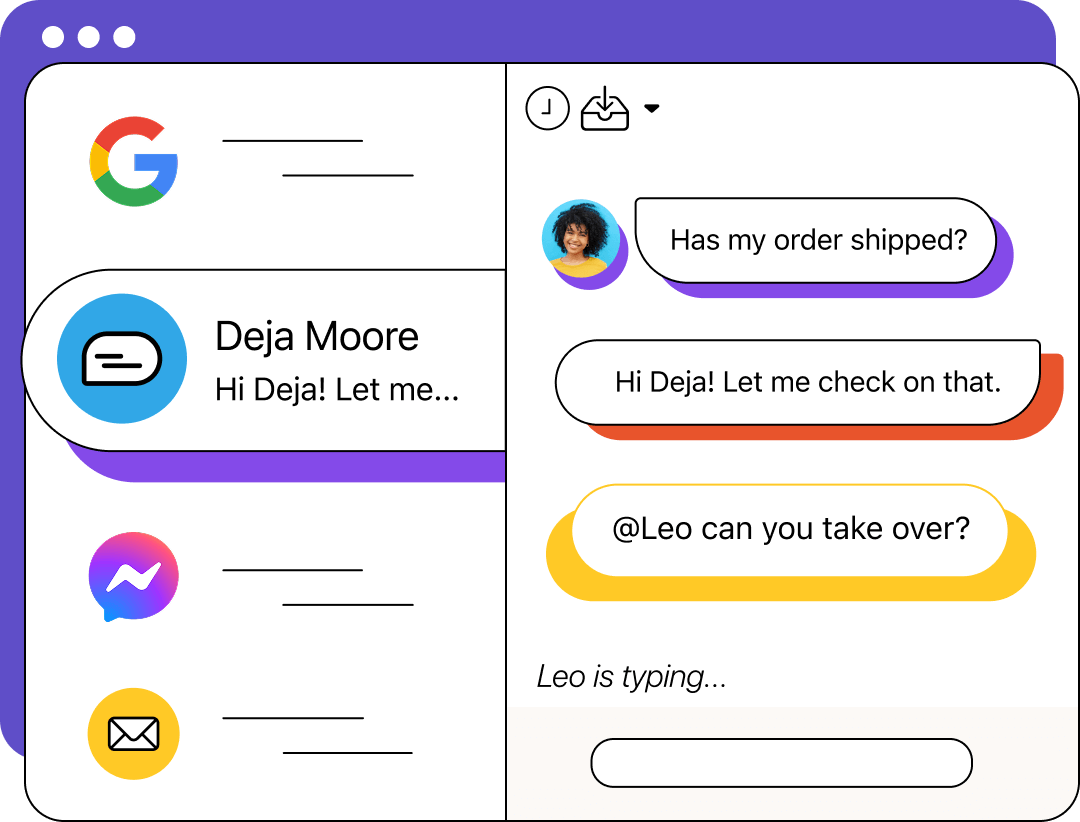
Keep your team aligned with an omnichannel shared inbox that centralizes SMS, email, and every other customer message in one place. Track conversation history across channels, route threads to the right teammate, and pick up where an AI agent left off without losing context, so everyone has the full picture before they reply.
Scale your customer service across text and email without sacrificing quality. Customizable templates speed up common replies, and AI-assisted messaging adds one-click tuning and suggested replies. Meanwhile, AI agents and keyword auto-replies handle the common requests that never needed a rep in the first place.
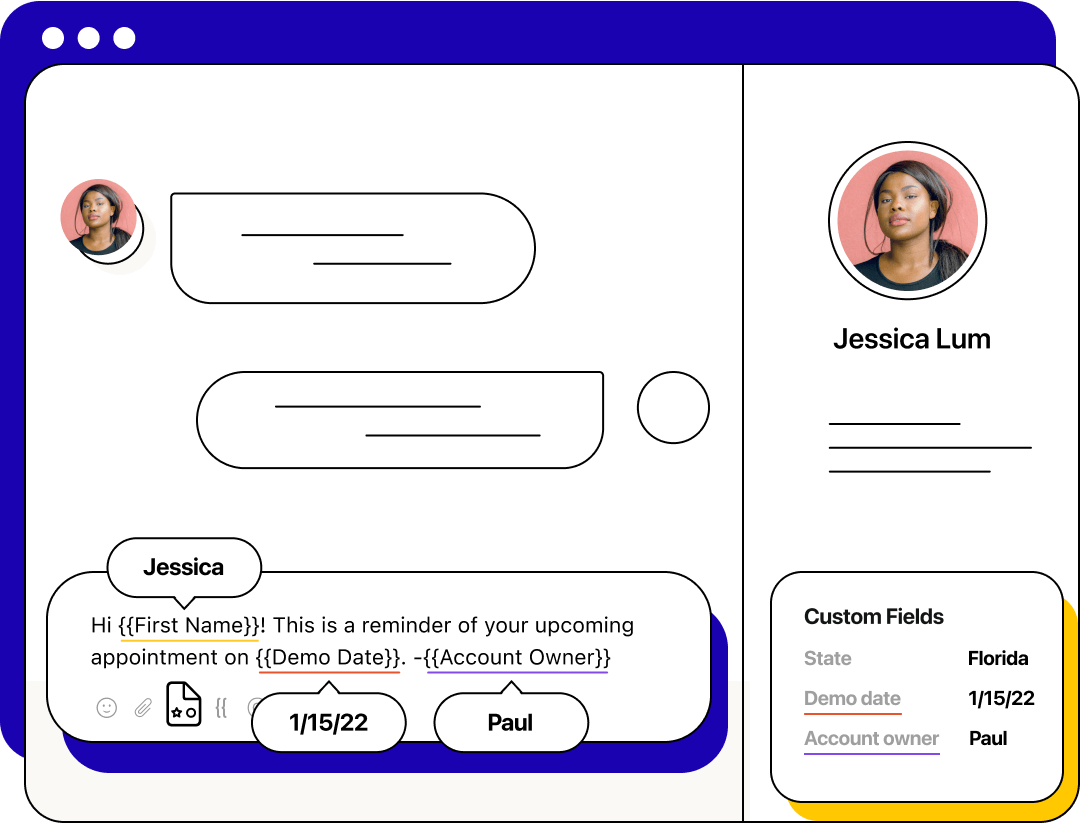
Heymarket’s SMS customer service platform is easy to use and requires minimal training time. You can get set up in minutes, text-enable your business number, connect your support email, and start engaging customers right away.
Heymarket’s AI tools work across the full conversation, from the first reply to the final follow-up. Agents handle volume autonomously while assisted messaging tools help reps perform at their best when a human touch is needed.

Our Q&A Agent draws on your approved knowledge base to reply accurately across SMS, email, and other channels, and escalates to a human when needed.

Our Scheduling Agent detects booking intent, presents available times, and confirms appointments without any manual back-and-forth.

Our Lead Enrichment Agent pulls contact details, issue type, and urgency from the conversation, tags the request, and routes it to the right team.
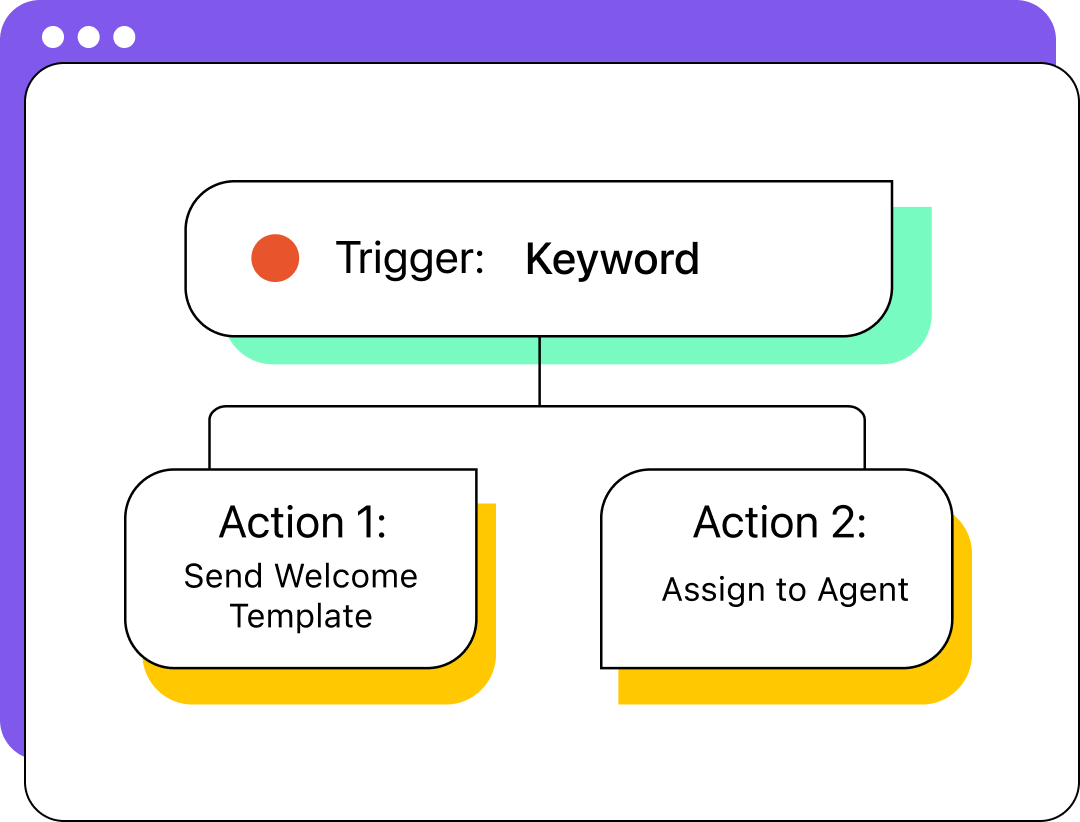
Keep customers engaged without adding extra work for your team. Heymarket lets you schedule text and email reminders, trigger notifications based on customer actions like ticket submissions, and send personalized mass texts to targeted lists. When customers reply, it starts a two-way conversation your team or an AI agent can pick up immediately.
Engage customers where they’re most comfortable—whether it’s SMS, email, Facebook Messenger, or Apple Messages for Business. Heymarket’s omnichannel messaging keeps every conversation organized in one place, so your team and its AI agents can provide real-time support no matter how a customer reaches out.

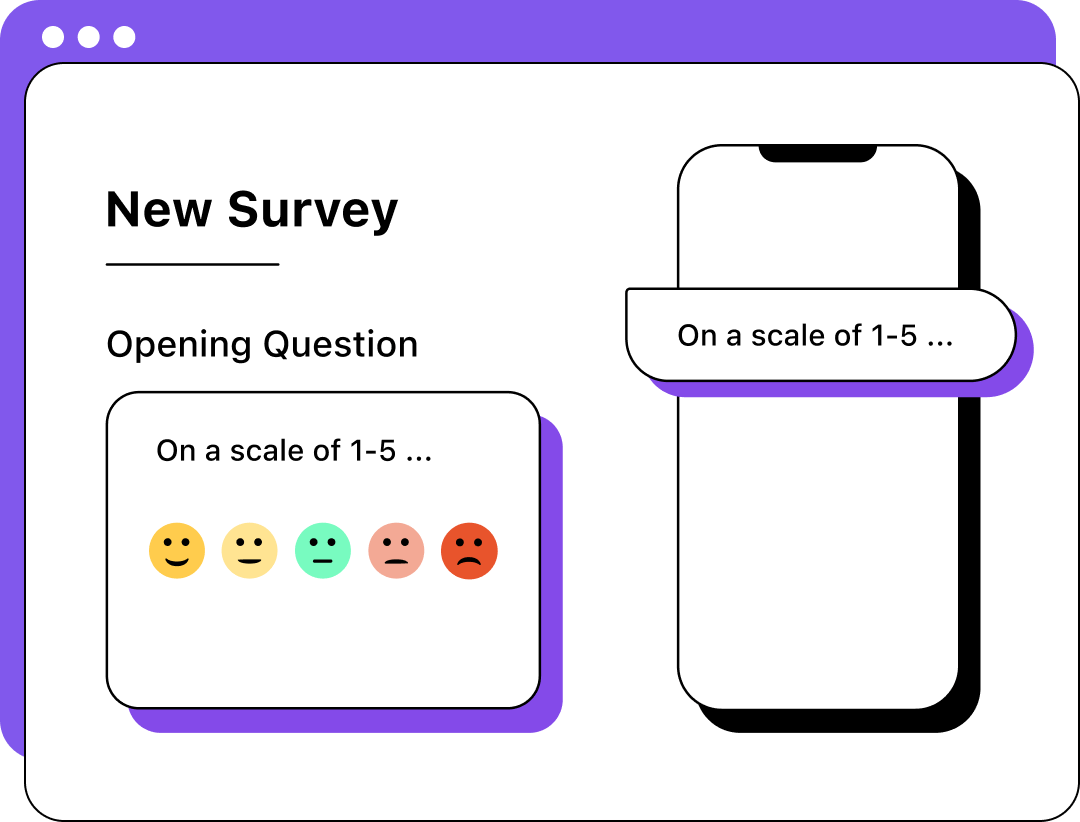
Increase response rates to CSAT surveys and gather real-time customer insights with automated SMS follow-ups. Heymarket makes it easy to send post-interaction surveys that customers can reply to instantly — whether to provide a rating or request more help. AI-powered sentiment analysis reads those replies as they come in, so your team knows which customers to reach out to first.
Heymarket’s SMS customer service integration works seamlessly with the tools your team relies on. Use data from CRMs like Salesforce, Zendesk, or other enterprise systems—enriched by your AI agents as conversations happen—to build rich contacts, powerful automations, and personalized text and email campaigns that keep customers happy.
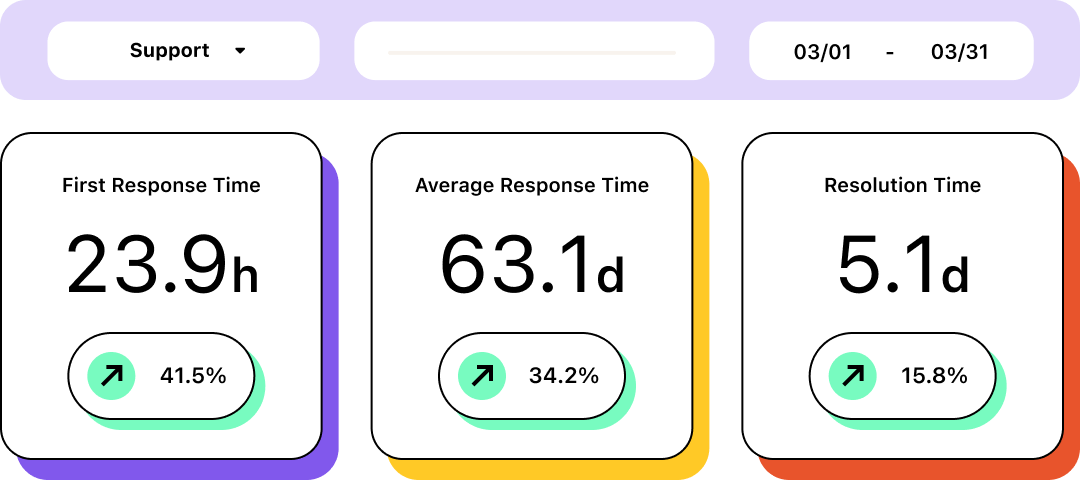
Gain full visibility into your company’s email and SMS customer support with detailed reports and analytics. Track response times, resolution times, and CSAT scores for your whole team, AI agents included, to uncover insights that help reps work faster and keep satisfaction high.
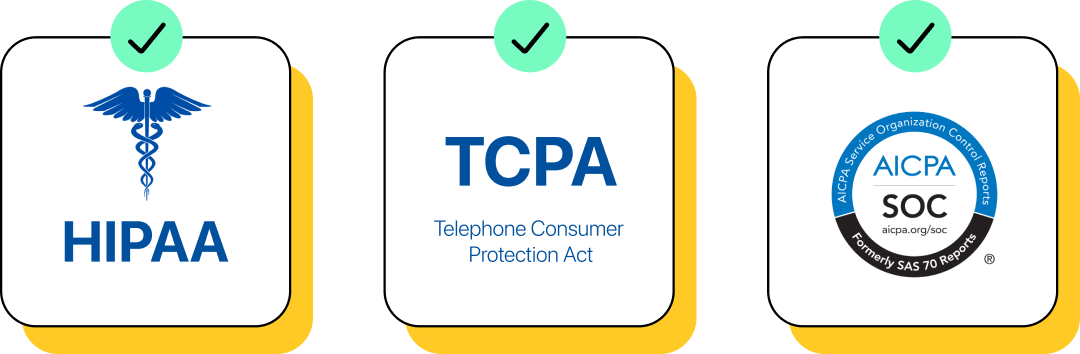
Keep your data secure on Heymarket’s SOC 2 Type 2 certified, TCPA-compliant, and HIPAA-compliant platform. Enterprise-grade features like SAML SSO and custom user permissions provide granular access control, ensuring only authorized users can access sensitive information and talk to customers.
Heymarket’s enterprise-grade messaging platform helps teams respond faster, stay organized, and engage more customers across SMS, email, and beyond with features like:
 Shared inbox
 AI-assisted messaging
 Automations
 Personalization
 Templates
 Collaboration tools
 Custom permissions
 Contact management
 Message analysis
 Reports




Learn how Heymarket can help you speed up resolution times, improve engagement, and form customer relationships that last. To get started, book a free demo today!
Book a DemoWant to learn more about customer service text messaging and SMS customer support? We’ve answered some common questions below. Contact our team if you need any additional tips, best practices, or information.
What is SMS software?
Modern SMS software or SMS customer service software refers to cloud-based platforms that help businesses text with consumers, then receive and read texts alongside email and other channels. These platforms, Heymarket included, allow you to text-enable a business number or add a new number for texting, and are accessible via websites or as apps on your phone.
What is SMS customer service or text-based customer service?
SMS for business customer service lets customers reach your team by texting your business number or messaging through channels like email, Facebook Messenger, and Apple Messages for Business. To manage conversations across all of these channels, you need a platform like Heymarket, which centralizes every message in a shared inbox so nothing falls through the cracks.
Do customers have to opt in before I text them?
Yes. Before sending customer support text messages, customers must opt in to receive SMS from your business. Once they’ve opted in, you can send important customer service texts like account notifications, ticket follow-ups, return updates, and reminders.
How do I text customers?
Start by setting up your business SMS platform and uploading your contacts. Then, use your customer service messaging tool to compose and send SMS messages for customer support. Heymarket makes it easy to send and manage customer service texts with automation, templates, and shared inboxes.
To let customers text your customer service team first, publicize your business number on your Contact Us page, your social channels, and your email newsletter.
What does conversational SMS mean?
Conversational SMS refers to two-way text messaging between your team and customers. Here, customers can reply, ask follow-up questions, and get real answers in real time. Unlike broadcast-only messages, conversational support creates a dialogue that helps teams resolve issues faster, build customer trust, and deliver a more personal experience at scale.
How do I send professional text messages?
Text etiquette is new territory for a lot of customer service teams. Use a casual yet polite tone, like you would with a new neighbor. However, with SMS for customer support, you should also add some personality. If your brand guide allows, use emojis and GIFs to liven up conversations. Customers appreciate responses that feel human and on brand, whether they come from a human agent or an AI.
How do I get customers to text instead of call?
Some customers will always prefer calls. However, once many customers find out that you offer texting, they’ll start sending their questions via message, empowering your team to answer more customers in less time. Promote your SMS number and opt-in process to encourage them to sign up. Share this information on your website, across your social media channels, and in your email newsletters. Include your response times so customers know they’ll receive faster replies through messaging.
Can I manage email and SMS customer service in one inbox?
Email customer service lets customers reach your team through their inbox while your agents manage those conversations alongside SMS and other channels in one place. Heymarket combines email and SMS in a shared inbox, so agents see the full conversation history across channels without switching tools.
The platform also offers AI text generator features like suggested replies, message tuning, and conversation summaries that work the same way across both.
What is an AI agent for customer service?
An AI customer service agent is an assistant that works inside your shared inbox and handles customer conversations on its own. Heymarket offers three: a Q&A Agent that answers questions from your approved knowledge base, a Scheduling Agent that books and reschedules appointments, and a Lead Enrichment Agent that captures request details and routes them to the right team.
Can AI agents answer customer emails as well as texts?
Yes. Heymarket AI agents work across every channel in your shared inbox, including SMS and email. They draw from the same knowledge base and follow the same configuration no matter where the conversation happens, so customers get consistent answers whether they text or write in.
Can I review AI replies before they’re sent?
Yes. In Supervised mode, AI agents draft replies for a teammate to send, edit, or cancel before anything goes out. It’s especially useful for regulated industries, sensitive account conversations, or any situation where tone and accuracy need a quick check. You can set the mode per inbox and add routing rules so critical conversations always get human oversight.