x
Sign Up
Free trial. No credit card required.
Email already taken. Please sign in or try another email.
I agree to the terms of service and privacy policy.
Please agree to the terms of service and privacy policy to continue.


Free trial. No credit card required.
Please check your email.
We've sent you an email. Please check your inbox and follow the link provided to verify your email address.


Learn how Heymarket can help your business create personalized conversations at scale.
Book a DemoRespond faster, automate follow-ups, and launch personalized campaigns across channels.
Omnichannel messaging helps you build stronger customer relationships while simplifying communication for your team.

Reach customers via SMS, email, and messaging apps with a consistent brand voice.

Consolidate conversations, collaborate in real time, and streamline workflows.

Use automations and templates for timely and relevant interactions.
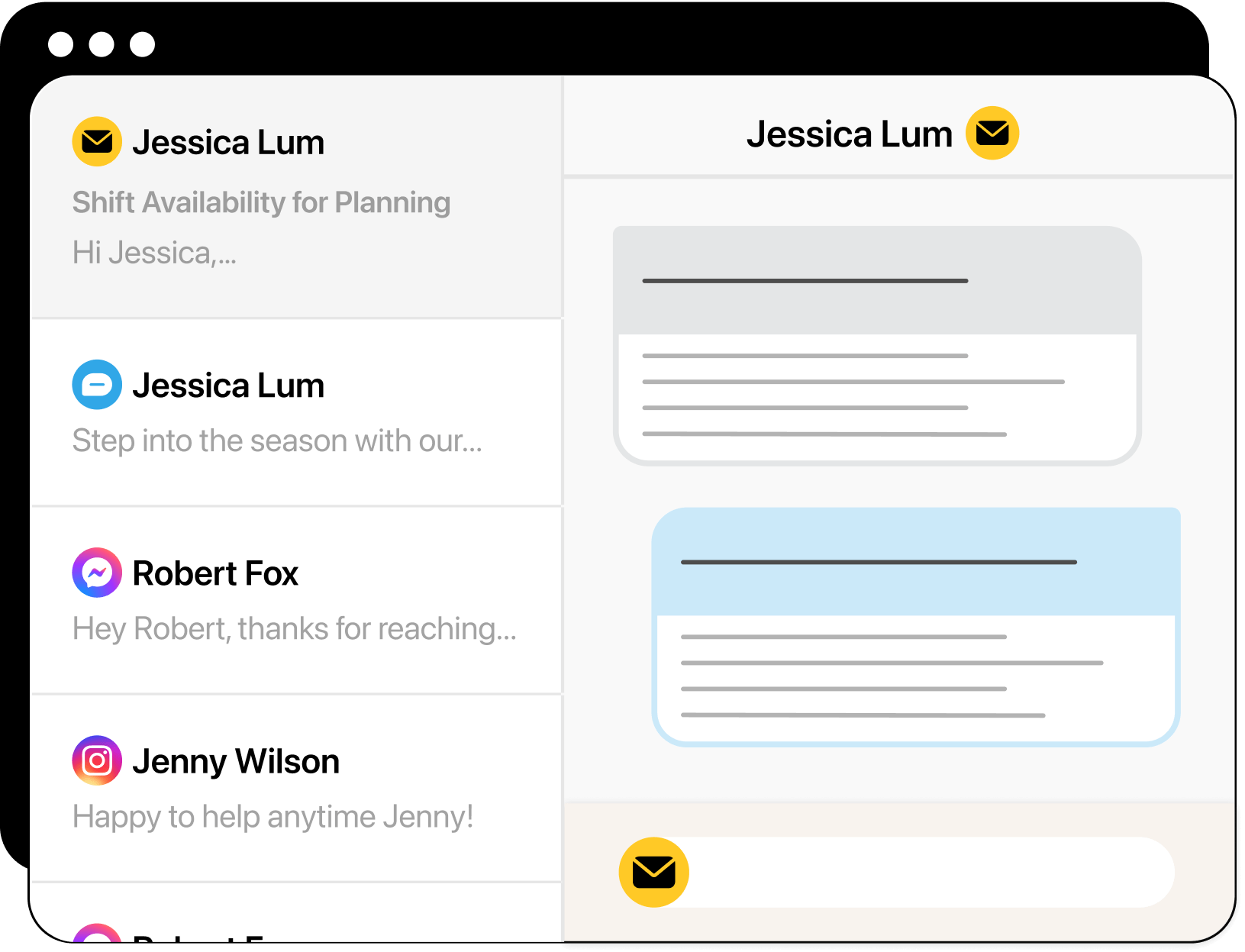
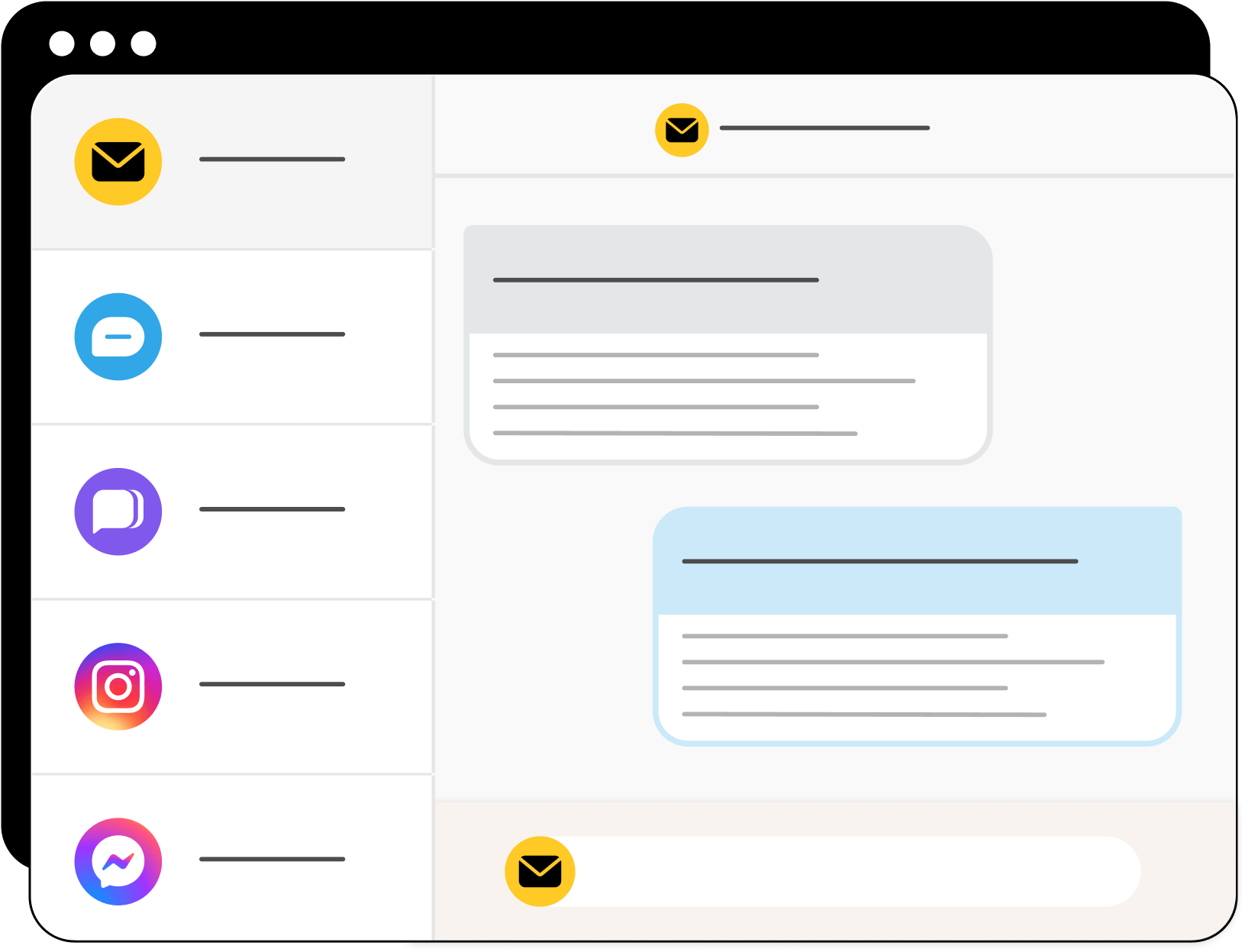
View and reply to SMS, email, and app messages in a single omnichannel shared inbox. See full history across channels so you can pick up every conversation right where it left off.
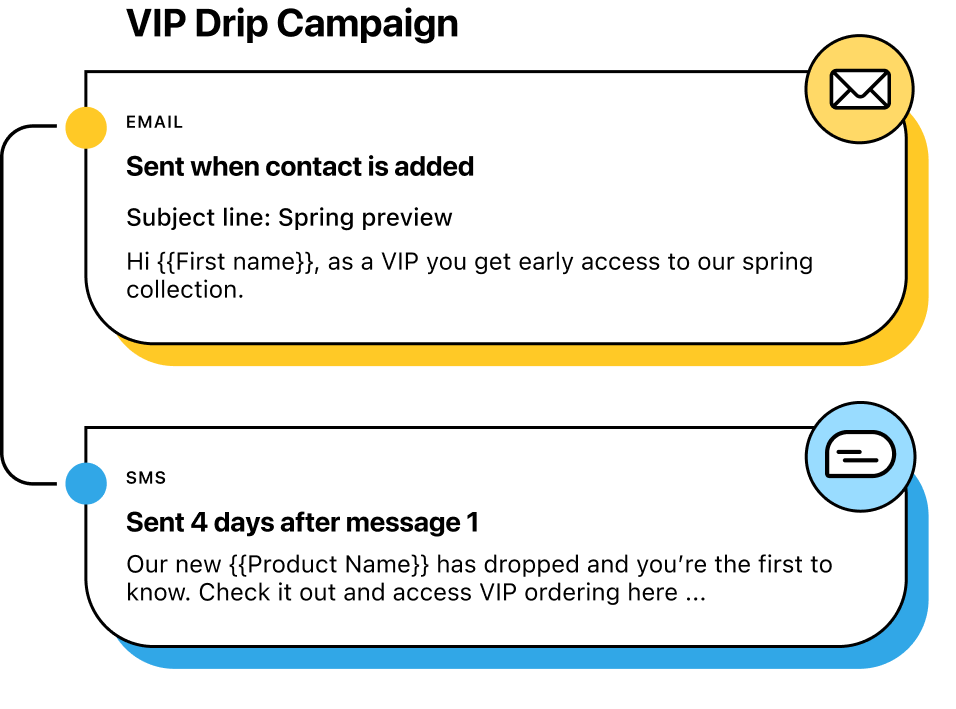
Send email and SMS broadcasts or drip campaigns from one platform. Personalize touchpoints with dynamic templates and target the right contacts with real-time list segmentation.
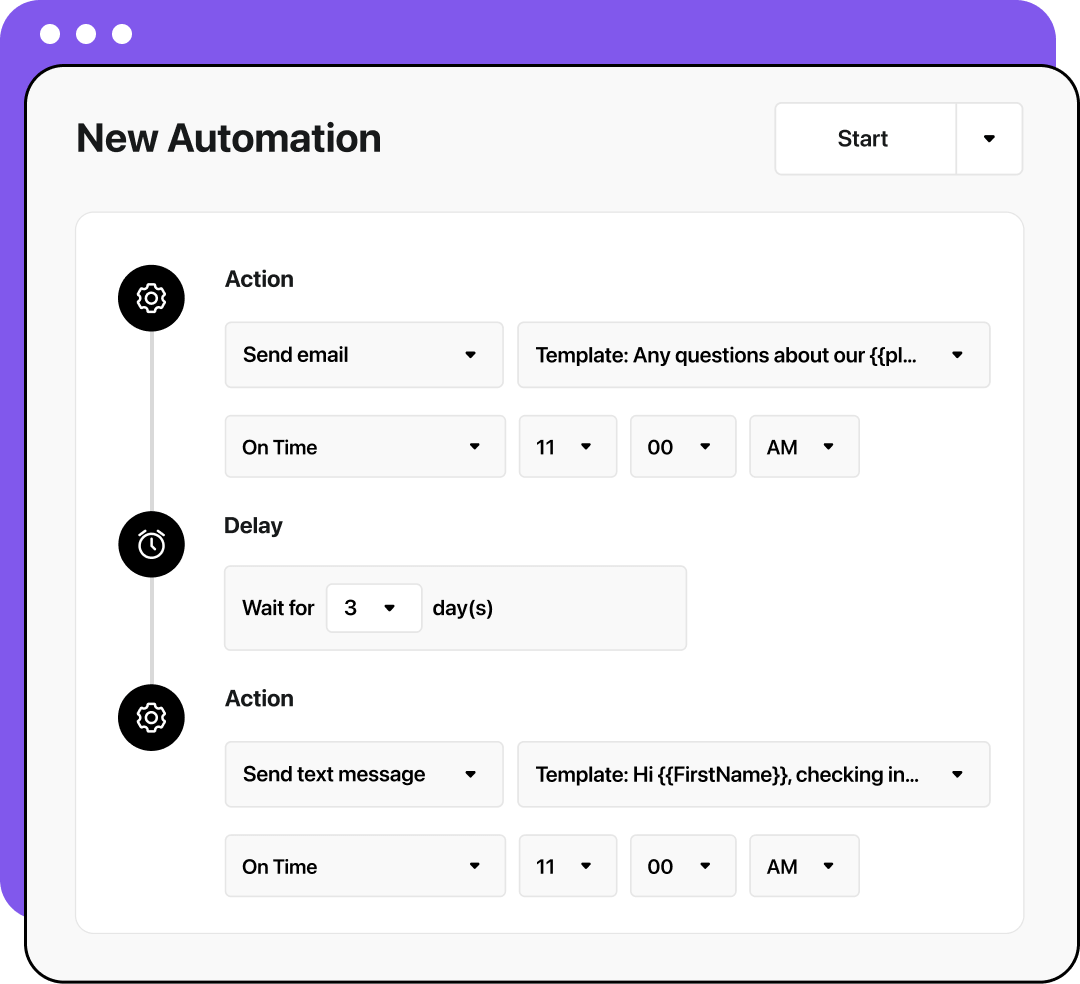
Trigger follow-ups based on behavior, dates, or contact field changes. Add delays, handle no-responses, and keep every communication timely and relevant.
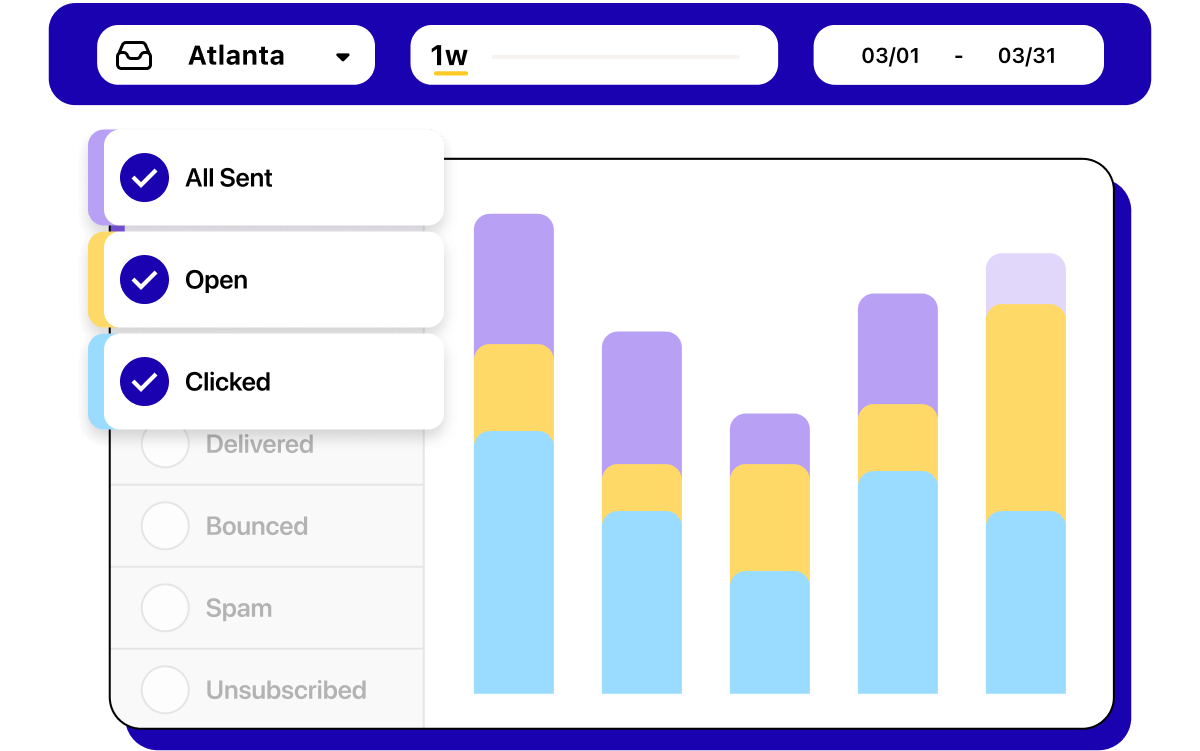
Track opens, replies, clicks, and response times in a single dashboard. Measure what’s working and optimize conversations across SMS and email.
See how omnichannel messaging helps your team respond faster, personalize outreach, and stay connected—on any channel.
Learn moreLearn how omnichannel messaging helps teams connect, scale, and respond more effectively across SMS, email, and messaging apps.
What is an omnichannel messaging platform?
An omnichannel messaging platform lets teams manage conversations across SMS, email, and apps in one place, keeping context, speeding up replies, and simplifying team workflows.
What are common use cases for omnichannel messaging?
Teams use omnichannel messaging for sales outreach, customer support, marketing promotions, operations updates, and more. For example, a customer might ask a question through web chat, receive a follow-up by SMS, and get a detailed confirmation via email—all tracked in one shared inbox.
What’s the best way to amplify omnichannel messaging?
To get the most out of omnichannel messaging, teams can use features like message templates, dynamic contact lists, and AI tools for suggested replies and translations. These features let you automate texts while personalizing every send, so you can scale without losing the human touch.
How does AI support omnichannel messaging?
AI helps teams work faster and more efficiently across channels. With Heymarket, AI messaging tools can translate incoming texts or emails, tune replies to match your brand tone, and suggest responses based on past interactions, helping you send better communications in less time.
Is omnichannel messaging good for both campaigns and support?
Yes. Omnichannel messaging allows businesses to launch SMS and email campaigns, then manage responses in the same shared inbox used for support inquiries. This gives teams a full view of every customer’s journey, from outreach to resolution.
What’s the best omnichannel messaging solution for my business?
The best solution for your business will depend on your team size and the channels you offer customers. For example, a team of 10+ people should look for a platform with team efficiency and administration tools. A smaller team should look for AI texting and email tools so they can do more with less time.