x
Sign Up
Free trial. No credit card required.
Email already taken. Please sign in or try another email.
I agree to the terms of service and privacy policy.
Please agree to the terms of service and privacy policy to continue.


Free trial. No credit card required.
Please check your email.
We've sent you an email. Please check your inbox and follow the link provided to verify your email address.


Learn how Heymarket can help your business create personalized conversations at scale.
Book a DemoManage emails and SMS in Salesforce to respond to customers more efficiently, close deals faster, and scale contact engagement quickly. Heymarket’s email integration for Salesforce uses CRM data to power personalized omnichannel communication all in one app.
Salesforce is where your most valuable customer data lives. It provides the context agents and reps across every department need to understand and engage customers effectively.
Heymarket centralizes email and SMS in Salesforce so teams can communicate directly from Salesforce records with that context in place, without changing how they work.

Send and receive emails and texts from Salesforce. Communicate from Salesforce objects with the Heymarket chat widget, tying conversations to the right record.

Keep email conversations visible alongside SMS and other channels for smoother team handoffs and consistent responses.

Send targeted 1-to-many emails and texts from List Views to engage the right recipients with less manual effort. Automate follow-ups with Salesforce Flows.
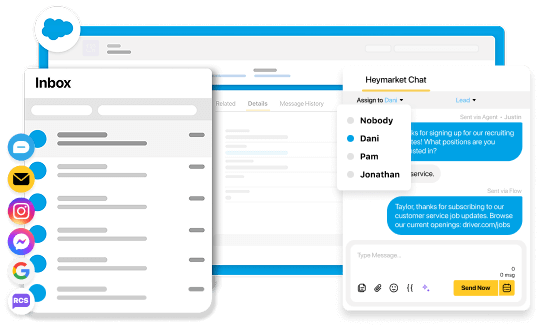
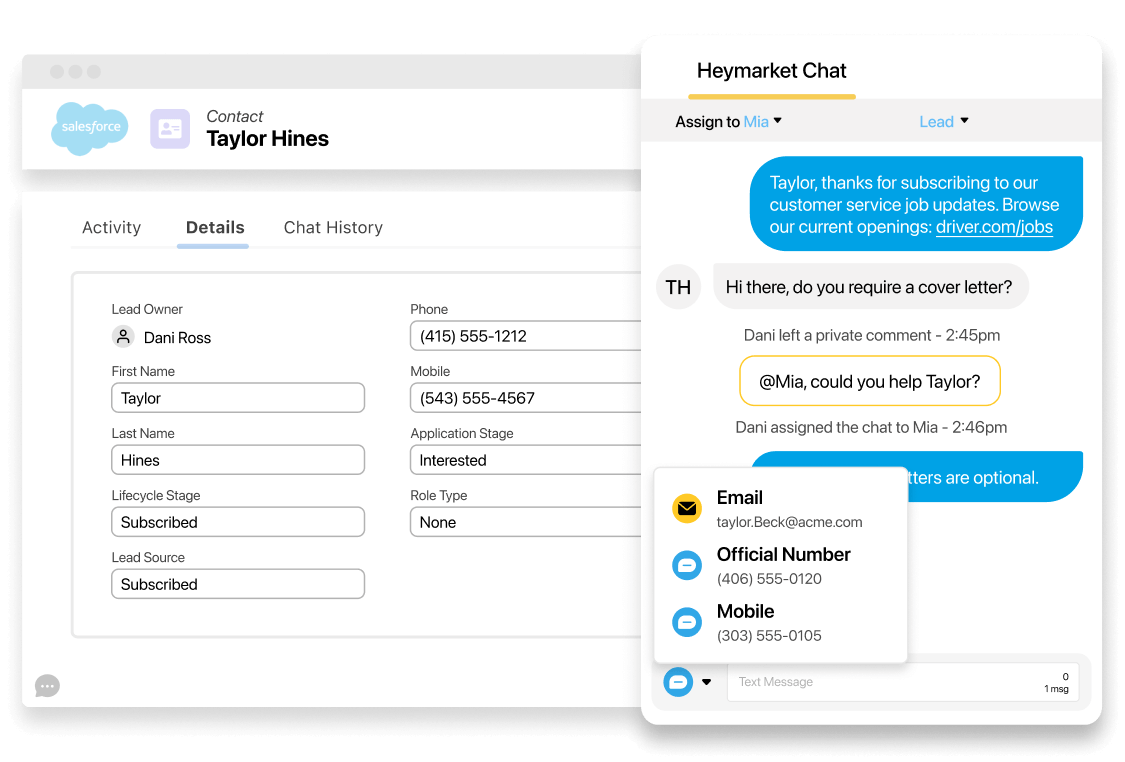
Heymarket gives Salesforce teams powerful shared inboxes to manage customer email and SMS conversations directly from Salesforce records. They can assign ownership, add internal notes, and see the full conversation history on the Contact, Lead, Account, Case, or other object, so any permissioned team member can step in and respond with the latest customer context.
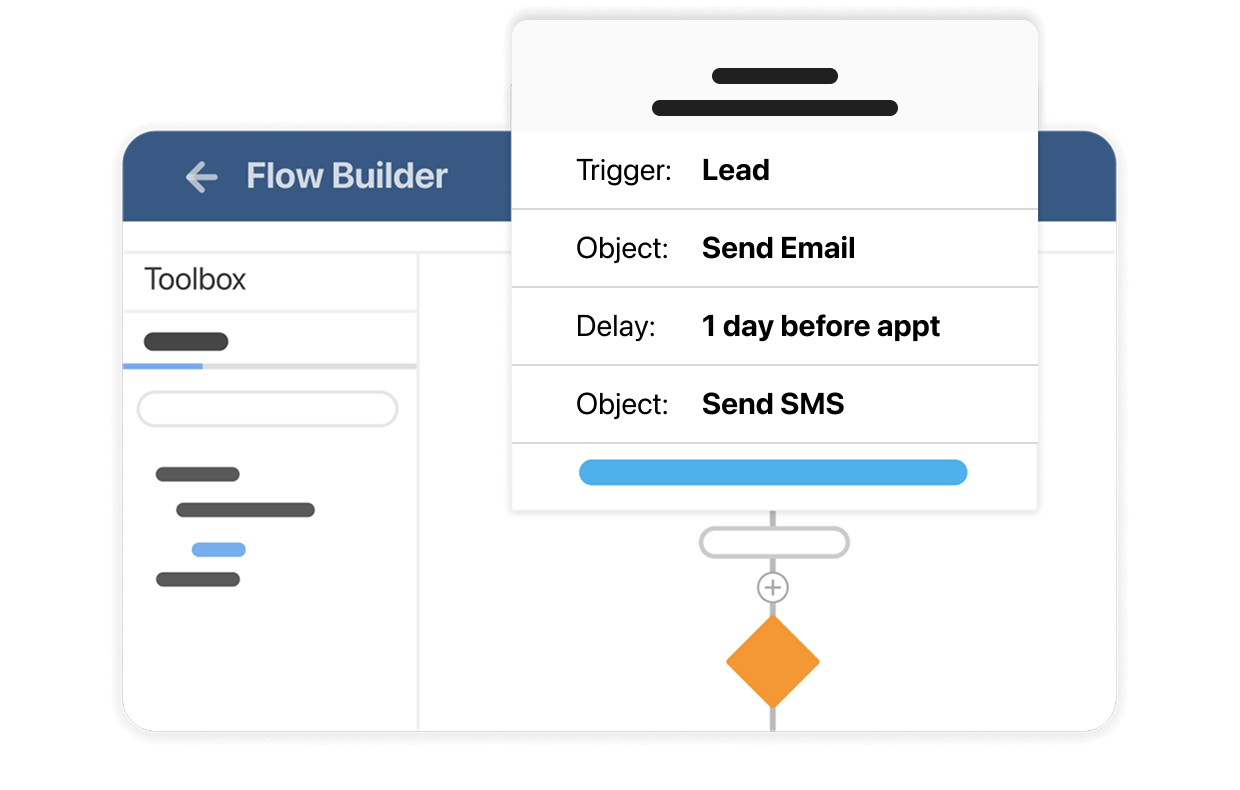
Salesforce Flows help teams take action when records change. With Heymarket, you can add email and text messaging actions to record-triggered Flows so follow-ups happen at just the right time, based on Salesforce data like stage changes, status updates, or time-based milestones.
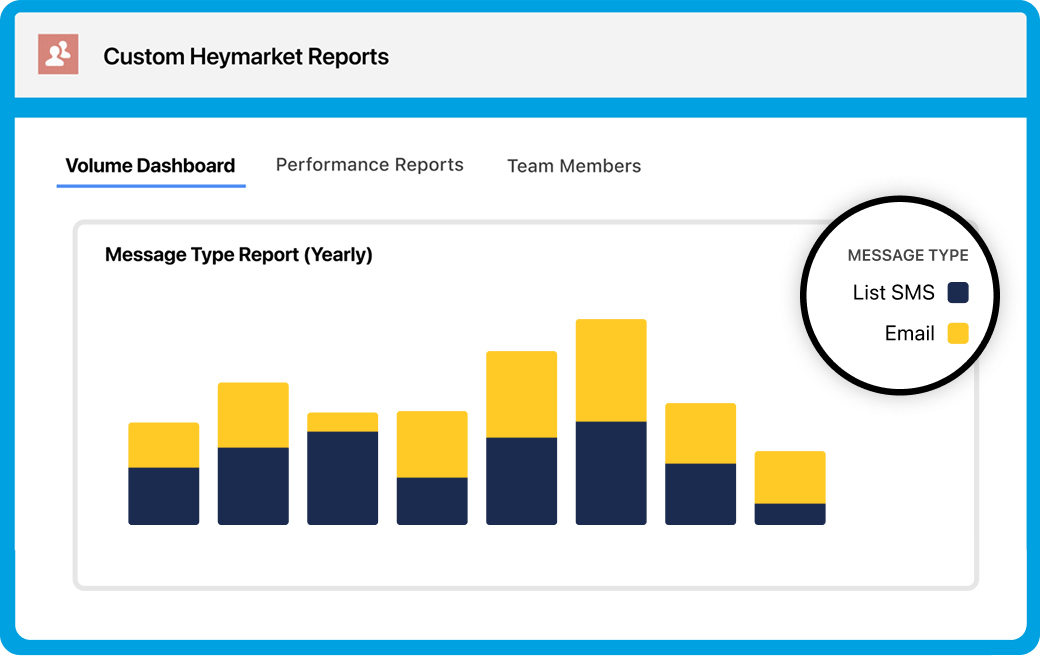
Review the success of your email and SMS efforts right in Salesforce. Get immediate insights into response and resolution times, message volume, and team performance. Configure or customize your team’s reports, powered by custom Heymarket objects.
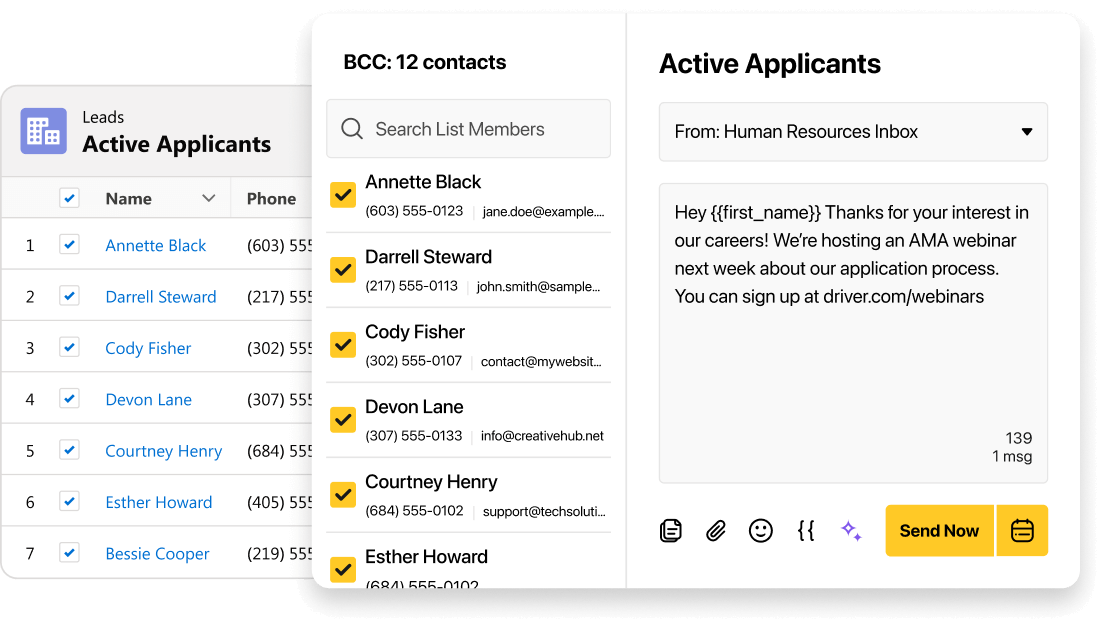
When you need to reach a specific segment, List Views make it easy to filter the right records in Salesforce. Use Heymarket to send 1-to-many emails and texts from List Views, personalizing messages using templates and Salesforce custom fields for relevant outreach that doesn’t require exporting lists or switching tools.
Customer conversations don’t always stay on one channel. Heymarket keeps communication connected inside Salesforce so it’s easy to continue the conversation on SMS or email while preserving history, ownership, and record-level context.
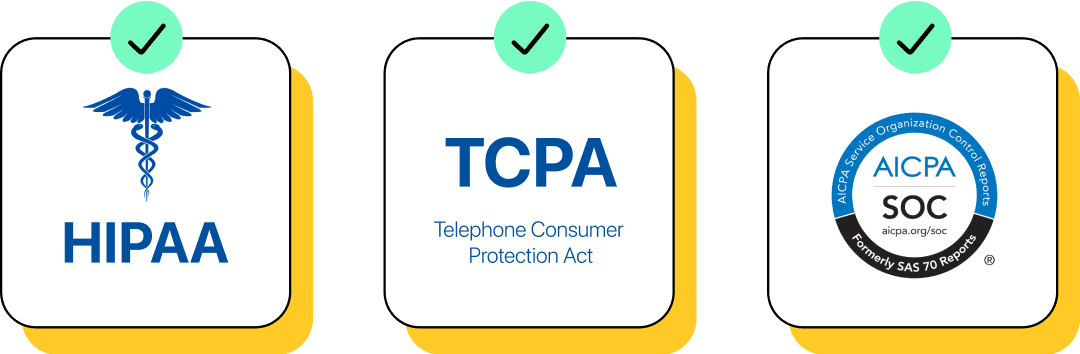
Heymarket is built for enterprise teams that need control and confidence. Manage access with roles and permissions and protect customer data with enterprise-grade security on a SOC 2 Type 2, HIPAA-compliant platform.
Heymarket’s Salesforce email integration lets you send and receive email inside Salesforce. Because it works across Salesforce objects, email fits naturally into existing workflows.
Once the Salesforce integration is set up, sending emails is straightforward.

Navigate to the Contact, Lead, Account, Case, or other Salesforce object you want to email from.

The Heymarket chat widget is visible on the Salesforce page and shared inbox layouts. Select the text bar to start or continue a conversation.

Compose your email directly in Salesforce, or use a template with Salesforce fields to personalize your message before sending.

Once sent, the email is automatically logged to Salesforce so your team can review or audit the full history, collaborate on replies, and follow up as needed.
Customer conversations move faster when email lives in Salesforce. Heymarket helps teams follow up consistently, stay aligned, and keep work moving by centralizing email directly within the CRM.
See it in action Add SMS to SalesforceHave questions about bringing email into Salesforce? Here are quick answers on how Heymarket’s Salesforce email integration works, plus how you can keep conversations connected across email and SMS in one Salesforce workflow.
What is a Salesforce email integration?
A Salesforce email integration connects email communication to Salesforce. It lets you send, manage, and track customer emails with CRM context. Instead of juggling inboxes and the CRM, email activity stays connected to the customer data your teams rely on.
Can I send and receive email through Salesforce with Heymarket?
Yes. Heymarket supports email through Salesforce, so users can send and receive customer emails for sales, marketing, customer service, and more inside Salesforce while keeping the conversation connected to the CRM experience.
Does Heymarket work in Sales Cloud and Service Cloud?
Yes. Heymarket’s Salesforce email integration works inside Salesforce. Agents using Sales Cloud or Service Cloud can send and manage customer email in the same place they already work, while keeping conversations connected to Salesforce data.
What Salesforce objects does Heymarket work across?
Heymarket works across all Salesforce objects, allowing teams to incorporate email integration in Salesforce wherever they manage customers. This includes standard and custom objects, helping teams keep email tied to the right record context.
Can I automate emails in Salesforce?
Yes. You can automate emails in Salesforce using Salesforce Flow. With Heymarket, teams can add email actions into Flows so follow-ups happen at the right time based on Salesforce data and business logic.
Can I send 1-to-many emails from Salesforce?
Yes. Heymarket supports sending 1-to-many emails from Salesforce List Views. Teams can reach a targeted audience at scale using the segments they already built in Salesforce.
Can I use email and SMS together in Salesforce?
Yes. Heymarket supports a Salesforce SMS and email integration approach that also keeps texting in the same workflow, so team members can continue conversations across channels when customers change channels or devices.
How do I add email to Salesforce?
To integrate email with Salesforce, you connect an email solution to Salesforce so users can send emails inside the app and log activity back to Salesforce. With Heymarket, once the integration is set up, teams can run day-to-day email workflows directly in Salesforce.
Does Heymarket’s email integration work with other CRMs?
Yes. In addition to Heymarket’s Salesforce email integration, Heymarket also integrates with HubSpot, so anyone can manage customer conversations from the CRM they use.
If you use both systems or are comparing options, explore the HubSpot email integration to see how Heymarket supports email and SMS workflows there as well.

We use third-party cookies and tracking technologies that collect information about your use of the site. These third parties may use your information for their own purposes, as described in our Privacy Policy.
