



Personalization is essential for business communication, especially via email. Customers reject generic emails that don’t greet them by name, and they expect every offer to be relevant. If they reach out to customer service, they want an email that acknowledges their specific situation, not just a standard update that could apply to anyone.
Most teams have adapted to rising expectations by incorporating standard personalization tools: custom fields that insert recipients’ names, segmented mailing lists based on CRM fields like their lead status, and tailored email templates that speak to specific audiences. These approaches work well, especially for broad communications where true personalization is nearly impossible but relevance and timing still matter.
But when you’re emailing someone one-on-one, those broad personalizations only go so far. Customers with specific questions or ongoing conversations want messages that reflect what’s happening to them at that moment. That means picking up where the last exchange left off and tailoring your response to the situation at hand.
AI can simplify personalized email communication by bringing the right context into each conversation, helping agents understand what a customer needs and how to respond most effectively in that moment.
Keep reading to learn what AI email personalization looks like and how you can use it to have smarter, more human email conversations.
What is AI email personalization?
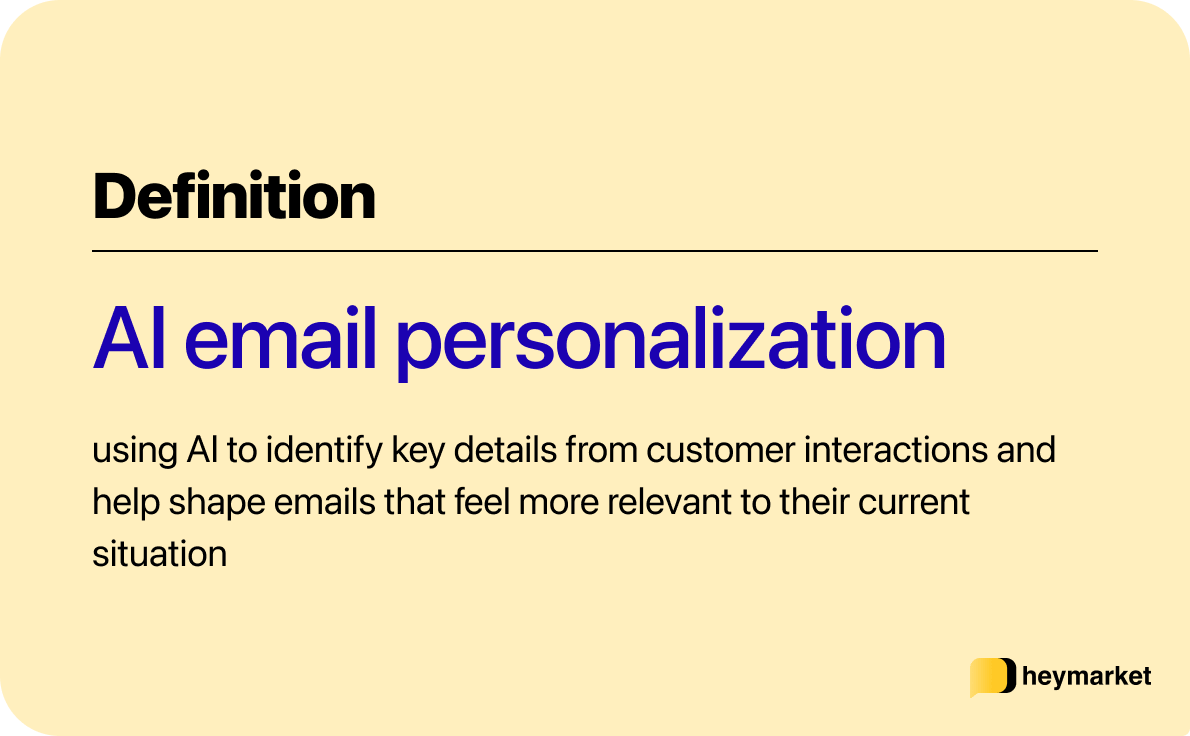
AI email personalization is the use of artificial intelligence to tailor your emails based on the context surrounding a customer conversation. It can look at recent questions, ongoing issues, communication patterns, and the tone of past messages to help you understand what matters most right now and what your response should look like.
AI can analyze and interpret situations quickly, highlighting details that might otherwise be easy to miss and suggesting clearer or more appropriate ways to reply. It supports the writing process without replacing the human behind the message, making it easier to craft emails that feel attentive, relevant, and aligned with the customer’s current needs.
Why you need AI-powered, conversation-level personalization
Broad personalization with tools like custom fields are still important. When you’re sending updates, reminders, or educational content to a large audience, those tools keep messages relevant and prevent customers from feeling like they’re receiving something generic.
The difference is that these personalizations are designed to speak to a type of person, not individuals. Customers on a mailing list may share interests or pain points, but they don’t all have the same questions or issues. Without understanding each contact’s specific needs and situation, it’s hard to deliver experiences that feel truly personal.
Conversation-level, AI-powered personalization helps fill that gap. It centers on the details that come up during the back-and-forth—what a customer is trying to accomplish, what they’ve already discussed with your team, and how they’re feeling throughout the interaction.
Each insight AI surfaces helps you shape emails that feel more natural, provide real value, and contribute to a positive overall experience. And as conversation histories grow and customer service cases increase, AI makes it easier for teams to deliver this level of personalization consistently and at scale.
How to use AI for email personalization across your team
AI fits naturally into the email workflows your team already uses. Instead of answering for you or changing the way you communicate, it supports your ability to write clearer, more thoughtful emails that reflect what the customer is experiencing in the moment.
Here are a few ways your team can use AI to personalize their communication more effectively.
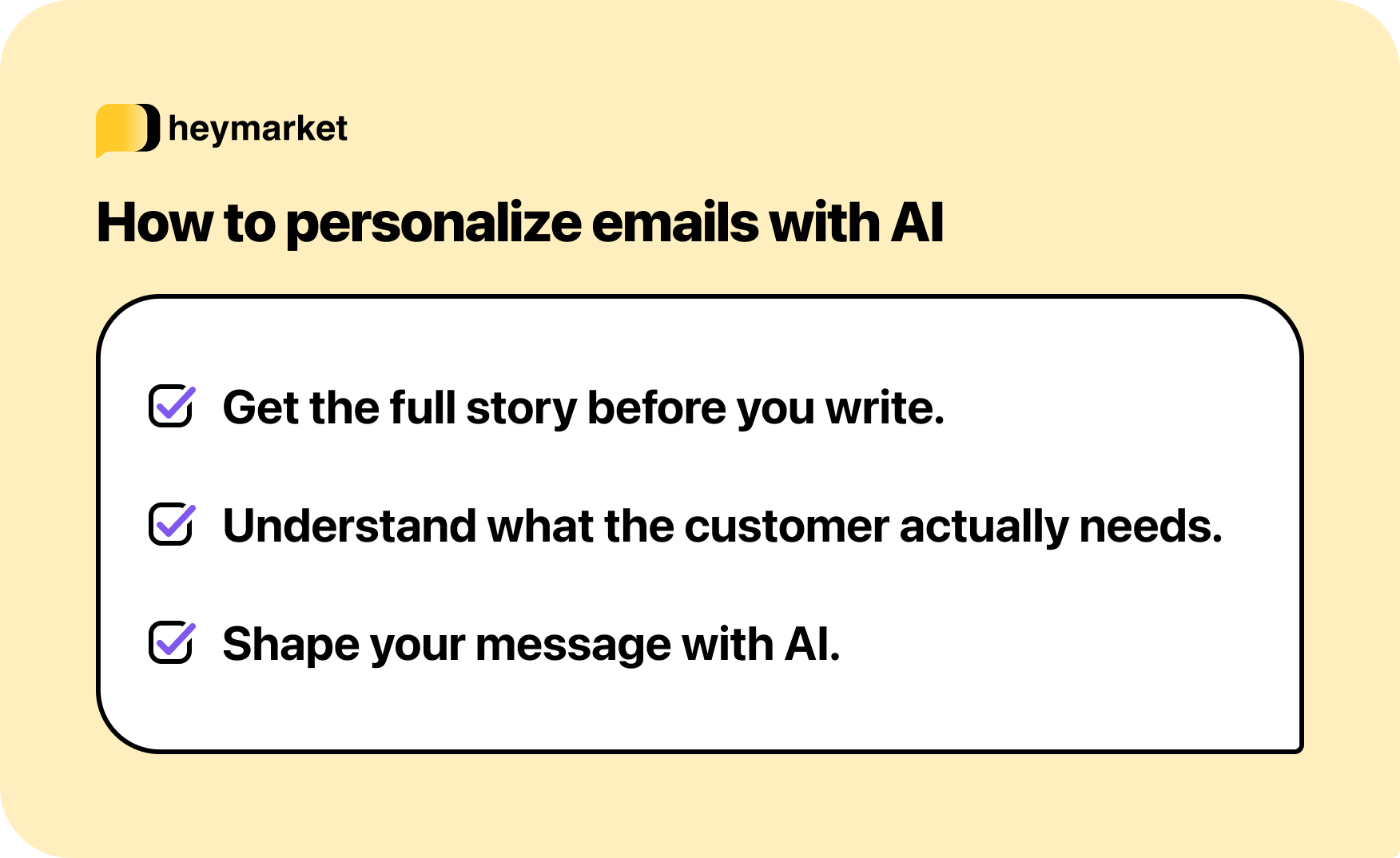
Get the full story before you write
AI can uncover the full history behind an email so you understand the relationship and recent activity before crafting a reply. Summaries highlight what the customer asked previously, how the situation has evolved, and whether their tone has shifted over time.
Knowing this helps you decide how to approach the message, understand the urgency, and determine which teammate is best suited to help. It also ensures your reply acknowledges what’s already happened, so the customer doesn’t have to repeat themselves or re-explain the situation.
For example, AI might flag:
“This customer reached out about a billing discrepancy last week, received an initial explanation, and sounded increasingly frustrated in their latest message.”
With that context, your reply can build on what’s already been discussed, rather than restarting the conversation from scratch.
Understand what the customer actually needs
Once you know a customer’s history, the next challenge is decoding the message in front of you. Customer emails can mix multiple questions, jump between topics, or leave out key details. AI can analyze messages to identify the main request, flag secondary issues, and point out anything that still needs clarification.
For example, AI might identify two separate needs in an email:
“requesting a refund” and “asking whether their subscription will pause.”
With that clarity, you can respond more confidently. You might address the refund in detail, then explain how their subscription will be handled so they don’t need to follow up again. It also helps you spot when a customer’s message requires input from another team, or when additional information is needed before you can provide a complete answer.
Instead of guessing at a customer’s intent or missing part of a request, you’re able to send a reply that covers everything they expect and keeps the conversation moving forward.
Shape your message with AI
With an understanding of a customer’s history and current needs, you can write a clear and helpful response that fits the situation.
AI-powered email refinements help you adjust the tone of your reply, reorganize your draft to make it easier to follow, or shorten long explanations while keeping essential details. It can also help you find the right balance between being thorough and being concise, especially when you’re responding to something sensitive or complex.
For example, if a customer sounded frustrated earlier in the thread, you might ask AI to make your draft more empathetic while still communicating the information they need. Or if you’ve written a long response with multiple steps, AI can help break it into a clearer sequence so the customer knows exactly what to do next.
The important thing is that AI is helping you polish your reply, not write it for you. That way, your final email feels personal, considerate, and helpful for the customer.
AI email personalization best practices
AI can help you personalize emails more efficiently, but real effectiveness comes from how you interpret and apply the insights it provides.
These best practices can help you use AI to personalize messages in a way that feels relevant and accurate.
Build on the context AI provides
AI can highlight useful details from past exchanges, but you should decide which ones matter. Referencing a recent step the customer took or a concern they raised helps your message feel personal without overwhelming them with information.
A quick reference to a recent step they took or a concern they raised is often enough to make the message feel personal and thoughtful without sounding like a conversation recap.
Keep your tone consistent with the relationship
AI helps you understand a customer’s mindset, but you should determine how warm, formal, or direct your response will be. Matching the tone of your previous exchanges helps the email feel like part of an ongoing conversation.
Confirm the details that matter
AI summaries can help you catch up on conversations, but you should double-check any facts, timelines, or commitments. This ensures the final message is not only personalized but also accurate.
Draw on context from all customer touchpoints
The most effective personalization comes from understanding all the interactions a customer has had with your business, not just the latest emails. If a customer has been messaging your team through SMS, chat, or another channel, include those interactions in your understanding of their situation.
When AI has access to multi-channel context, like through an omnichannel shared inbox, it can help you craft a reply that reflects a customer’s entire experience, not just what’s in a single inbox.
Do a final read-through as a customer
Before sending, review the message with the customer’s experience in mind. Ask yourself whether the email acknowledges their situation, answers their question, and feels thoughtful.
It’s especially important to double-check the final draft if you’ve used AI refinements, because AI can mimic tone or phrasing, but it can’t fully grasp emotion or the nuances of your relationship with that customer. What’s casual in one conversation may be insensitive in another.
Bringing AI into your email personalization strategy
AI makes conversation-level personalization possible at scale, especially as customers continue to expect responses that reflect their exact needs and circumstances.
Using AI to uncover context and clarify intent helps your team deliver more thoughtful, relevant messages without adding complexity to your workflow. When you combine these insights with your own judgment, it becomes easier to draft well-informed emails that improve customer satisfaction and strengthen relationships.
If you’re ready to bring this level of personalization into your customer conversations, try our AI-assisted messaging tools today.

