x
Sign Up
Free trial. No credit card required.
Email already taken. Please sign in or try another email.
I agree to the terms of service and privacy policy.
Please agree to the terms of service and privacy policy to continue.


Free trial. No credit card required.
Please check your email.
We've sent you an email. Please check your inbox and follow the link provided to verify your email address.

Learn how Heymarket can help your business create personalized conversations at scale.
Book a DemoSegment your contacts into lists to send personalized text messages and emails.
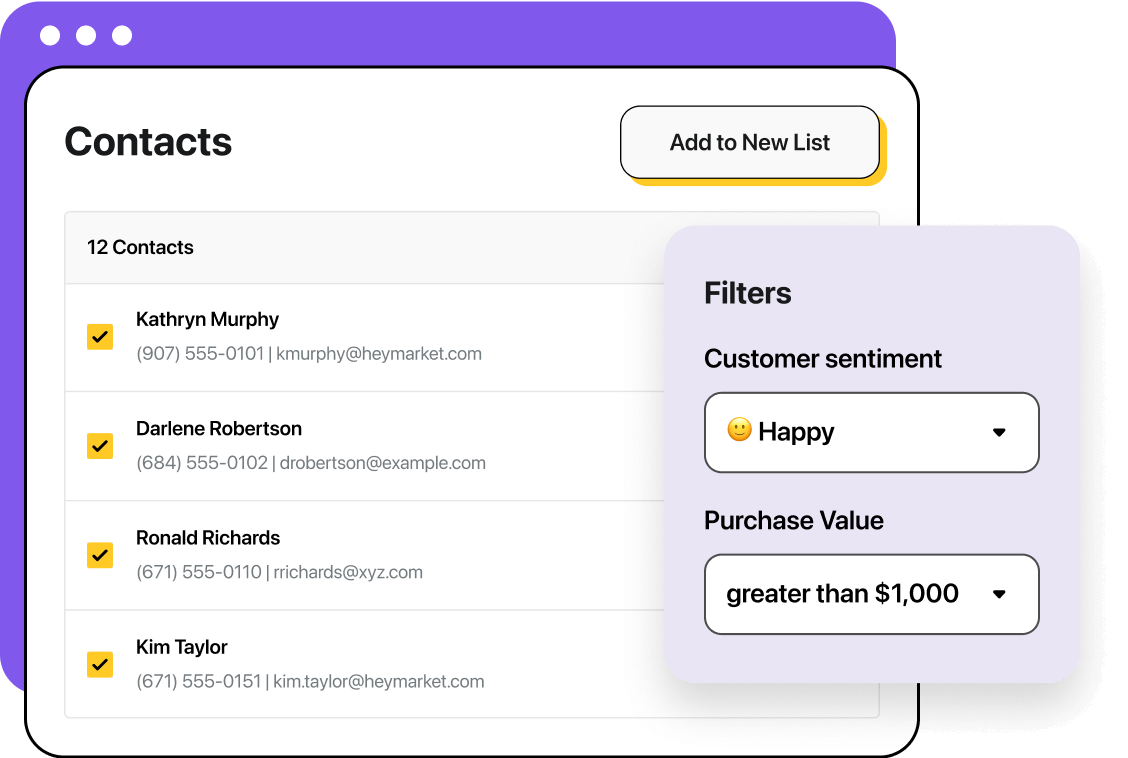
Lists allow you to send text messages and emails to a group of customers at once. You can segment your contacts based on the data you collect on them to create targeted contact lists.

Segmenting your lists helps you send customers targeted and pertinent information.

Insert custom fields to create personalized email and SMS campaigns for every recipient.

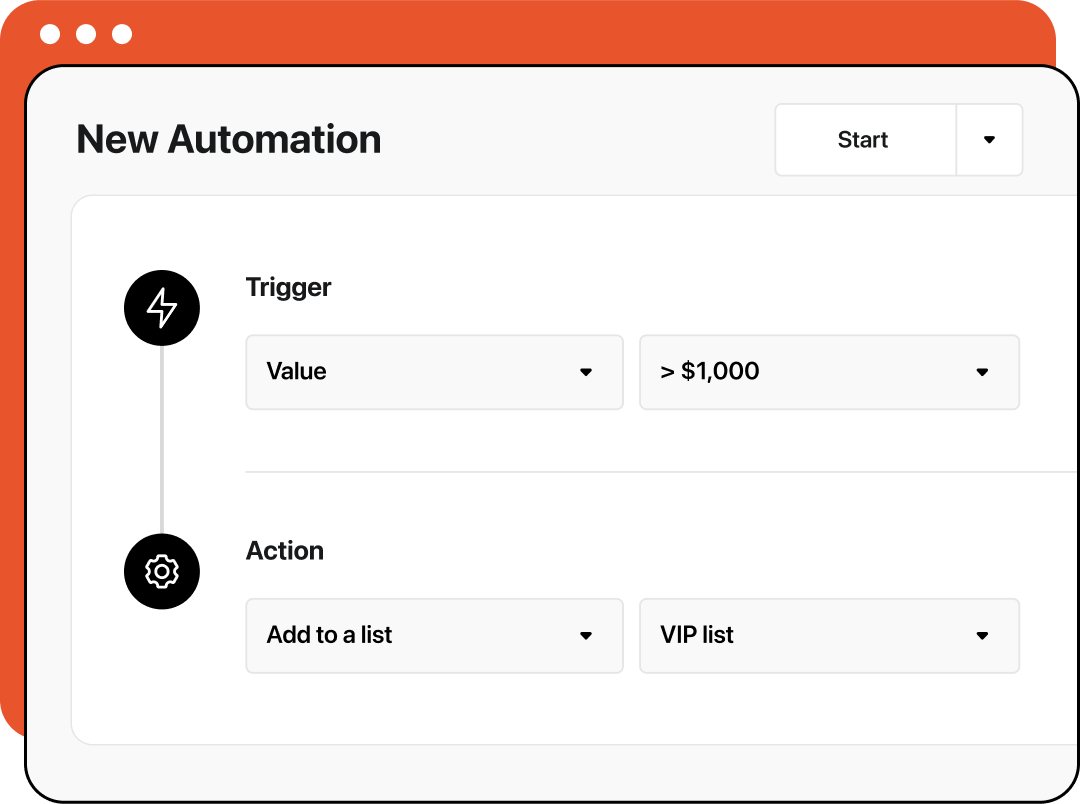
Use lists in automations by adding customers to them or enrolling members in a series of actions.
Segment contact lists based on the information and behaviors you collect data on, like purchase history, location, or lead stage. Deliver personalized, relevant email and text broadcasts that match each audience’s needs and move them closer to action.
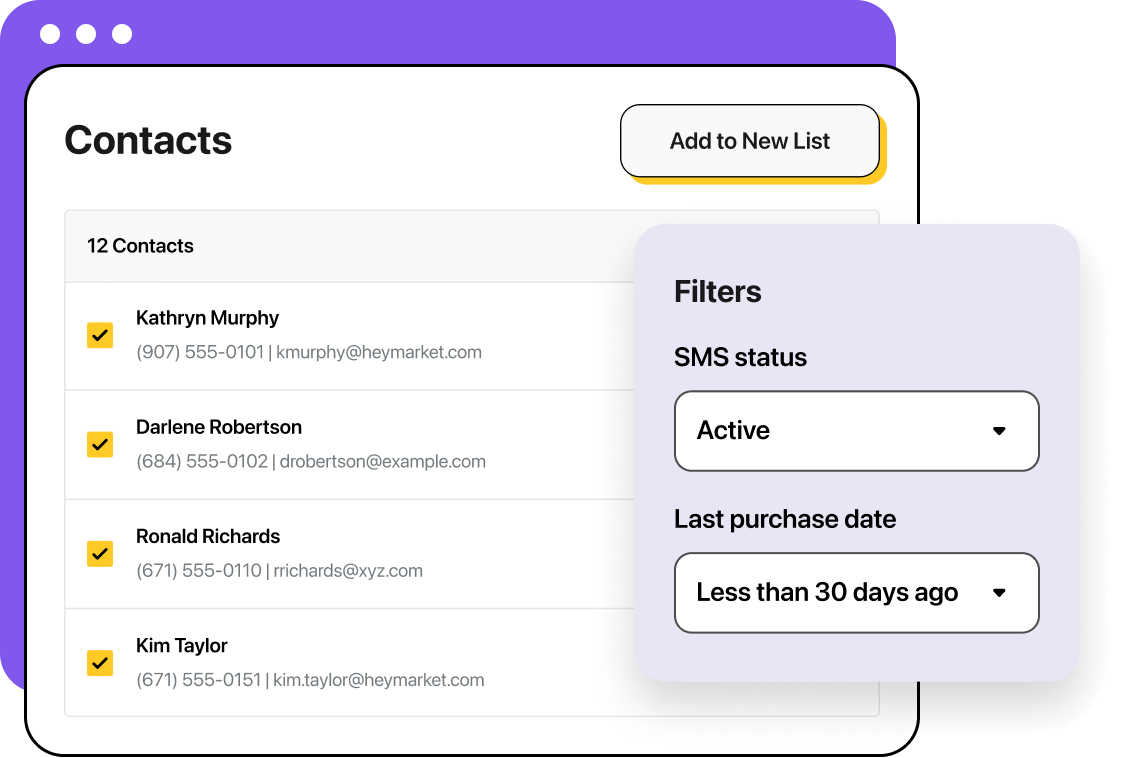
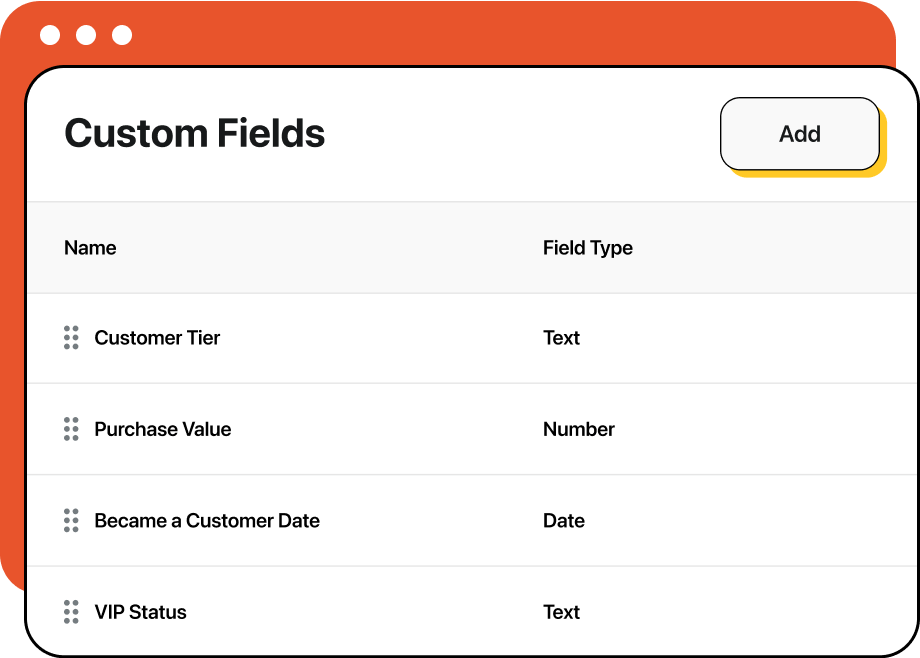
Filter your contact database by everything from their basic contact info to advanced custom fields to create hyper-targeted lists for your text and email broadcasts.
Once you’ve built your list, use it to create personalized broadcasts and campaigns across text and email. Or use them as a trigger or action in automated workflows.
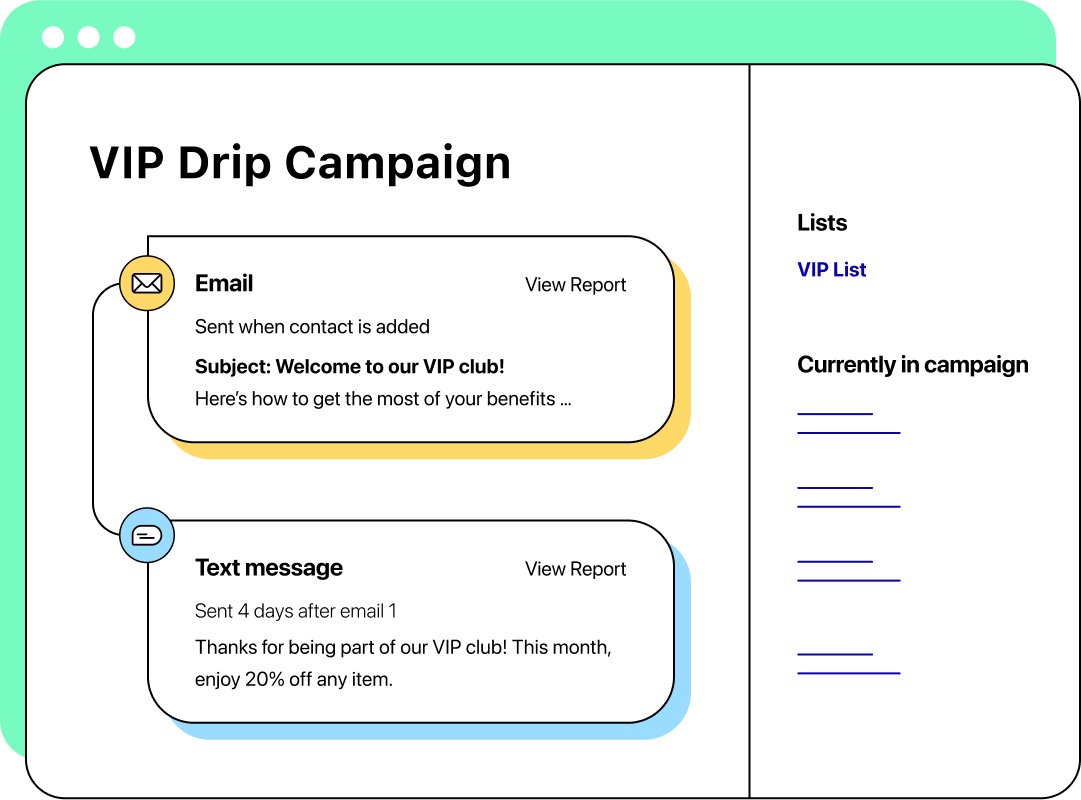
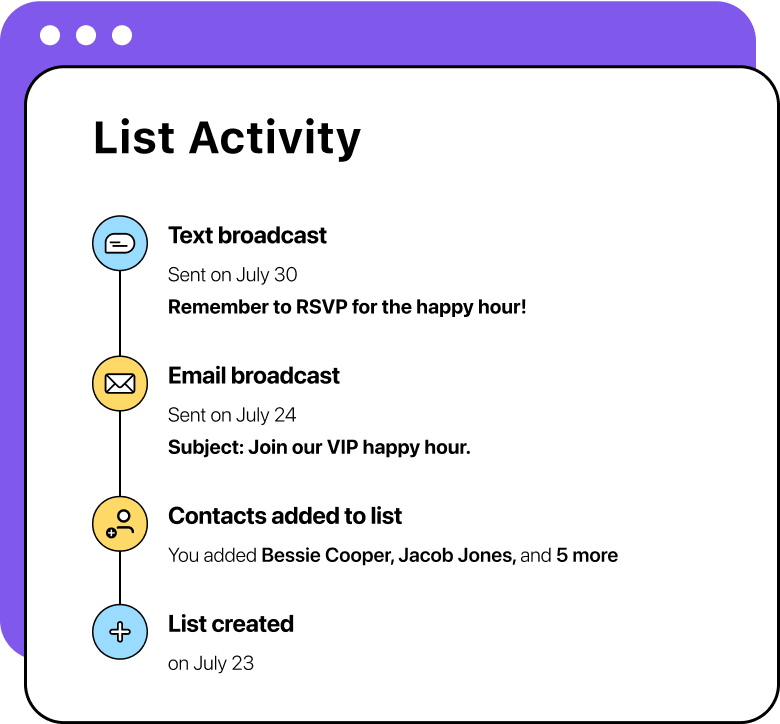
Heymarket logs all list activity so you can track which messages you send to the list, plus their performance.
Use automations to add or remove contacts to your list based on their actions or changes to their custom fields.
From simple text message broadcasting to multi-channel workflows, Heymarket helps you build strong connections with the people who matter most to your business. Discover what else our business messaging platform offers.
Learn more
