x
Sign Up
Free trial. No credit card required.
Email already taken. Please sign in or try another email.
I agree to the terms of service and privacy policy.
Please agree to the terms of service and privacy policy to continue.


Free trial. No credit card required.
Please check your email.
We've sent you an email. Please check your inbox and follow the link provided to verify your email address.

Learn how Heymarket can help your business create personalized conversations at scale.
Book a DemoAutomate personalized email sequences that send the right message at the right time.
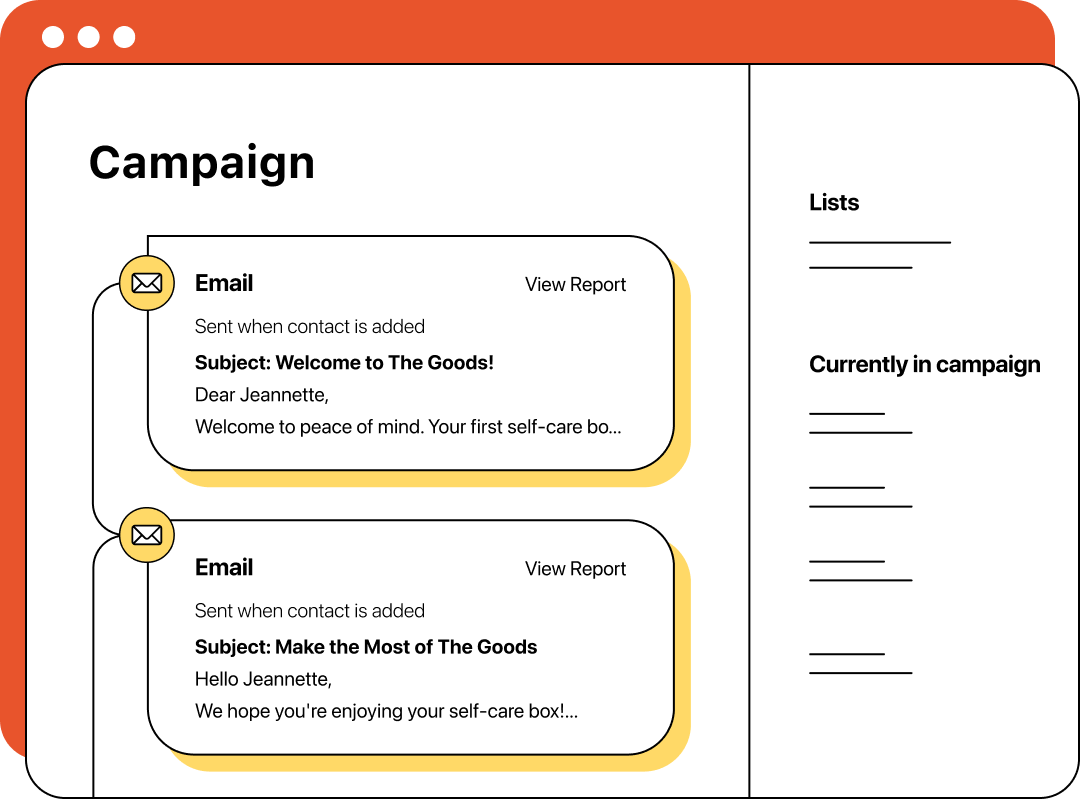
Drip campaign emails are a series of automated messages sent over time. With personalization and timing tools, you can deliver relevant emails on a fixed schedule or triggered by actions.

Automated sequences keep conversations moving without manual follow-ups.

Smart timing features help you reach contacts when they’re most likely to respond.

Custom fields and dynamic triggers make every email feel one-to-one automatically.
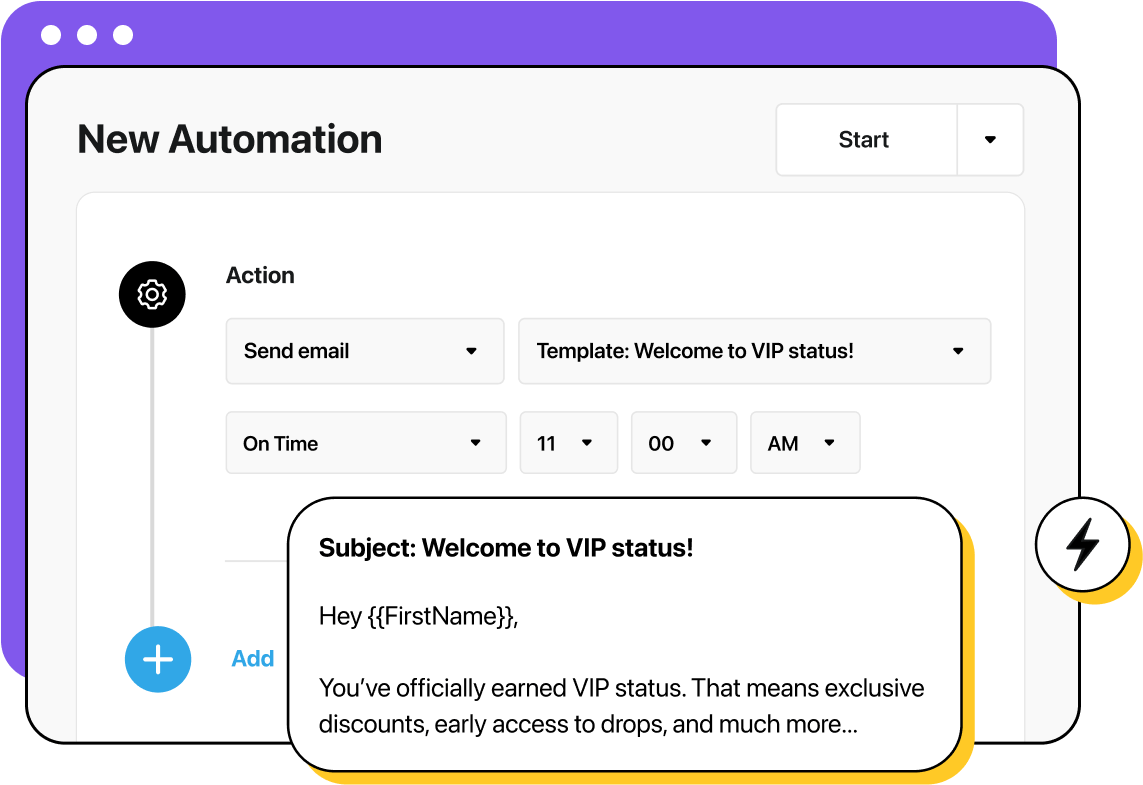
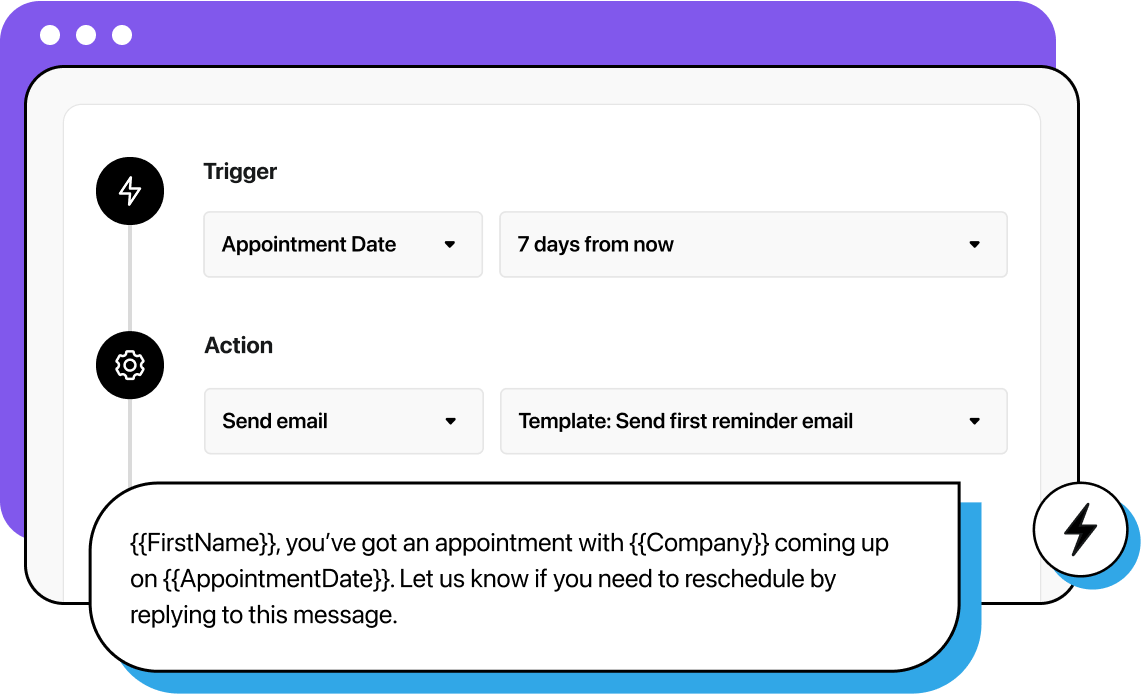
Run campaigns on a set schedule or trigger them from actions like signups, purchases, or approaching deadlines. Automate follow-ups after a delay or when there’s no response to keep communication flowing and avoid missed opportunities.
Use email as your primary touchpoint, then follow up with SMS when needed. Manage both in one workflow to create seamless omnichannel campaigns without switching tools.
Use dynamic lists to automate contact segmentation and target qualified recipients, then insert personalized details like purchase history, account type, or location. Keep messaging aligned with each contact’s stage, needs, and preferences.
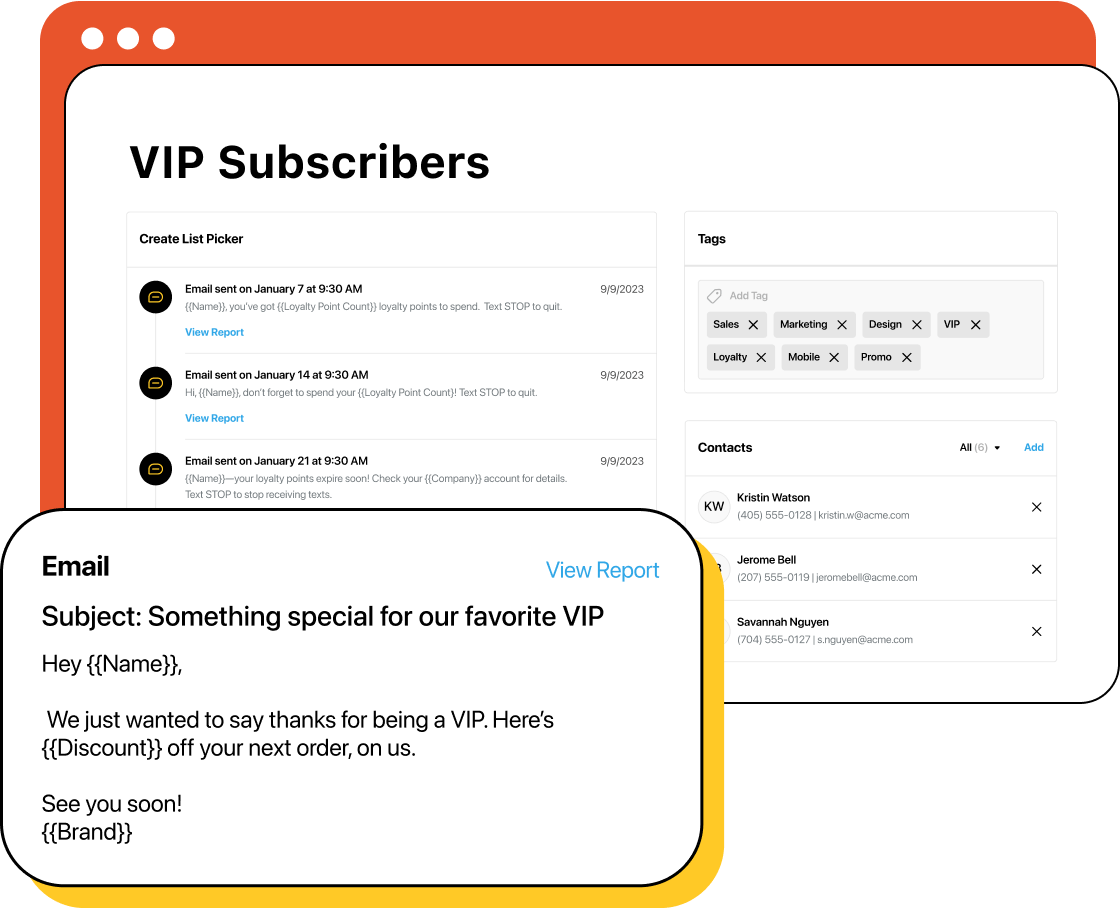
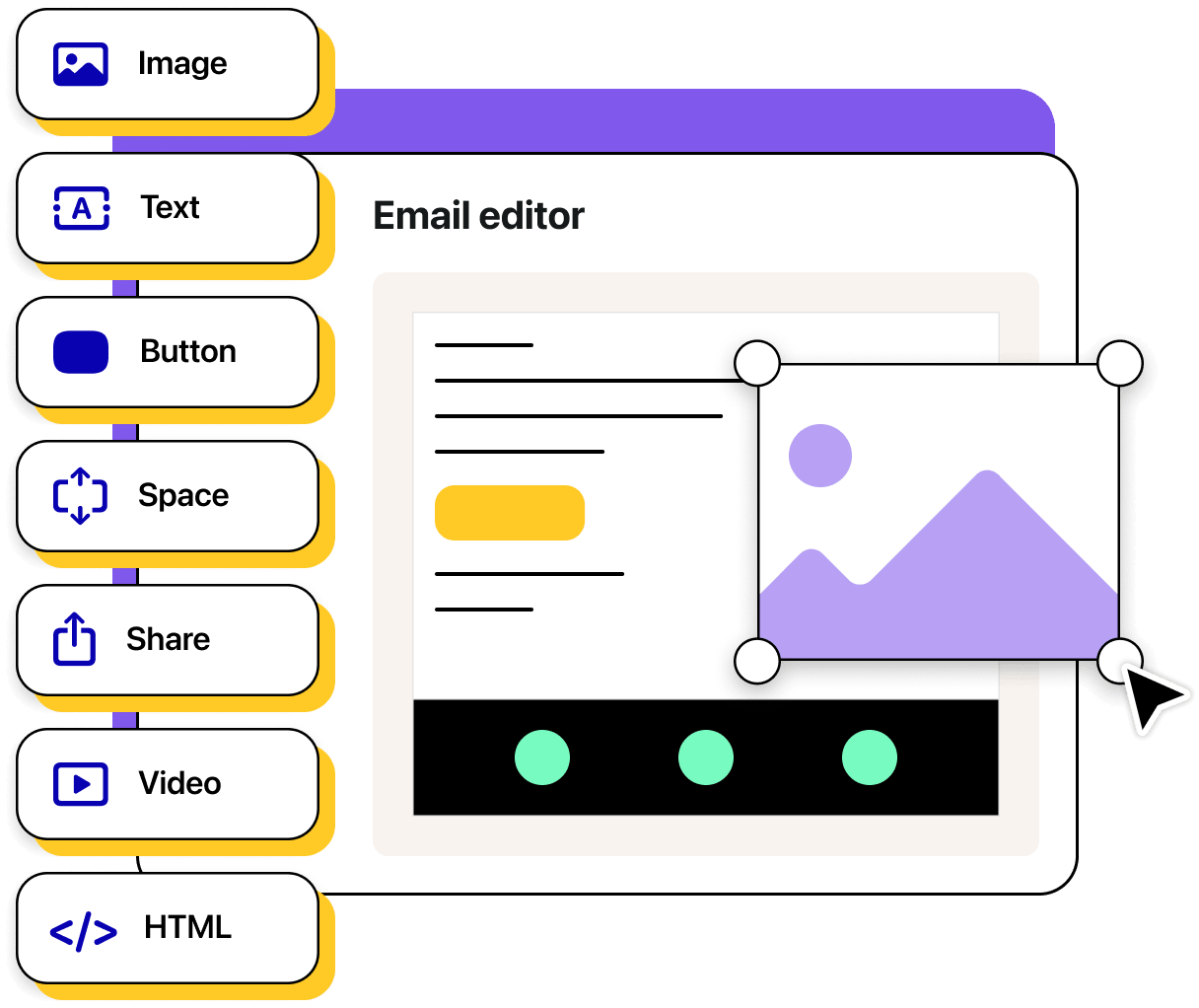
Ensure every campaign reflects your brand with customizable templates and email marketing designs in Heymarket’s drag and drop editor. Build recognition, trust, and stronger customer relationships with consistent visuals and brand voice.
Adhere to CAN‑SPAM, GDPR, and CCPA across all sends. Provide clear unsubscribe options, protect customer data, and authenticate your domain with SPF, DKIM, and DMARC to improve deliverability and trust.
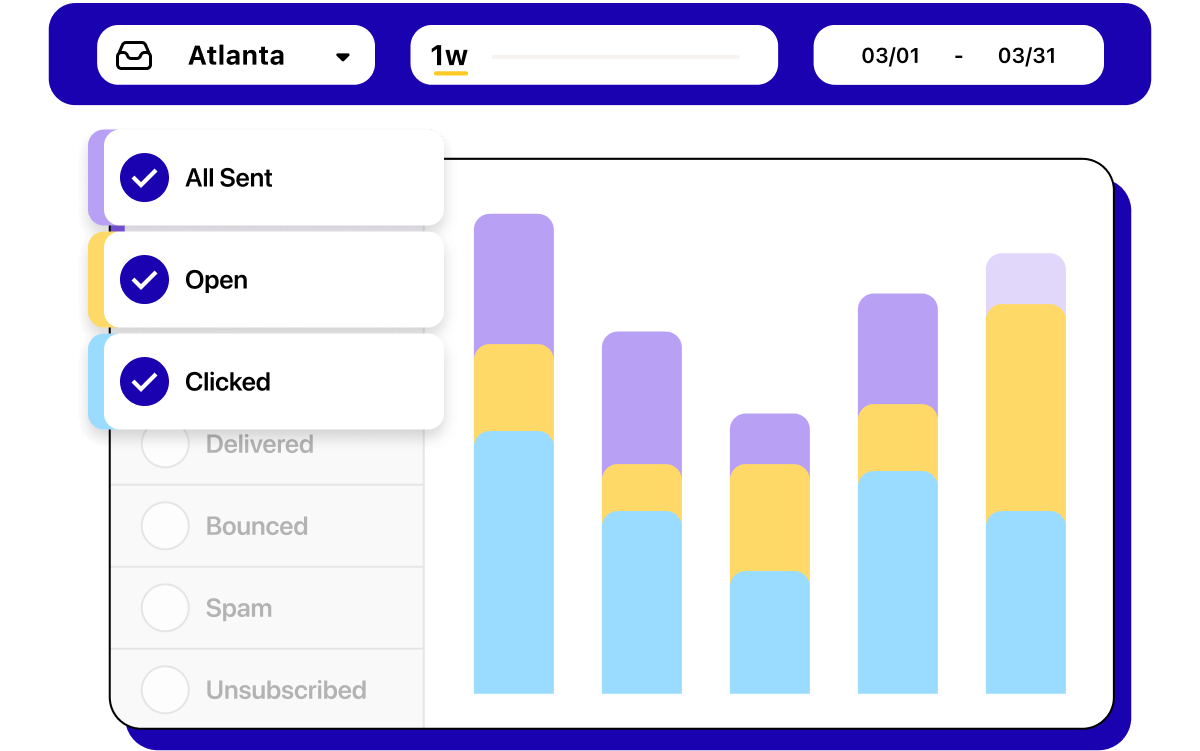
Track open rates, click-throughs, and responses to evaluate campaign effectiveness. Use performance insights to refine content, timing, and targeting for improved results over time.
Email drip campaigns allow businesses to deliver timely information throughout the customer journey. They can be tailored to fit a variety of objectives and audiences—especially with the help of reusable email templates.
With Heymarket, you can design your own drip campaign templates or start with ready-made templates in our drag & drop editor.
Explore each sample drip campaign below or start from scratch with your own drip campaign template.
A product update campaign keeps customers informed about new features, improvements, or important changes. Updates help drive feature adoption and reinforce your product’s value.
Setup: Trigger the sequence for your customer base or a targeted segment based on product usage. Send a high-level announcement first, followed by a detailed walkthrough of the most relevant update.
A sales campaign drives purchases by promoting discounts, special offers, or seasonal events.
Setup: Send an initial promotion announcement, follow up mid-campaign to boost urgency, and end with a “last chance” email before the offer expires. Use enhanced automations to remove buyers from later steps.
An appointment reminder campaign helps reduce no-shows and keeps customers prepared for upcoming meetings or services.
Setup: Trigger the sequence from your booking system. Send reminders three days before and one day before the appointment, with options to reschedule or cancel.
An abandoned cart campaign recovers lost sales by reminding customers about items left in their cart and encouraging them to complete the purchase.
Setup: Trigger when a logged-in customer or email subscriber leaves items in their cart without checking out. Send a reminder a few hours later, followed by an incentive email (or text) if they still haven’t purchased. Use enhanced automations to stop the sequence if the purchase is completed.
A post-purchase campaign reinforces customer satisfaction, encourages continued use, and opens opportunities for upselling or repeat purchases.
Setup: Trigger immediately after purchase. Send an order confirmation, a usage tips email, and a request for a product review.
Learn more about email drip campaigns and how Heymarket makes them easy.
What are drip campaign emails?
An email drip campaign is a series of emails used to engage contacts over time. Businesses can either program these emails to send on a set schedule or to be triggered by specific actions. They can be used to welcome new customers, nurture leads, share updates, send reminders, and re-engage past contacts—without manually sending each email.
How do email drip campaigns work in Heymarket?
In Heymarket, email drip campaigns can be triggered by customer actions, contact data, or set schedules. You can send one-to-one or group emails, personalize messages with merge tokens, and track engagement in real time. Campaigns can also integrate with SMS for omnichannel outreach.
How do I write effective drip campaign emails?
Start with a clear goal for each email, write concise and relevant content, and include a call-to-action. Use personalization and segmentation to make each send feel one-to-one, even at scale.
Can I start from a drip campaign template in Heymarket?
Yes. You can select a pre-built drip campaign template from Heymarket’s library or create your own in the drag & drop editor. This makes it easy to maintain consistent branding while customizing each sample drip campaign for your audience.
What are the benefits of email marketing drip campaigns?
Email marketing drip campaigns can improve engagement, boost conversions, and keep customers informed. Because they’re automated, they save time for teams while ensuring consistent communication.
How many emails should an email drip campaign include?
The ideal number depends on your goal. Most email marketing drip campaigns include 2–5 emails spaced over several days or weeks. Shorter sequences work well for promotions, while longer ones are ideal for onboarding or education.
Can I use my own email drip campaign template in Heymarket?
Yes. Heymarket offers a drag & drop editor to design emails or adapt pre-built drip campaign templates. You can save your email marketing designs for future campaigns, ensuring brand consistency across all your email marketing efforts.