x
Sign Up
Free trial. No credit card required.
Email already taken. Please sign in or try another email.
I agree to the terms of service and privacy policy.
Please agree to the terms of service and privacy policy to continue.


Free trial. No credit card required.
Please check your email.
We've sent you an email. Please check your inbox and follow the link provided to verify your email address.

Learn how Heymarket can help your business create personalized conversations at scale.
Book a DemoChoose from prebuilt email templates or design your own with Heymarket’s drag-and-drop builder.
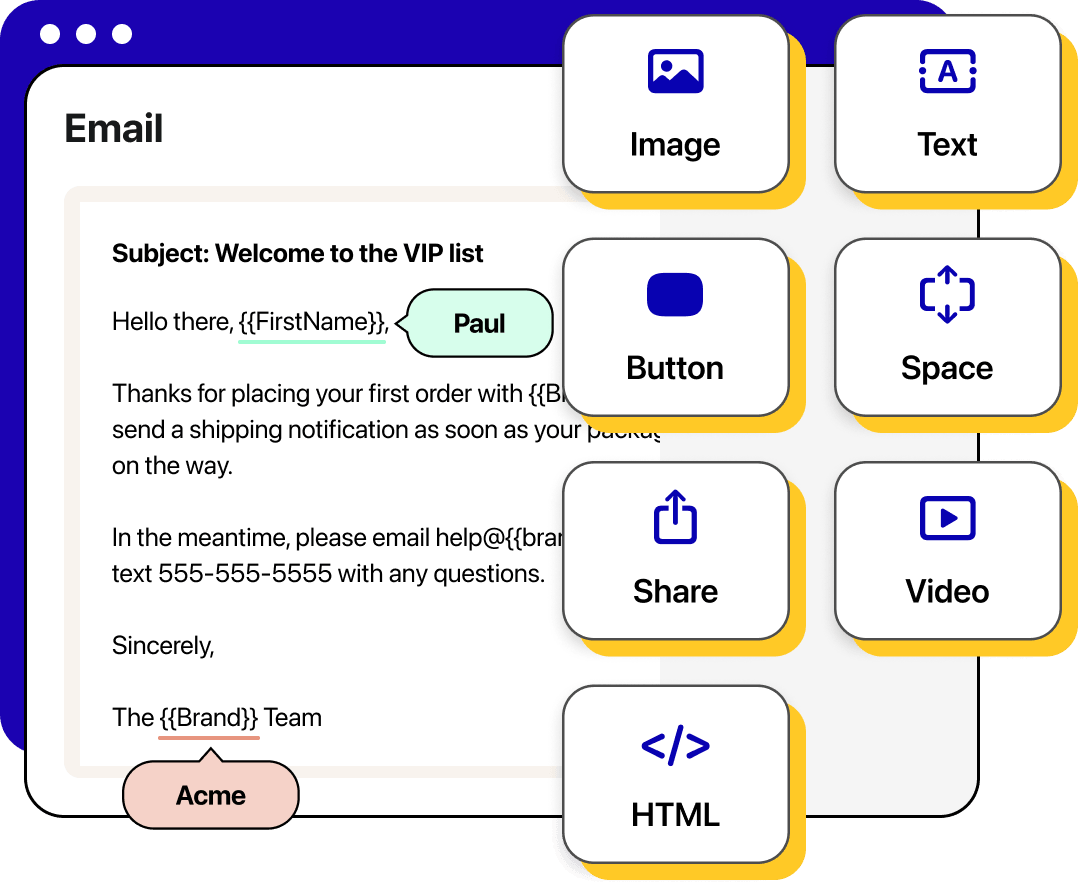
Email templates are reusable layouts that include design, message content, and personalization options. Use them to quickly create responsive rich text and HTML emails that resonate with every recipient.

Start from prebuilt templates or reuse blocks to launch messages in minutes.

Apply shared styles and assets so every business email template matches your brand.

Use merge fields and conditional content to customize each message automatically.
Choose from a library of ready-to-edit templates built for common occasions, goals, and industries. Swap in your content and send without rebuilding from scratch.
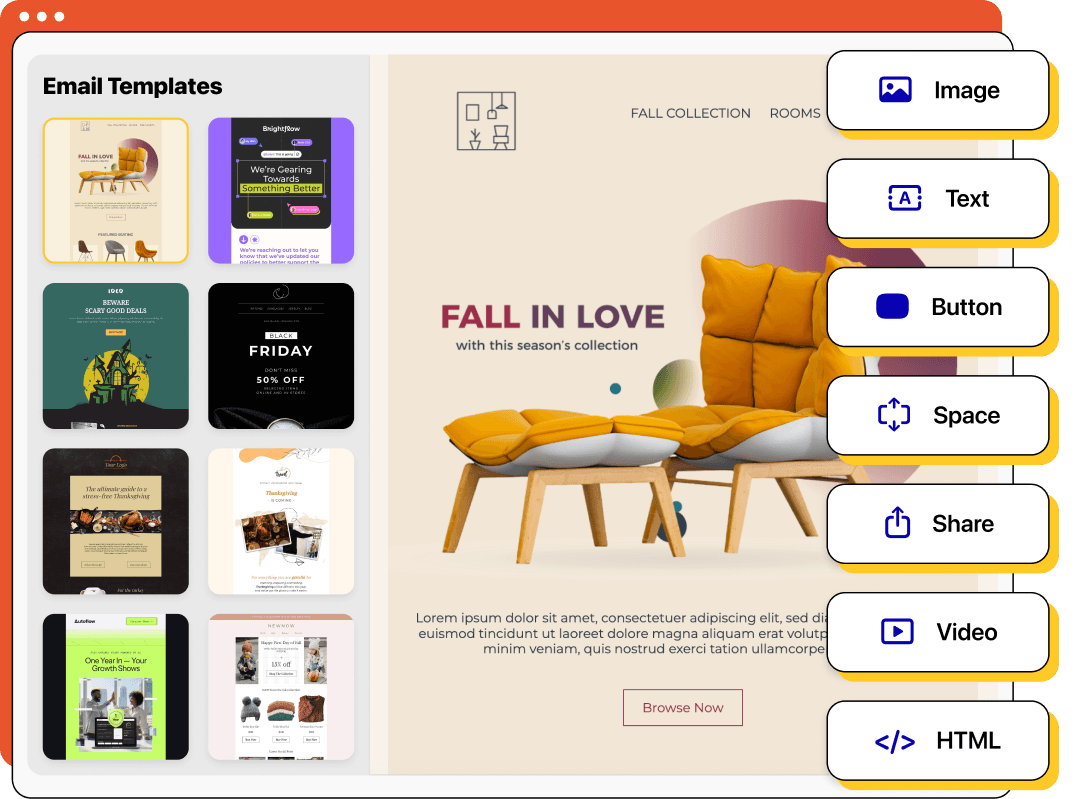
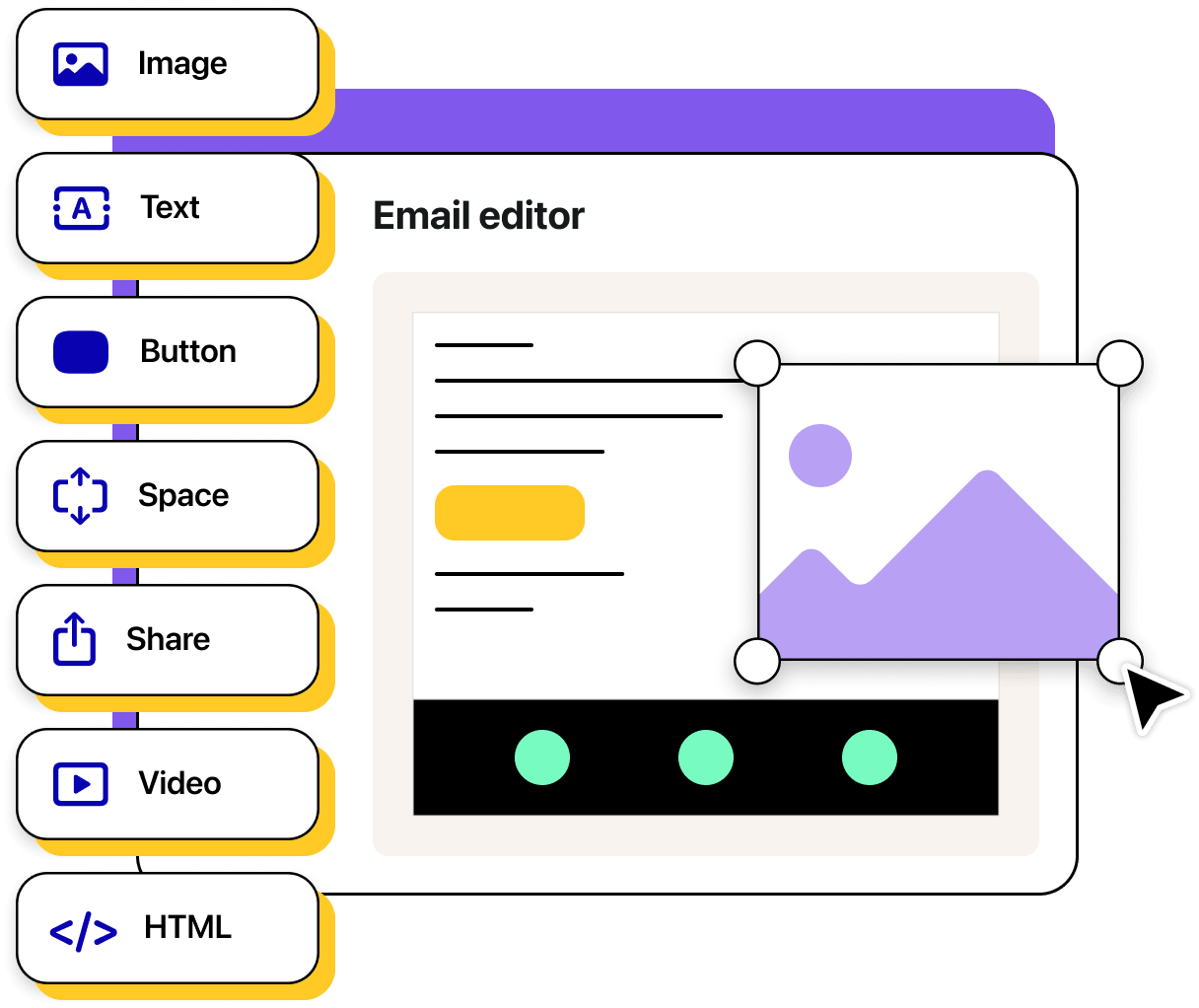
Build responsive layouts in minutes. Add text, images, and rich elements like carousels or countdowns, all easily styled to match your branding.
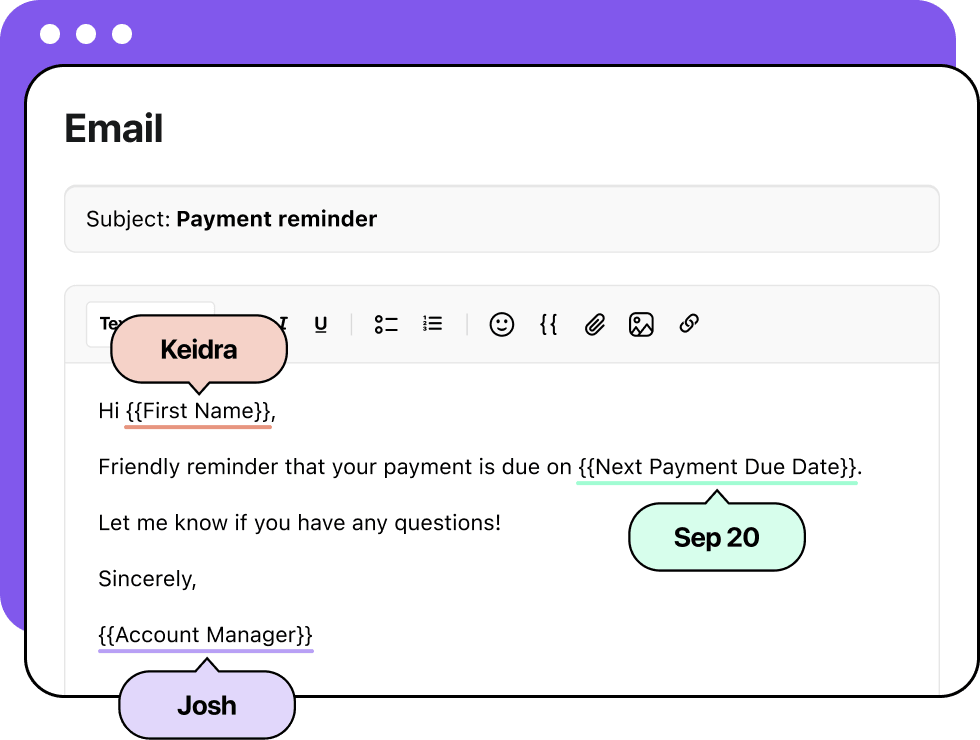
Have recurring emails? Create reusable rich text emails to speed up the process. Draft your copy, add basic formatting, and include any personalization tokens. Use these text-based email templates in automations, campaigns, and more.
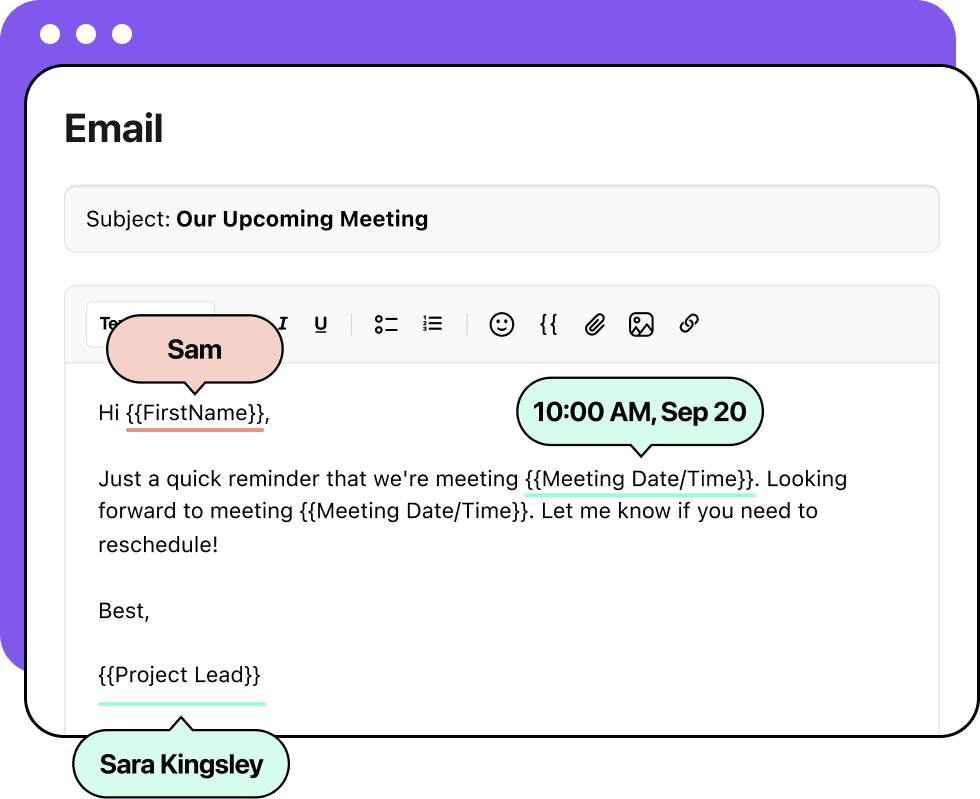
Insert merge fields and conditional content to tailor each message to the recipient. Adjust tone or translate copy so every email feels clear and personal.
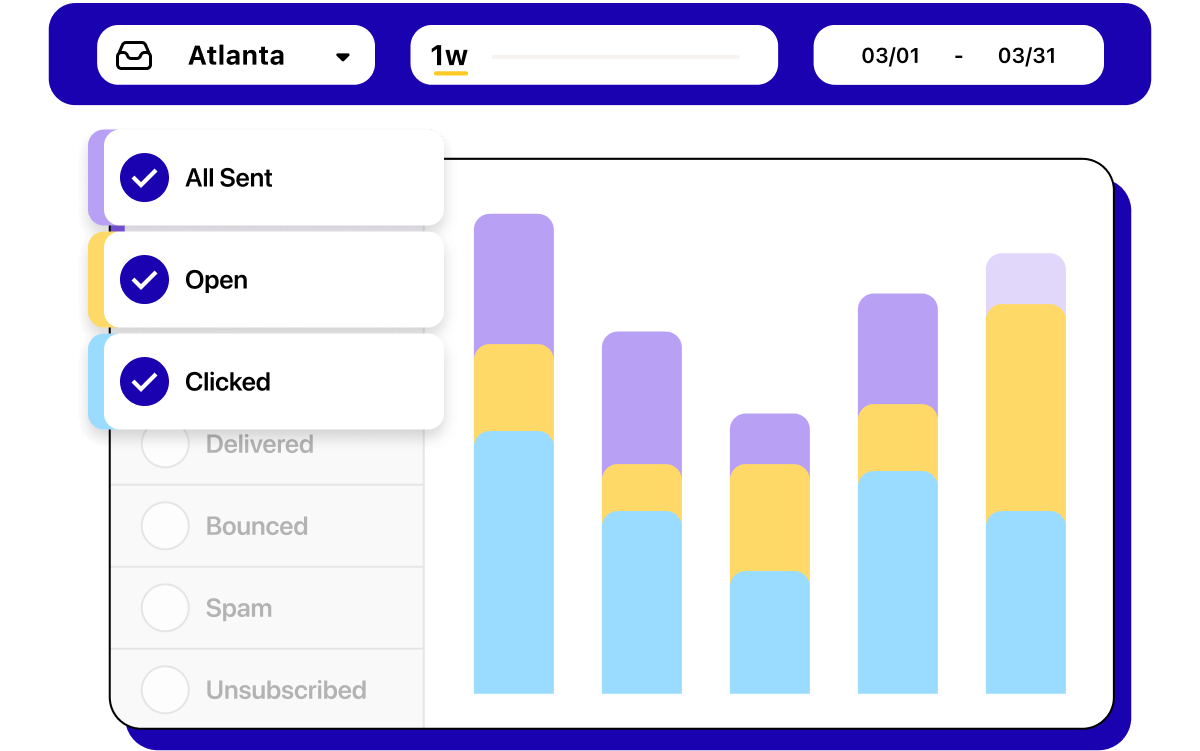
Track performance across opens, clicks, and replies. Identify top email templates and roll them out across your team for consistent results.
Between prebuilt design templates and reusable text templates, Heymarket makes it easy to create high-performing emails in minutes. Here are a few example messages you can customize and drop into any template design for your campaigns or conversations.
Seasonal promotions and greetings are a great way to engage customers and highlight special offers.
Announcing new features or improvements keeps customers excited about your product.
Use promotional emails to boost revenue with limited-time offers and clear calls to action.
Confirm key actions like orders or bookings to provide clarity and reassurance.
Keep audiences informed with curated updates, resources, and events.
Emailed announcements help you deliver important updates—like changes to hours, policies, or services—clearly and quickly.
Spotlight your value, promote new campaigns, and encourage conversions with marketing emails.
Creating an email template with Heymarket is simple. Follow these steps to go from idea to ready-to-send in minutes.
Start by choosing what kind of template you want to create. Select rich text for simple text-based emails, choose a prebuilt design for a library of options, or select drag-and-drop to build your own no-code email.
Update text and images or build with drag-and-drop blocks. Add rich elements like videos, buttons, or social links for extra impact.
Insert merge fields to tailor details like names, order numbers, or appointment times. Add conditional content for different segments, then review your template to make sure it’s polished.
Store your template in the shared library, tag it for easy discovery, and reuse it across campaigns, automations, and other workflows.
Get answers to common questions about email templates, from how they work to how you can customize them in Heymarket for campaigns, automations, and more.
What is an email template?
An email template is a reusable layout that lets teams send consistent, on-brand emails without starting from scratch. Templates include design, placeholders, and styles so you can quickly create responsive emails.
In Heymarket, templates live in your omnichannel shared inbox and come ready to use. Pick from prebuilt full templates, customize a design with your own text, or start from a blank canvas. Templates support merge fields for personalization and work seamlessly in campaigns, automations, and 1:1 replies.
Are email templates responsive in Heymarket?
Yes. Every Heymarket email template is mobile-responsive by default, so your messages look polished on phones, tablets, and desktops. Build once and be confident your business email template displays correctly.
Do I need design skills to use Heymarket's email template builder?
No. Heymarket’s drag-and-drop email template builder makes it easy for anyone to create professional designs. You can start from prebuilt layouts, insert reusable text templates, or customize a blank canvas, all without needing coding or design expertise.
Can I use email templates for both marketing and transactional emails?
Yes. Heymarket supports a wide range of email templates, from marketing emails like promotions, newsletters, and outreach to transactional messages such as order confirmations or password resets.
How do email templates save time for teams?
Instead of recreating designs or copy each time, teams can reuse templates, personalize with merge fields, and send quickly. This speeds up production of marketing email templates, transactional updates, and newsletters while keeping everything on brand.

