


Your team is already managing texts in one tab, emails in another, and customer DMs somewhere else entirely. Conversational AI brings it all into one place and handles the routine tasks automatically so your team can focus on the interactions that actually need a human.
Conversational AI for customer service is the use of artificial intelligence to automate customer interactions across channels like SMS, email, chat, and voice. Teams use AI customer service agents to handle tasks such as order tracking, appointment scheduling, and ticket routing — while escalating complex issues to human reps when things get nuanced. The replies are more natural and flexible than a traditional chatbot, so your customers get support even when they message you in casual language.
Key takeaways about conversational AI for customer service
- Conversational AI handles high-volume, routine interactions — things like FAQs and order updates — so your team can focus on the issues that actually need a human.
- Traditional chatbots, AI agents, and IVR systems are all types of conversational AI, each suited to different use cases.
- When evaluating a conversational AI platform, look for integrations with your existing tools, a clean escalation path to live agents, omnichannel coverage, and solid data security standards.
- Conversational AI works best alongside your customer service reps, not instead of it.
What is conversational AI for customer service?
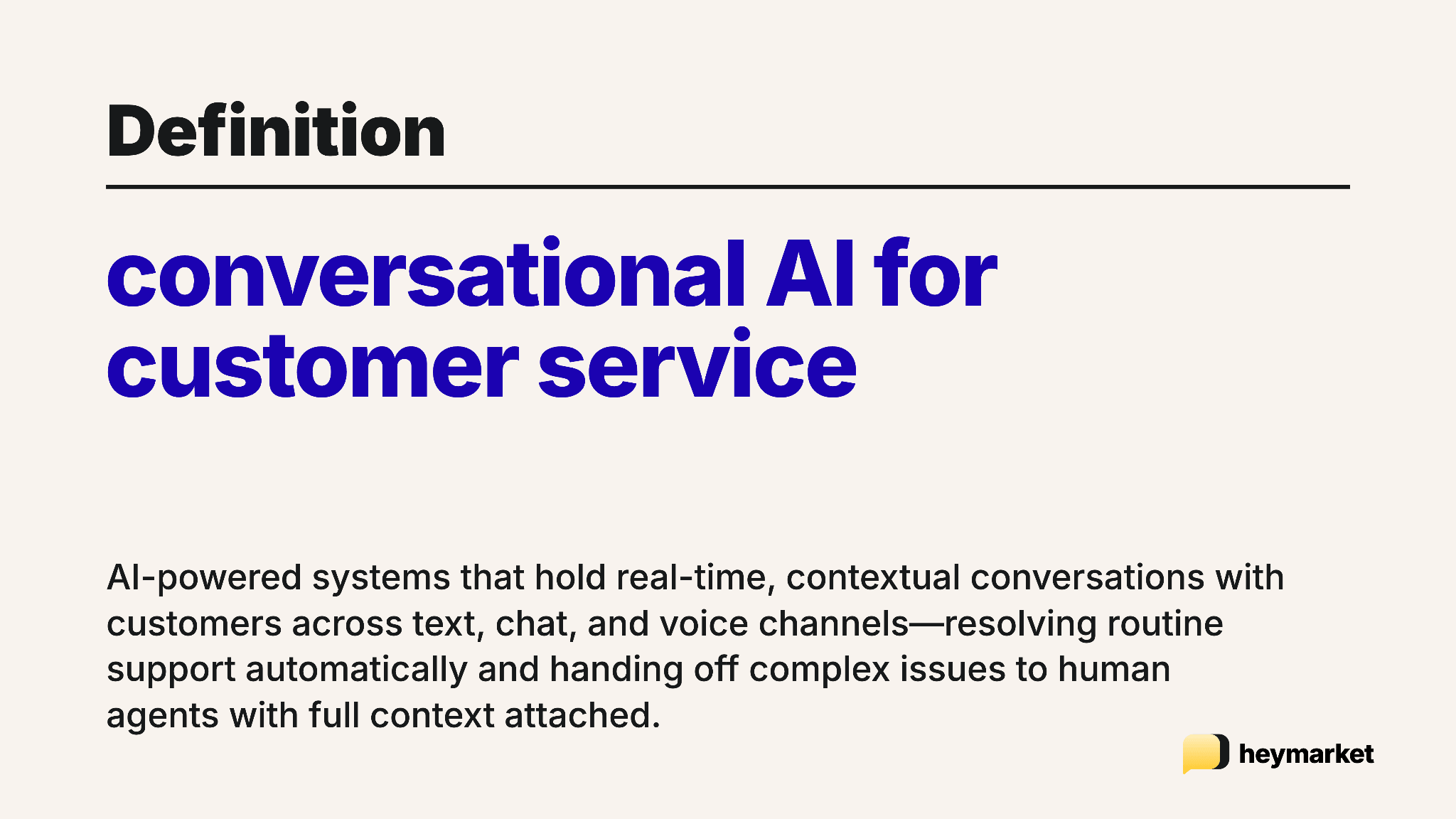
Conversational AI for customer service is software that uses natural language processing (NLP) and large language models (LLMs) to handle customer interactions across channels. It reads what your customers are asking, generates accurate responses, and knows when to hand things off to a live rep.
The key difference from older chatbot tools is flexibility. Rule-based chatbots follow a fixed script. Conversational AI interprets intent, handles varied phrasing, and manages a wide range of requests—all without someone manually programming every possible scenario.
How does conversational AI work in customer service?
As we mentioned earlier, conversational AI in customer service relies on natural language processing (NLP) to understand what your customer is saying and figure out the best way to respond.
The understanding side uses a technology called ‘natural language understanding’ (NLU). It reads your customer’s message and finds the real meaning, even with typos or unusual phrasing. Then there’s “natural language generation,” which handles the response. Instead of just sending back a stiff, robotic template, NLG crafts a reply that sounds natural and helpful.
Most conversational AI platforms in customer service function with help from four key components:
1. Intent recognition
The software analyzes every inbound message and matches it to an intent category, which is then tied to a specific response workflow. With accurate intent recognition , the software can resolve straightforward queries automatically, and send complex ones to a human agent.
2. Machine learning
Conversational AI gets better the more it’s used. Instead of relying on hard-coded rules, machine learning models learn from real interaction data: how customers phrase requests, which responses lead to resolution, and where the system tends to misclassify. Over time, your AI handles its specific query types more accurately.
3. Training data
A conversational AI system’s quality depends directly on its training data. To respond accurately within a particular industry, it needs to train on the right sources: real customer conversations, support transcripts, and domain-specific content.
A healthcare provider’s AI, for example, needs training on appointment workflows and compliance-sensitive language, while a logistics company’s system needs to handle carrier-specific tracking language and exception scenarios. Gaps in training data tend to surface as response errors, making ongoing data curation a standard part of maintaining AI agents.
4. Large language models (LLMs)
LLMs are trained on vast amounts of text and develop a broad understanding of language structure, context, and reasoning. In customer service, that means they can handle open-ended, complex, and multi-part queries with conversational messaging—including the edge cases that leave traditional scripts stumped.
6 types of conversational AI for customer service
Conversational AI is a broad category that covers several distinct tools. Understanding the differences makes it easier to pick the right one for your team.
| Types of conversational AI | |||
| Type | How it works | Best for | Key limitation |
| Traditional chatbots | Operates on predefined rules and decision trees | Narrow, repetitive tasks like FAQs and basic information collection | Cannot handle unexpected phrasing or requests outside its programmed parameters |
| Generative AI bots | Produces responses dynamically rather than pulling from a fixed script | High-volume query handling across diverse topics; multi-turn conversations | May generate inaccurate responses without proper guardrails or grounding |
| AI agents | Takes action on behalf of the customer by accessing external systems, retrieving data, updating records, and triggering workflows | Order management, appointment booking, proactive notifications, and tasks requiring system integration | Requires deeper technical setup and integration with external platforms |
| Voice assistants | Converts speech to text, processes the request, and delivers an audio response in natural language | Inbound call handling, accessibility use cases, and customers who prefer voice over text | Accuracy can drop with accents, background noise, or complex multi-part requests |
| IVR systems | Guides callers through menu options via keypad inputs or basic voice commands | High-call-volume intake, triage, and routing in industries like healthcare and logistics | Even NLP-enhanced IVR feels rigid compared to true voice assistants; limited conversational depth |
| Non-verbal translation | Processes inputs beyond text or speech, including images, documents, and structured data | Damage claims, invoice processing, and workflows where customers submit visual or document-based information | Less widely deployed; depends on the quality of the underlying vision or document-parsing model |
1. Traditional chatbots
Traditional chatbots follow predefined rules and decision trees. They’re reliable for narrow, repetitive tasks like answering FAQs, collecting your customer’s order number, and confirming store hours. They don’t handle anything outside the script, so if your customer phrases their question differently than the bot expects, it breaks down fast.
Traditional chatbots work for high-volume, predictable queries. For anything more complex, they hand off to a human or fail.
2. Generative AI bots
Generative AI bots run on large language models, which means they produce responses dynamically instead of pulling from a script. They handle a much broader range of queries and maintain context across a multi-turn conversation. Even when customers phrase the same question about their shipment a dozen different ways, the response stays accurate. That frees your team to focus on support cases that need a human.
3. AI agents
AI agents go a step further than generative bots by taking action, not just generating a response. An agent can pull live shipment data, update records, schedule an appointment, and trigger workflows, all in the same conversational thread. In logistics, that looks like your customer texting “where’s my delivery?” and getting a real-time update without a rep involved. In healthcare, it’s a patient booking an appointment over SMS while the agent checks availability and confirms directly in the thread.
4. Voice assistants
Voice assistants apply conversational AI to spoken interactions, translating speech to text, processing the request, and delivering an audio response. In customer service, they give customers a natural way to describe their issue without navigating a keypad menu. They’re especially useful for accessibility use cases and for customers who simply prefer voice over text-based channels.
5. Interactive voice response (IVR) systems
IVR systems are an older form of voice automation that guide callers through menu options via keypad or basic voice commands. Modern IVR increasingly incorporates NLP, which moves it closer to the voice assistant category. They’re still widely used in high-call-volume industries for intake, triage, and routing before your customer reaches a live agent.
6. Non-verbal translation
Some conversational AI systems can process inputs beyond plain text or speech, like images, documents, and structured data. In a customer service context, that might mean your customer submitting a photo of damaged goods or uploading an invoice, with the AI extracting the relevant information and kicking off the right resolution workflow.
How to use conversational AI in customer service
When Atlassian surveyed 500+ US-based professionals at organizations with 500+ employees, 91% of respondents agreed that adoption of AI technologies is improving the customer service experience for their customers, up 12% since 2024.
Conversational AI works across the full customer service journey to improve the customer experience, doing everything from answering pre-sale questions to providing post-purchase support. Businesses are increasingly using AI for customer service to automate routine interactions while helping agents focus on more complex customer needs. Here are some of the most common ways teams put conversational AI to work.
1. Provide support around the clock
Your team can’t staff support channels 24/7. Conversational AI can. It handles customer requests outside business hours and during peak periods without additional headcount. Customers get immediate responses whenever they reach out, which cuts queue buildup and eliminates the wait times that come with phone and email-only support.
2. Deliver omnichannel and multilingual support
Modern conversational AI runs across SMS, email, chat, messaging apps, and voice from one platform, so your customers get a consistent experience no matter how they reach out. Many platforms also support multiple languages, which removes a significant barrier for businesses serving diverse customer bases. An omnichannel messaging platform keeps your team managing all of those interactions in one place—not scattered across separate tools.
3. Automatically route tickets to the right team
When your customer submits a request, conversational AI analyzes the message, classifies the intent, and routes it to the right team or agent without manual triage. This cuts the time between first contact and resolution. Routing based on customer intent makes sure that specialized requests, like a billing dispute, clinical question, or freight claim, reach the right person the first time, not after two or three frustrated handoffs.
4. Answer frequently asked questions
A significant share of inbound support volume is the same questions, asked over and over: return policies, service hours, coverage details, or delivery windows. Conversational AI handles these consistently and instantly, freeing your team for interactions that actually need judgment, specialized knowledge, or empathy. An AI SMS chatbot delivers those answers directly in the messaging channels your customers already use without sending them to a knowledge base or making them wait for a response.
5. Personalize responses using customer data
Conversational AI systems integrated with CRM and customer data platforms can tailor responses based on purchase history, prior support cases, or account status. Instead of treating every interaction as a first contact, the system shows up with context. That kind of personalization through AI improves resolution rates and reduces the back-and-forth that extends handle times.
6. Purchase and delivery updates
Conversational AI integrates with order management, booking, and logistics systems to give customers real-time status updates. Instead of requiring customers to log into a portal or call support, the system proactively sends what’s relevant—a shipment confirmation, an appointment reminder, a delivery exception notice—or responds instantly when someone asks.
7. Automate appointment scheduling and callbacks
Customers can text to book a support call, schedule a service appointment, or request a callback at a specific time. Your AI agent handles confirmations and reminders automatically.
8. Scale without a proportional cost increase
Traditional customer service scales linearly: more volume, more headcount. Conversational AI changes that equation. It handles a large share of routine inquiries automatically, letting the same team support significantly more customers. During peak sales seasons, SMS and email customer service automation absorbs that additional volume without forcing you to expand your team.
9. Proactive outreach and alerts
Conversational AI doesn’t have to wait for the customer to reach out first. Use it to send proactive messages about service disruptions, upcoming renewals, or account changes—then handle follow-up questions in the same thread.
10. Consistent customer service experiences
Human reps vary in knowledge, tone, and response quality—especially under high-volume conditions. Conversational AI applies the same standard to every interaction, so customers get accurate, on-brand responses regardless of the time of day or channel they use. For industries like healthcare, where consistency carries compliance implications, that reliability is a meaningful advantage.
11. Customer onboarding assistance
For SaaS, financial services, or any product with a setup process, conversational AI can walk new customers through activation steps, surface relevant help docs, and answer setup questions in real time—reducing early churn.
12. Post-interaction feedback collection and self-service
After a support conversation closes, AI can automatically follow up with a CSAT survey or a quick satisfaction check, capturing feedback while the experience is still fresh.
Customers can also pause a subscription, update a payment method, change a plan, or request an invoice without needing a support agent.
Features to look for in a conversational AI platform
Most conversational AI platforms share the same core functionality, but your pick should meet your specific operational, compliance, and integration needs. These factors matter most:
- Continuous learning: The platform should improve its accuracy over time by learning from real customer interactions, reducing misclassifications and response errors as volume grows.
- System integrations: Look for native integrations with your CRM, messaging channels, help desk, and operational tools so the AI has the customer data it needs to respond accurately and take action.
- Human escalation path: The system should be able to recognize when a conversation exceeds its scope and transfer it to a live agent cleanly, with the full conversation context carried over.
- Reporting and analytics: Useful platforms surface data on containment rates, resolution times, escalation triggers, and customer satisfaction, so your team can see what’s working and adjust.
- Omnichannel and multilingual capabilities: The conversational AI platform you choose should run consistently across SMS, email, chat, voice, and messaging apps. It should also serve customers in multiple languages without requiring separate configurations.
- Data privacy and security: Verify that the platform complies with relevant regulations like HIPAA for healthcare and PCI-DSS for payment data, and holds SOC 2 certification, which confirms the vendor meets established standards for security, availability, and data confidentiality.
Selecting the right platform with these features can transform your support operations, making Heymarket a practical choice for teams ready to modernize.
Improve customer service with conversational AI
Heymarket gives your team a shared inbox to deploy AI agents, automate routine interactions, and manage conversations across SMS, email, and more. From handling order updates to routing inbound requests and following up after support interactions, it covers the routine work so your team doesn’t have to.
Fewer tickets in the queue. Faster resolutions for customers. Book a demo to see how Heymarket works for customer service teams or start a free trial and test it yourself.
FAQs about conversational AI for customer service
Have more questions about conversational AI for customer service? Here are the ones we hear most about adding AI to support customer service workflows.
Can conversational AI replace live agents?
No. Conversational AI handles routine, high-volume interactions automatically, but it’s not a replacement for live agents. Complex issues, emotionally sensitive situations, and edge cases still require human judgment. The most effective deployments combine both.
What technology does conversational AI for customer service use?
Conversational AI combines natural language processing, machine learning, and large language models to interpret customer messages and generate accurate responses. These components work within a platform that integrates with CRM systems, helpdesks, and communication channels to fit into your existing customer service operation.
What are the challenges of conversational AI for customer service?
The most common challenges involve training data quality, integration complexity, and managing the handoff between automated and human-handled interactions. Ongoing maintenance is also necessary; products, policies, and customer needs change, and your AI needs to keep up.
Is conversational AI secure enough for regulated industries like healthcare?
Conversational AI can be secure enough for regulated industries like healthcare, but it depends on the platform. Heymarket is HIPAA-compliant, SOC 2 Type 2 certified, and offers a BAA,giving healthcare teams the audit trail and PHI protections required.