x
Sign Up
Free trial. No credit card required.
Email already taken. Please sign in or try another email.
I agree to the terms of service and privacy policy.
Please agree to the terms of service and privacy policy to continue.


Free trial. No credit card required.
Please check your email.
We've sent you an email. Please check your inbox and follow the link provided to verify your email address.

Learn how Heymarket can help your business create personalized conversations at scale.
Book a DemoIntegrate SMS into any n8n workflow. Heymarket provides compliant business texting to the apps, databases, and AI agents you build with in n8n, with every message in a shared inbox for your team.
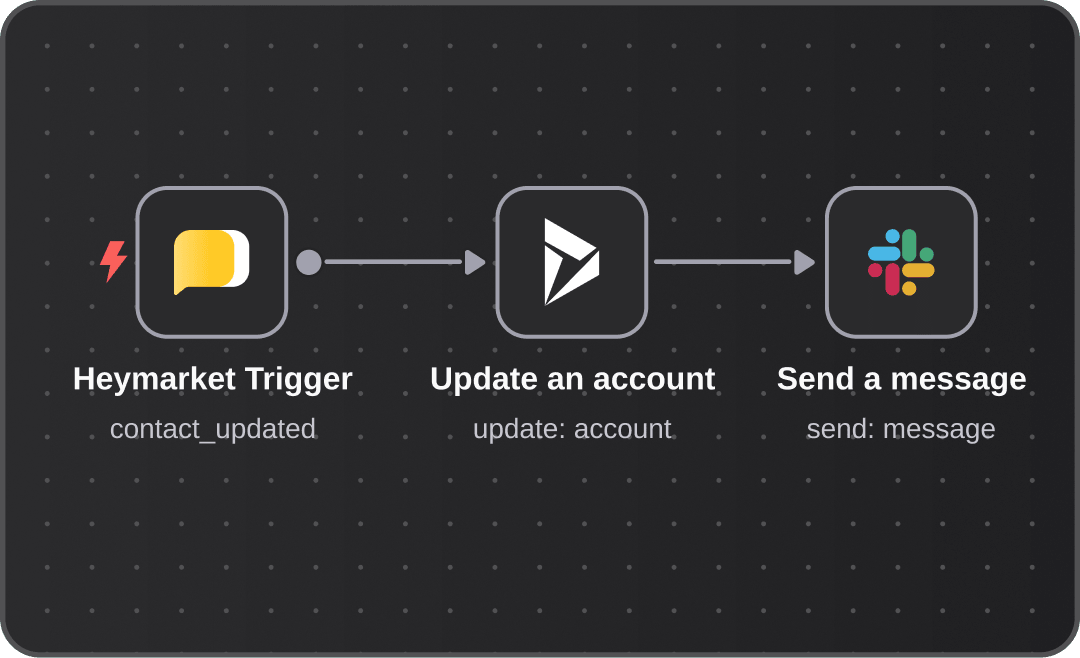
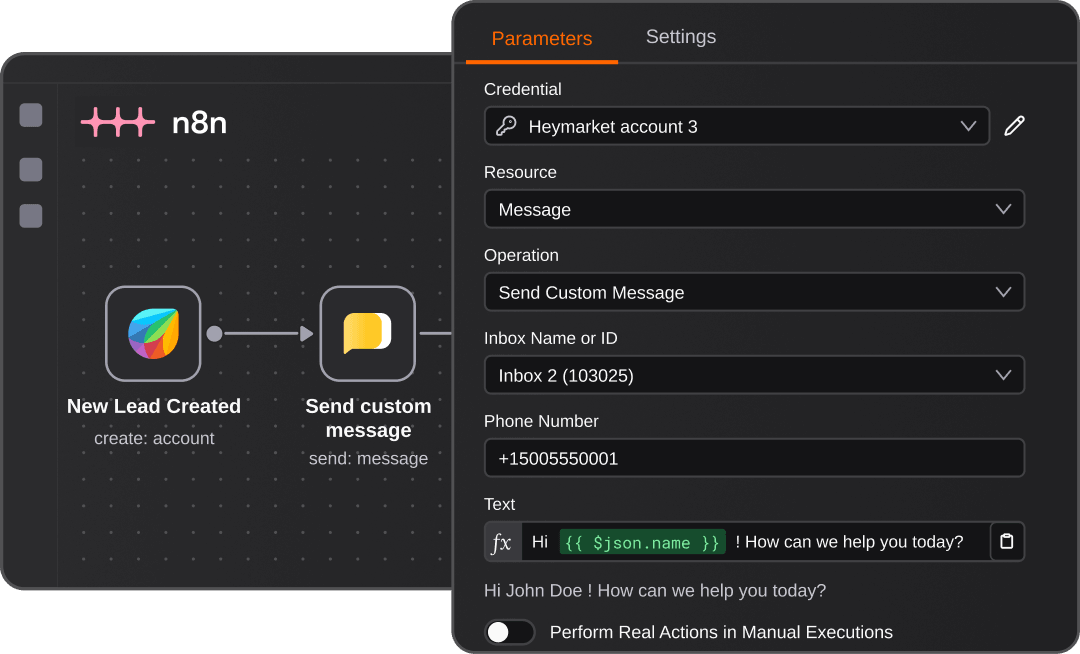
Add SMS or Email to any n8n workflow. Reply to new leads in seconds, confirm new bookings with a reminder template, and send timely reminders for shifts. Messages go out from your business phone number and replies come back to a shared inbox for your team.
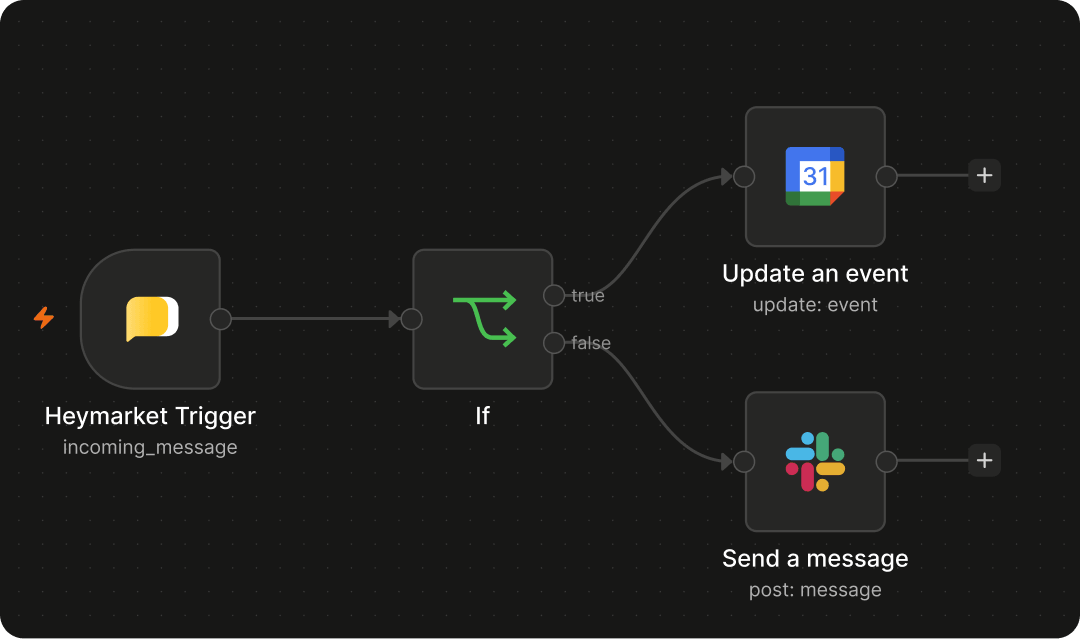
Let customer texts kick off the work that follows. A new conversation, an incoming message, or a new or updated contact can each start an n8n workflow, so you can route requests, update records, or alert the right person without anyone copying details by hand.
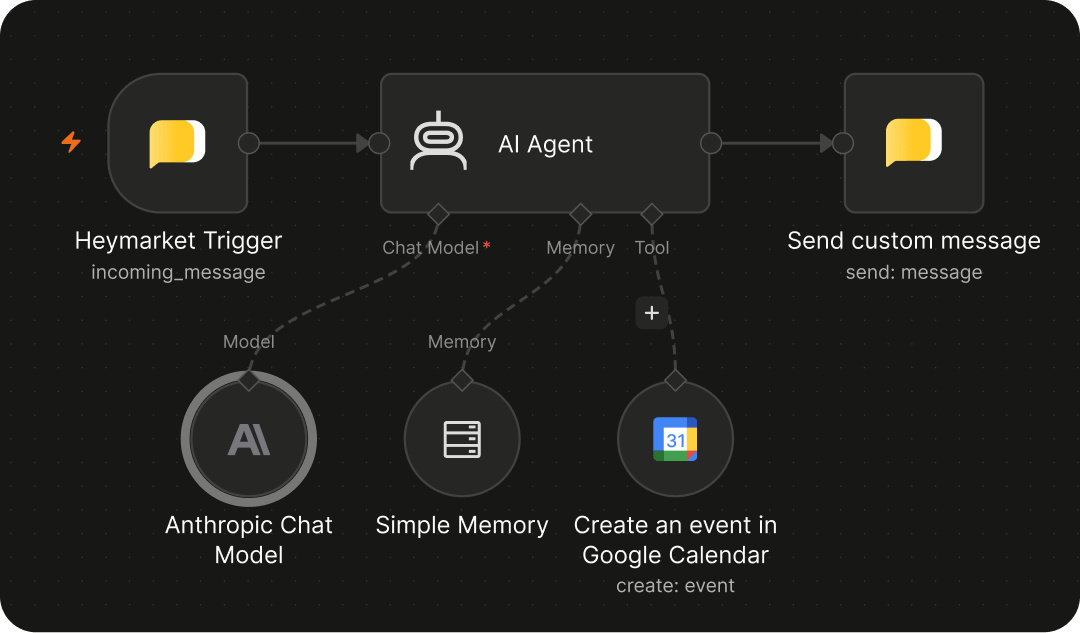
Teams already build AI agents in n8n. Connect one to Heymarket and it can answer questions, qualify leads, or confirm appointments with your existing business numbers or email addresses. Every exchange lands in a shared inbox, so your team sees what the agent said and can step in whenever a conversation needs a person.
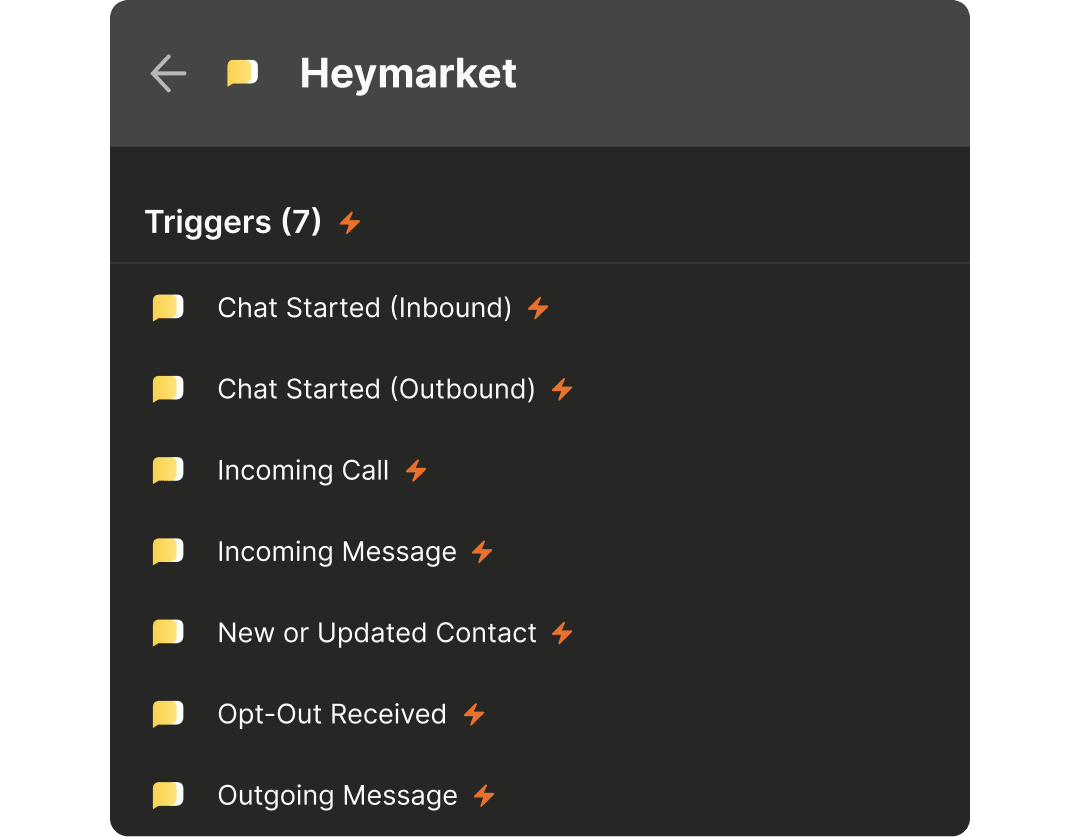
Contact changes in Heymarket can update your CRM and other tools. Opt-outs and message history can sync to stay current, ensure compliance, and provide insights.
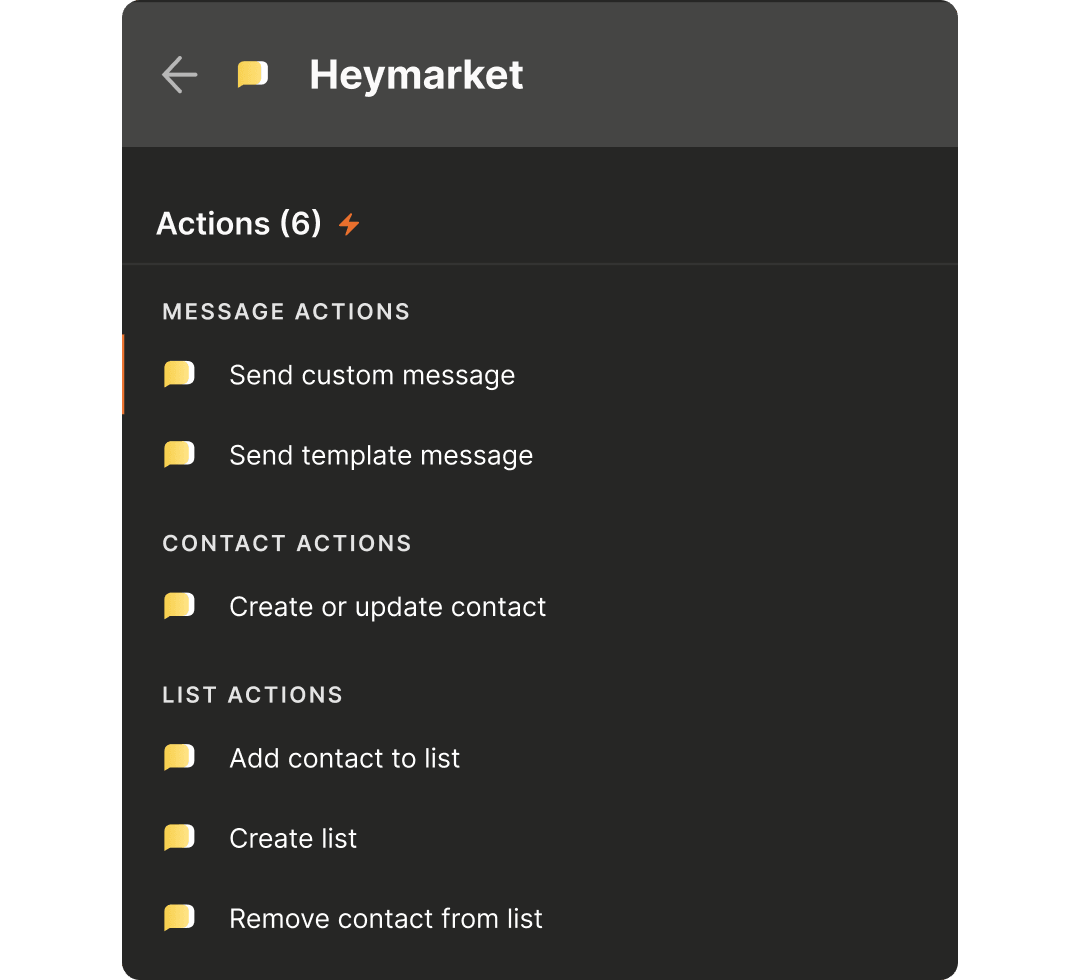
Heymarket built and maintains the native SMS n8n integration. Heymarket is enterprise grade SMS and email. When something needs attention, our product specialists are available in real-time.
Connect Heymarket to n8n and turn any workflow into a customer conversation, with your team and AI agents working from the same shared inbox.
Book a demo Get the Heymarket n8n nodeLooking for more on texting from n8n? Here are the questions we hear most. Reach out to our team for help with anything we haven’t covered.
Yes. Heymarket’s n8n integration adds two-way business texting: workflows send messages from your Heymarket inbox, incoming messages can start workflows, and your team sees every conversation.
The Heymarket n8n integration is a set of Heymarket triggers and actions you add to n8n workflows. Add the Heymarket node to a workflow, connect your Heymarket account, then choose a trigger, such as an incoming message, or an action, such as sending a message or updating a contact.
Yes. An n8n AI agent can read incoming texts from a Heymarket trigger and reply through a Heymarket action. Replies go out from your Heymarket inbox, so your team sees every conversation and can step in at any point.
Common workflows include texting new web leads within seconds, sending a text back after a missed call, appointment reminders from new bookings, delivery confirmations with a feedback request, order and pickup updates, and payment reminders when an invoice is overdue. Any app n8n connects to can start or receive a Heymarket step.
The n8n integration, and more capabilities, are included in Heymarket’s Plus and Pro plans.
Heymarket built and maintains the n8n integration. It isn’t a community-built node, so there’s one team responsible when you need help.