x
Sign Up
Free trial. No credit card required.
Email already taken. Please sign in or try another email.
I agree to the terms of service and privacy policy.
Please agree to the terms of service and privacy policy to continue.


Free trial. No credit card required.
Please check your email.
We've sent you an email. Please check your inbox and follow the link provided to verify your email address.

Learn how Heymarket can help your business create personalized conversations at scale.
Book a DemoEmail and text contacts right from monday.com, sync records without exporting anything, and message with the customer’s details already in front of you for faster communication and confident follow-ups.
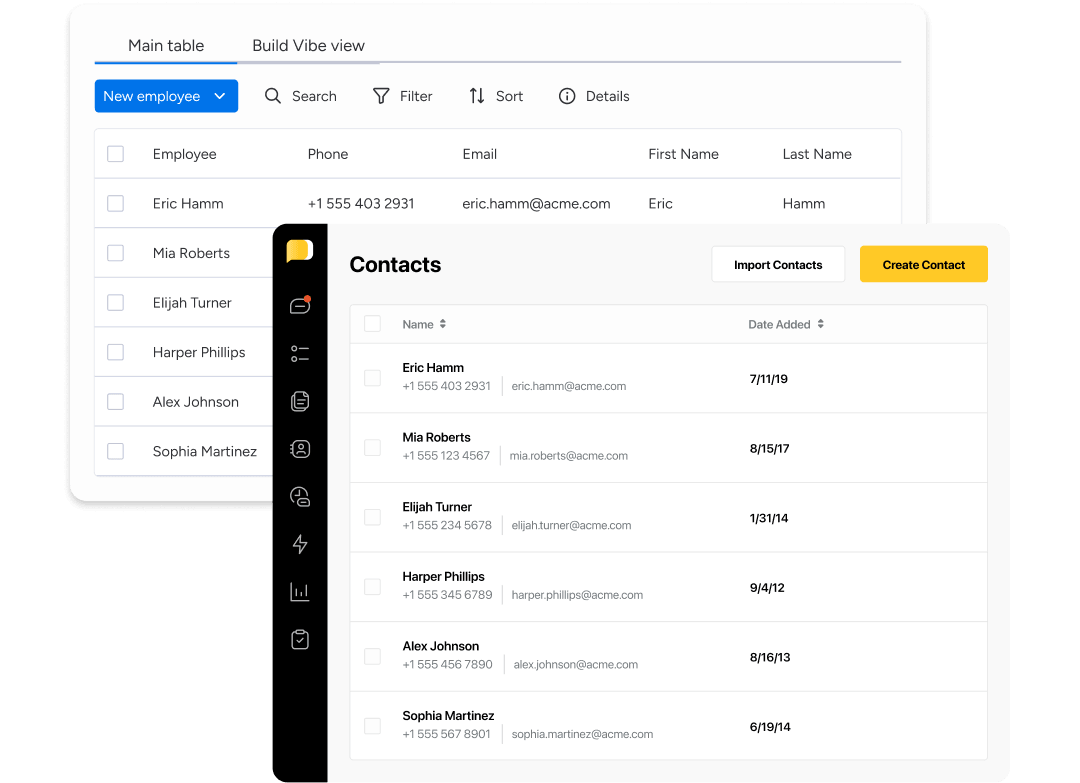
Contact data moves in both directions, or in one only, depending on how you set it up. Items on mapped boards become Heymarket contacts, and contacts created in Heymarket appear on the board. Map any column to a Heymarket field, and the details your team tracks on the board stay accurate in both places without anyone re-entering them.
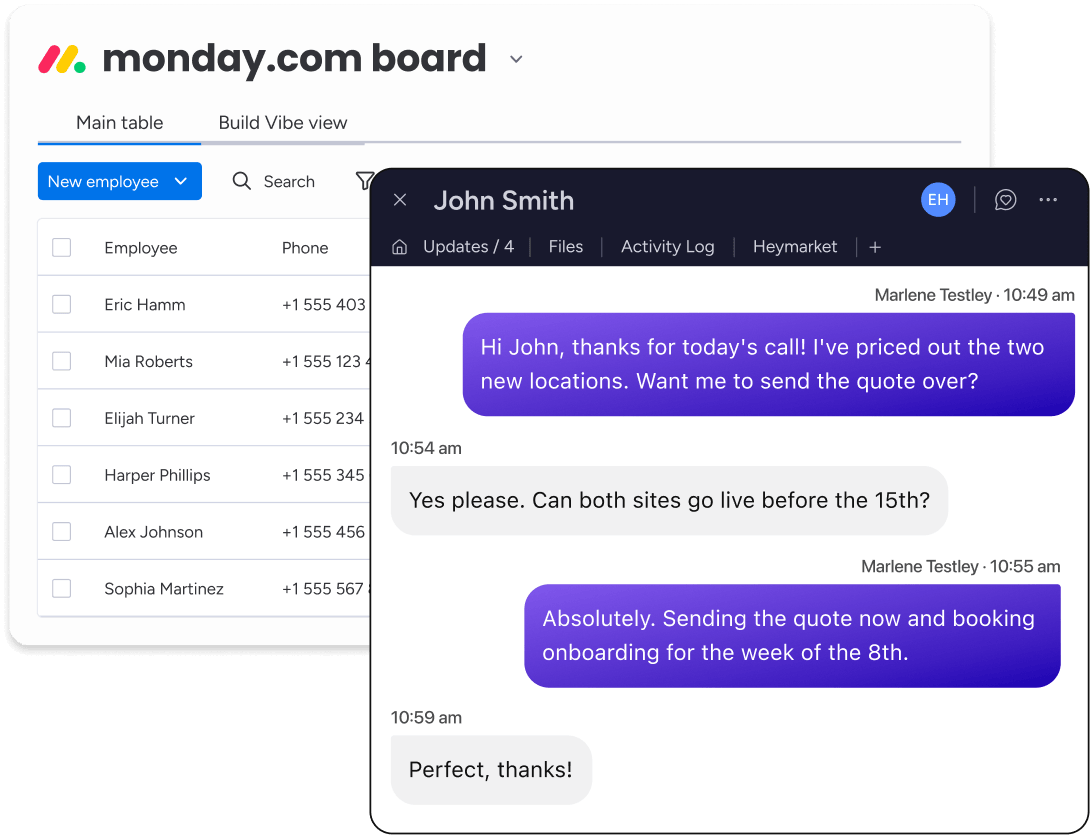
Open a customer’s item and the conversation is already there. Your team messages from their own mapped inbox, with every message attributed to the person who sent it. Text and email sit in the same thread, so switching channels doesn’t mean switching tools. If a contact has opted out, the panel says so and blocks the send.
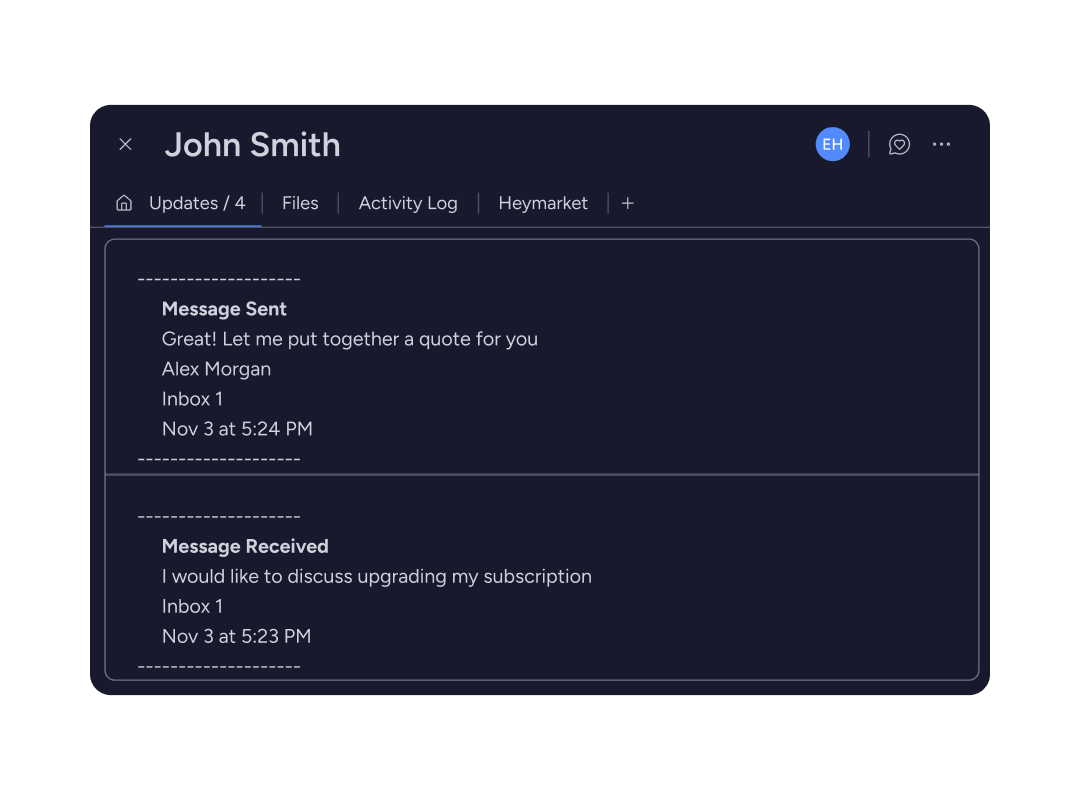
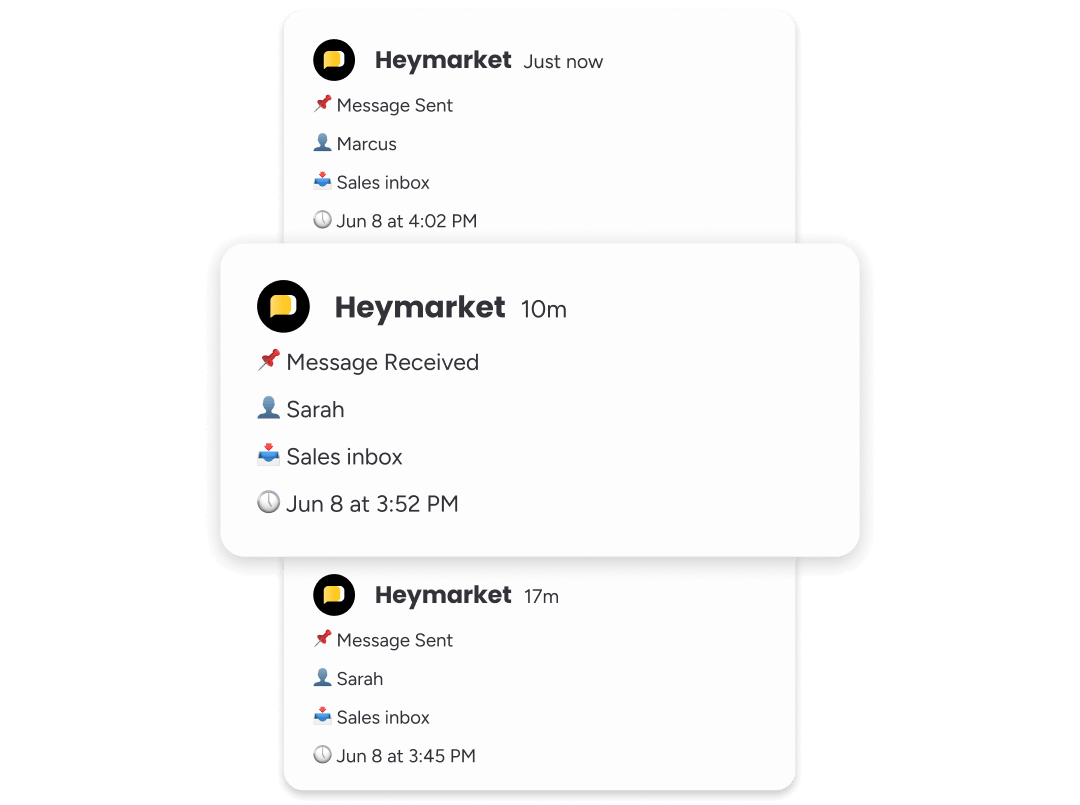
Anyone looking at an item can tell the customer has been contacted, by whom, and when. Each message posts an update showing the direction, the sender, and the inbox it came from. The conversation itself stays in Heymarket, so your board shows the activity without putting customer messages in front of everyone with board access.
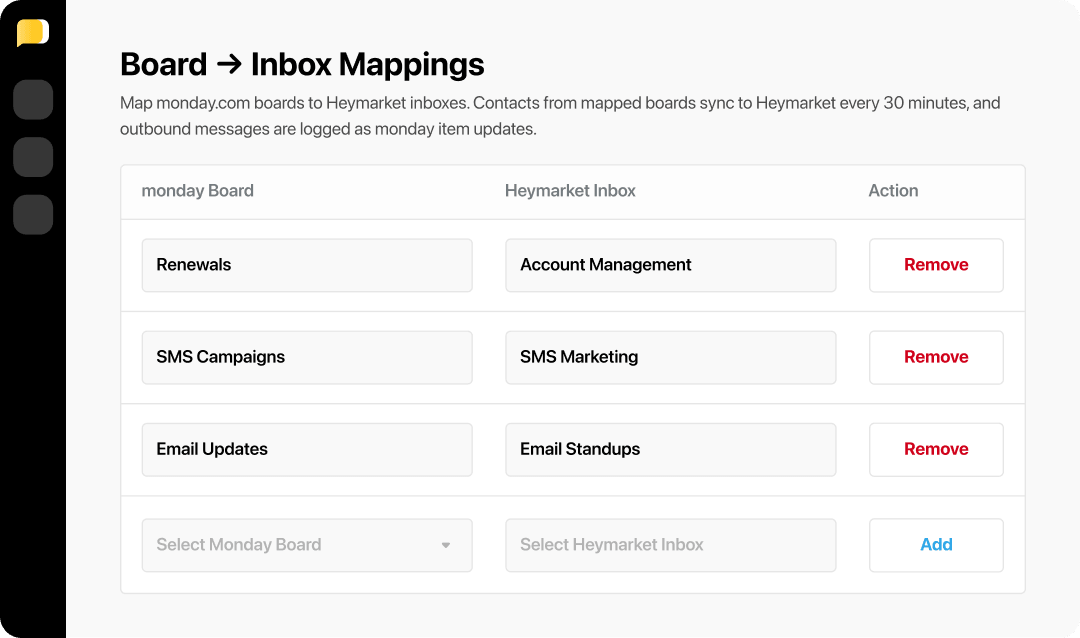
One connection covers the whole team. Admins decide which Heymarket inbox connects to which board, and anything outside that mapping stays invisible to the integration. Nobody can reach customer data through a board outside their scope. Sync history shows which records didn’t come through on each run and why, so a missing contact gets answered in settings instead of in a support ticket.
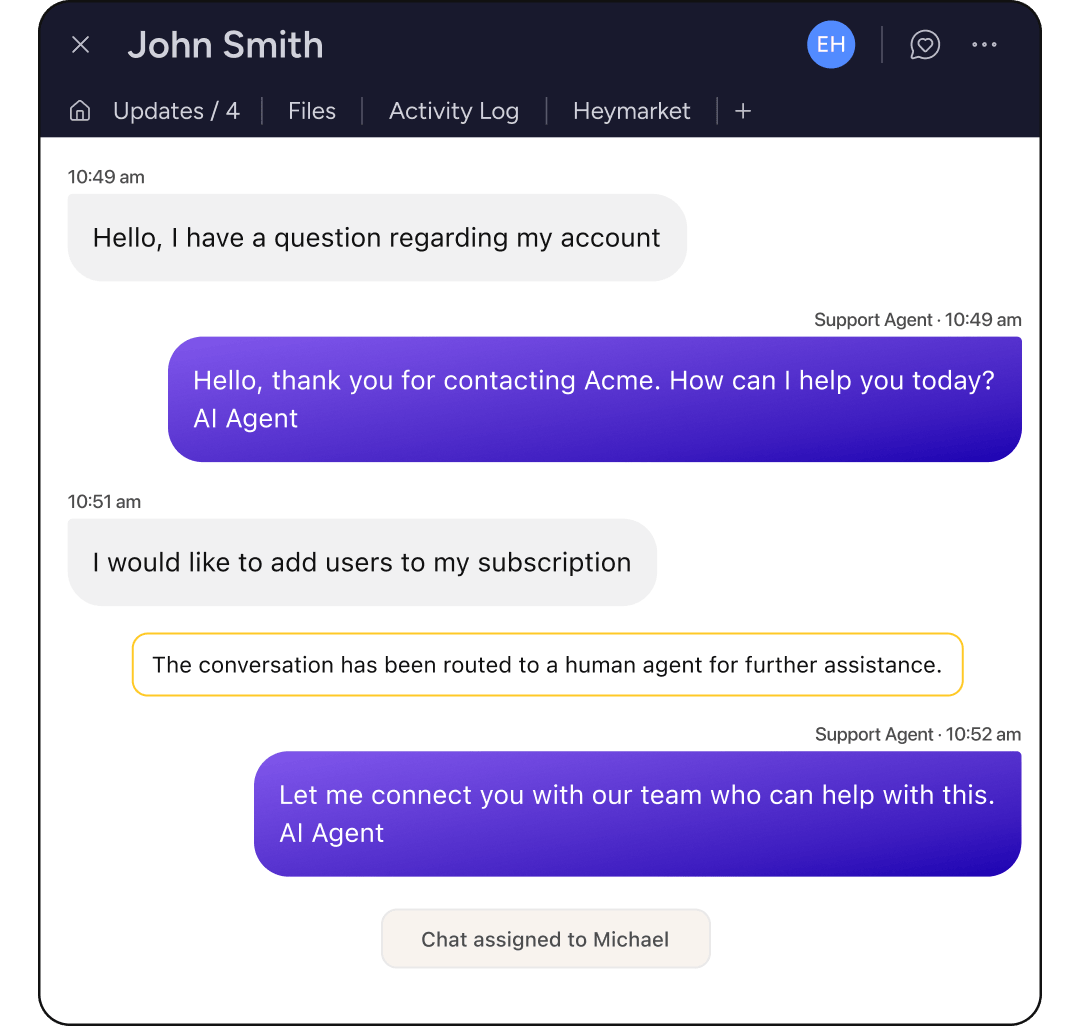
AI agents work across text and email in the same inboxes your boards connect to. They answer common questions from your approved content and handle scheduling on their own, then hand the conversation to a teammate when it needs one. Agent-handled conversations stay linked to their item and log the same way.
Your pipeline already lives in monday.com. Adding Heymarket puts the customer conversation next to it, so your team texts and emails from the item they’re already working on without opening another tab.
Book a demo Add SMS to MondayLooking for more on texting from monday.com? Here are the questions we hear most. Reach out to our team for help with anything we haven’t covered.
monday.com has no native SMS. Texting comes from an integration like Heymarket, which adds a panel to the item view so your team can send and receive messages using the contact data already on the board. Messages go out through your Heymarket inbox and the activity posts back to the item.
An admin connects the two accounts once from Heymarket’s integration settings, then links each Heymarket inbox to a monday.com board. Items on mapped boards become Heymarket contacts and new Heymarket contacts appear on those boards as items, with each contact linked to its item. From there your team messages from the item and activity logs back to it.
Contact sync runs every 30 minutes. An admin can also trigger a sync from settings whenever they need the two systems matched immediately. Messaging activity is separate and posts to the item as messages are sent and received.
No. monday.com sets a contact’s name and email only when it creates that contact for the first time. Details already in Heymarket stay as they are, so a board with stale data cannot overwrite what your team has corrected.
Yes. With activity logging on, texts post to the item’s Updates tab with the message text, and emails post with the subject, body, recipients, and attachment links. Anyone with access to that board can read them, including guests, so it’s worth mapping boards with that in mind.
Yes. A Heymarket contact can be linked to a monday.com item and a CRM record at the same time, so teams running monday.com for pipeline and a CRM underneath it can connect both.
Yes. AI agents work in the same inboxes your boards connect to, answering common questions and handling scheduling across text and email, with handoff to a teammate when a conversation needs one. Those conversations stay linked to their item and log activity like any other.