


Say your customer texts asking where their order is. Your AI agent can chat, but it has no idea what “their order” means until it has access to that information. Enter an AI agent integration: the link between your agent and the tools your business runs on, like a CRM, calendar, or knowledge base. It gives your agents real, current data and the ability to act on it, whether that’s checking a shipment or booking a call.
In this guide, we’ll review an AI agent integration is, why it’s important, and how you can set one up for your team.
What to know about integrating AI agents
- AI agent integrations connect an AI agent to the tools and data it needs, like CRMs, calendars, and knowledge bases, so it can complete tasks rather than just answer questions.
- The right integrations let an agent read information (like a customer’s order history) and take action (like updating a lead’s status or scheduling a callback).
- Common use cases include CRM integrations for lead and contact management, Q&A agents pulling from a knowledge base, and scheduling agents connected to a calendar.
- Weigh data accuracy, security, and how easily an integration fits into your existing workflows before adopting one.
What is an AI agent integration?
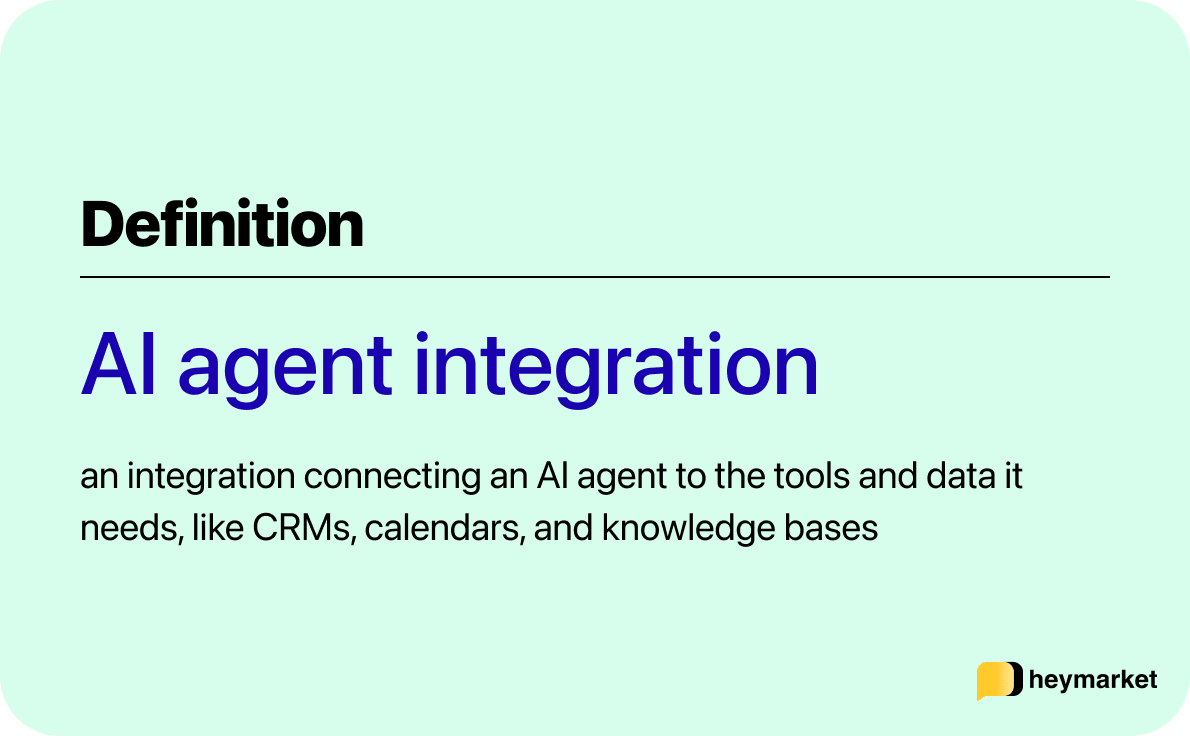
An AI agent integration is what turns your AI agent from a good conversationalist into a tool that can actively solve a problem. On its own, an agent can reason through a request and hold up its end of a conversation. But it doesn’t know anything about your customer or your business until it’s connected to where that information lives.
This is different from a standard chatbot integration, like an AI SMS chatbot, which usually just connects a bot to a chat window. AI agent integrations go further by linking your agent to CRMs, help desks, calendars, and knowledge bases, often through the same email and SMS integrations you already use for messaging. That means the agent can pull information and complete tasks across systems instead of just responding in one conversation.
How AI agent integrations work
An AI agent integration works by giving your agent two abilities: reading data from a connected system, and in many cases, writing data back to it. Reading might mean pulling a customer’s purchase history from your CRM or checking open slots on a calendar. Writing might mean logging a conversation summary, updating a lead’s status, or confirming a new appointment.
Most integrations come together through an API, a pre-built connector, or a knowledge base. An API lets your agent talk directly to a platform like Salesforce or HubSpot, while a pre-built connector gets you there faster since the connection already exists. A knowledge base integration works a little differently: built from uploaded documents or linked URLs, it gives the agent a source of truth for FAQs, policies, or product details, so its answers stay accurate and traceable instead of made up.
Once the connection is in place, how much independence you give the agent is the next call to make. Some teams keep a person in the loop for review before anything sends, which works well if you’re still building trust in the agent’s output. Others let it act on its own within boundaries set by workflow automations, which makes more sense for high-volume, lower-risk tasks like answering routine questions or confirming a booking.
That level of control matters even more once your agent is working across several channels, like SMS, email, and web chat, since it leans on integrations to keep context consistent no matter where a conversation starts. That’s the idea behind building AI agents with multichannel support.
What are the benefits of AI agent integrations?
Connecting your AI agent to the right systems changes what it can actually accomplish for your business:
- Faster response times: With access to a knowledge base or CRM, your AI agent can answer questions and resolve requests the moment they come in, instead of making your customer wait for someone to look something up. That matters most outside business hours, when people still expect a timely reply.
- Less manual work for your team: When your AI agent can update records, log conversations, or move a lead through a pipeline on its own, your employees spend less time on repetitive data entry and more time on the parts of the job that actually need a person.
- More consistent answers: An AI agent pulling from a connected knowledge base or CRM works from the same information your team uses, which keeps responses accurate instead of outdated or inconsistent across channels.
- No need to replace what you have: Integrations let your AI agent work inside the CRM, calendar, or help desk you already run, so adopting agentic AI doesn’t mean overhauling your tech stack.
- More cost-effective scale: Since your AI agent can handle more routine requests without adding headcount, you can support a higher volume of conversations at a lower cost per interaction.
Which of these benefits you see most depends on what you connect your AI agent to first, and that’s where specific use cases come in.
Common use cases for AI agent integrations
AI agent integrations are commonly used by teams handling support, sales, and scheduling. Logistics teams lean on AI agents, for example, for shipment tracking and exception management, while agentic AI for retail teams has integrations to help support order questions and personalized outreach at scale.
Here are AI agent integrations you’ll run into most often, from syncing customer records to answering questions from a knowledge base.
1. CRM integrations
Your CRM holds most of what an agent needs to know about your customer, which is why AI agent CRM integrations are some of the most valuable ones you can set up. An SMS CRM integration lets your agent pull up contact details, conversation history, and deal stage before it responds, then push updates back automatically, like logging a new lead or updating a record after a conversation.
This is where an AI agent integration with CRM systems comes into play. You’re not just looking for an agent that can chat, you’re looking for AI agent tools that integrate with CRM systems you already depend on. A Salesforce integration or HubSpot integration, for example, can let CRM AI agents work directly from your existing contact records.
A business text messaging CRM integration can also let your agent handle inbound texts while keeping every conversation logged against the right contact. That way nothing falls through the cracks between channels.
2. Q&A agents with a connected knowledge base
A Q&A agent integration connects your AI agent to a knowledge base built from your company’s existing documents, help center articles, or linked URLs, so it can answer questions without guessing. Instead of generating a response from scratch, the agent retrieves what’s actually relevant and answers in your brand’s voice.
This cuts down on the hallucination risk that comes with an ungrounded agent. It works a lot like an FAQ chatbot, but with the added ability to reason through more complex, multi-part questions instead of matching a question to one pre-written answer.
If your customer asks about your return policy and a shipping delay in the same message, an integrated Q&A agent can pull both answers from your knowledge base and respond to each part.
3. Scheduling AI agents connected to a calendar
An AI agent integration for scheduling links your agent to a calendar so it can book, confirm, reschedule, or cancel appointments directly through SMS or email. This cuts out the back-and-forth of manually finding a time that works between your team and your customer.
It also means someone doesn’t need to be at a desk to lock in a booking. That can meaningfully increase after-hours bookings, since the agent doesn’t need a person available to respond. Your customer texting at 9 p.m. asking to reschedule can get a new time confirmed before your team even opens the next morning.
4. Data enrichment for customer information
AI agent integrations to handle data enrichment let your agent fill in gaps in your customer’s record automatically, adding company details, contact information, or lead scoring as new information comes in through a conversation.
This is what AI data enrichment looks like day to day: instead of someone manually researching every new lead, the agent pulls what it can from the conversation itself and appends it to the record.
This AI integration workflow keeps your CRM data more complete and current, which matters most for sales and support teams relying on accurate information to prioritize who to follow up with first.
5. Escalation to your shared inbox
An escalation integration connects your AI agent to your team’s shared inbox, so it knows exactly when to hand a conversation off to a person instead of guessing at an answer it isn’t equipped to give. You set the rules, like a customer asking for a refund outside policy or a question the knowledge base doesn’t cover, and the agent routes those cases to the right person with the full conversation history already attached.
This keeps the agent useful for high-volume, low-risk requests while making sure nothing complicated slips through unanswered. It also means your team never has to piece together context after the fact. The shared inbox shows the whole conversation, including what the agent already tried, so whoever picks it up can jump straight to solving the problem instead of starting over.
What to look for in an AI agent integration
What you look for in an AI agent integration comes down to fit: how accurate the data is, how secure the connection is, and how much oversight you want. Here’s what to check before adopting one:
- Data accuracy and traceability: Look for an integration that lets your AI agent reference real, sourced data rather than generating answers on its own.
- Security and access controls: Since your agent may be reading and writing sensitive customer data, check what permissions and safeguards the integration offers.
- Fit with existing tools: The best AI agent integrations work with the systems you already use, rather than requiring a new tool just for the agent.
- Level of human oversight: You might want full autonomy from the AI agent, or you might prefer a supervised setup where responses are drafted for your review before sending.
- Ongoing maintenance: Integrations need occasional upkeep as connected systems change, like a CRM adding new fields. Ask how much of that falls on your team versus the AI agents integration platform.
Getting these pieces right upfront makes it easier to expand what your agent can handle over time, rather than hitting friction after it’s already part of the workflow. Once you’ve confirmed the fit, the payoff usually shows up fast, in fewer manual updates and faster replies to your customers.
Putting AI agent integrations to work
The value of an AI agent depends almost entirely on what it’s connected to. An agent with access to a CRM, a calendar, and a real knowledge base can resolve requests, update records, and book appointments. It doesn’t need to wait on a person to step in first.
Heymarket’s AI agents connect Q&A, scheduling, and lead engagement agents to the knowledge bases, calendars, and CRMs your team already relies on. That’s what lets the agent do more than talk. If you’re evaluating AI agents for your team, a Heymarket demo walks through how this fits into your existing stack.
FAQs about AI agent integrations
More teams are asking about AI agent integration as agentic AI transitions into everyday workflows. Most of the questions come down to the same things: what it actually connects, how much control you keep, and what it takes to get one running with the tools you already use.
What is an AI agent integration?
An AI agent integration is the connection between an AI agent and the business systems it needs, like a CRM, calendar, or knowledge base, so it can retrieve real data and take action instead of just holding a conversation.
How do AI agents integrate with a CRM?
AI agents typically integrate with a CRM through an API or pre-built connector that lets the agent read contact and deal information and write updates back, like logging a conversation or updating a lead’s status, without manual data entry.
Can AI agents work without integrations?
An AI agent can still hold a conversation without any integrations, but it won’t have access to real customer data or the ability to take action, which limits it to general responses rather than resolving specific requests.
Are AI agent integrations secure?
Security depends on the specific integration and platform, but reputable AI agent tools use permission-based access, sourced knowledge bases, and options for human review to keep sensitive data protected.