x
Sign Up
Free trial. No credit card required.
Email already taken. Please sign in or try another email.
I agree to the terms of service and privacy policy.
Please agree to the terms of service and privacy policy to continue.


Free trial. No credit card required.
Please check your email.
We've sent you an email. Please check your inbox and follow the link provided to verify your email address.


Learn how Heymarket can help your business create personalized conversations at scale.
Book a DemoSend and receive emails from HubSpot in the same place you text customers. Heymarket’s HubSpot integration expedites replies and keeps outreach on track as omnichannel communication grows across sales, service, and marketing teams.
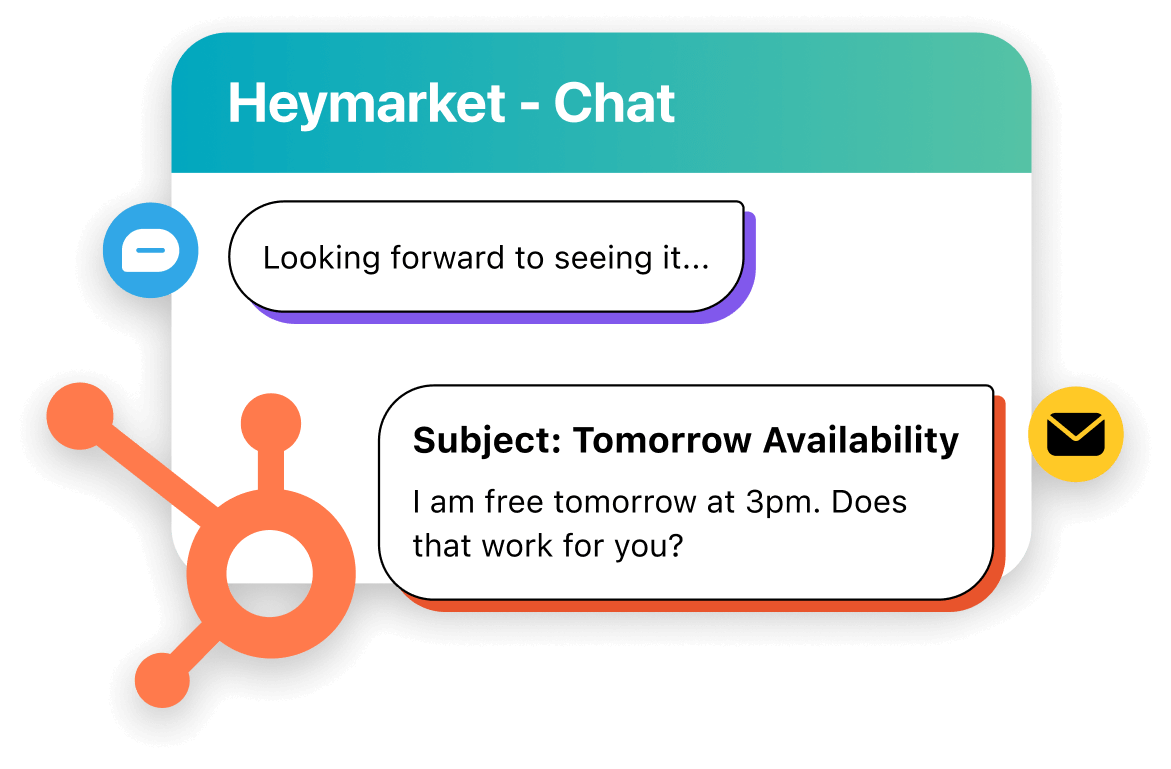
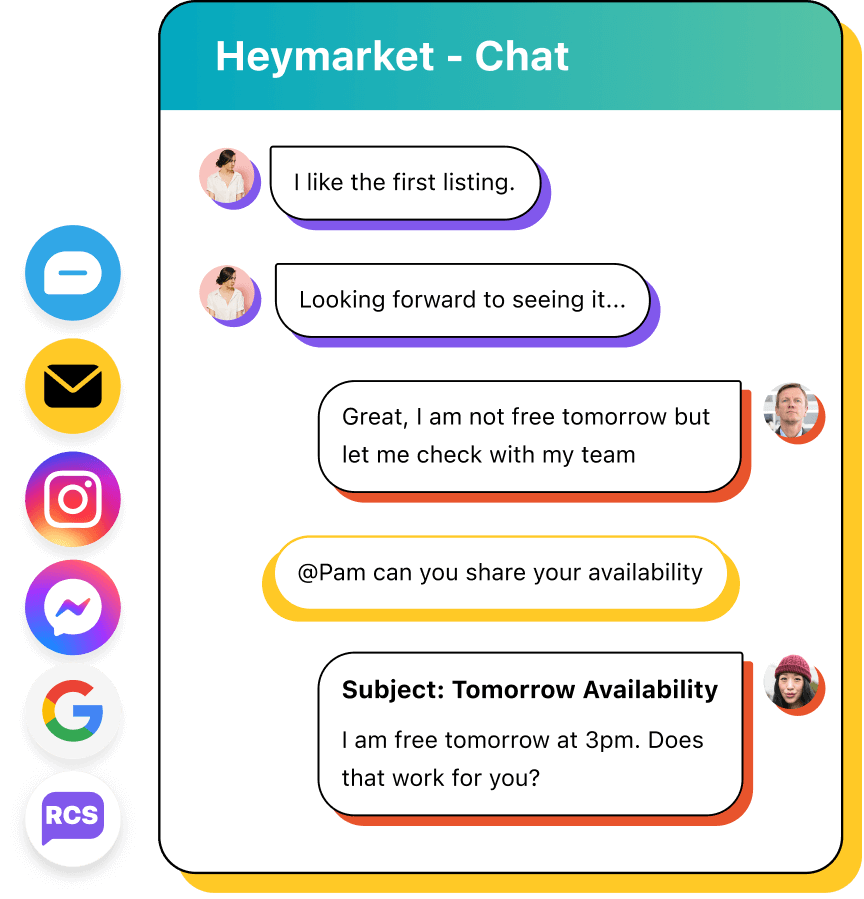
Send and receive both emails and SMS from one shared inbox in HubSpot. Start new conversations or continue existing ones from the same interface. Manage incoming messages efficiently with assignments and private comments.
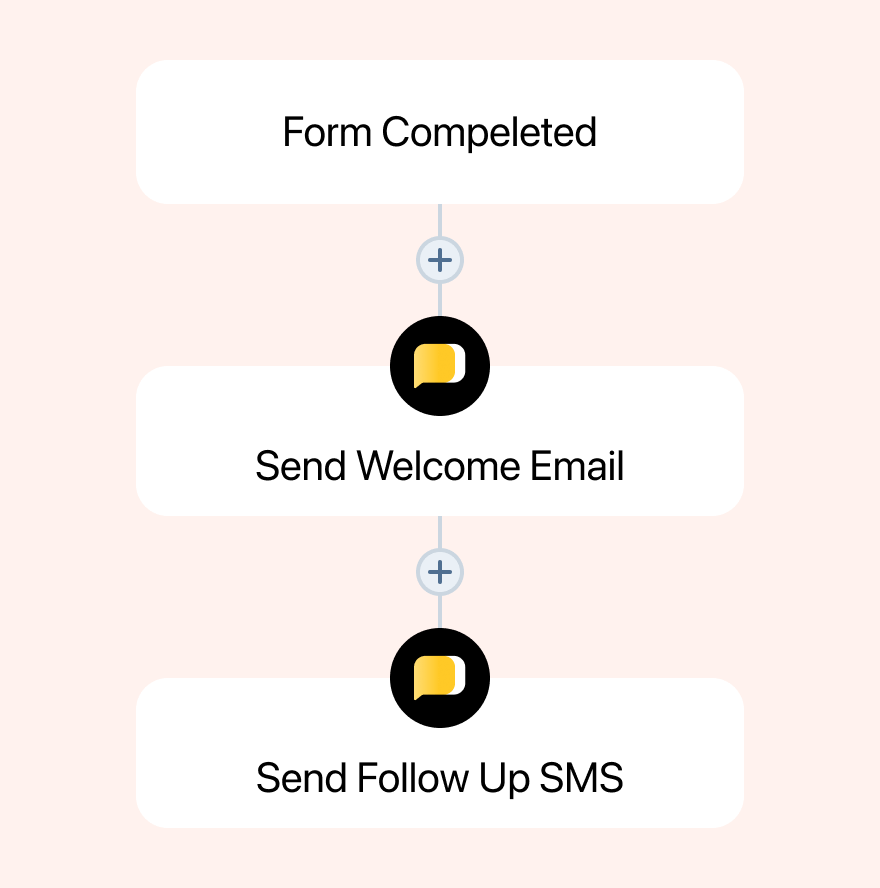
Trigger Heymarket SMS and email actions from HubSpot Workflows based on interactions, form submissions, stage changes, and properties. Build automations that use either or both channels to keep outreach engaging. Trigger 1-to-many emails from HubSpot workflows to connect with contacts at scale.
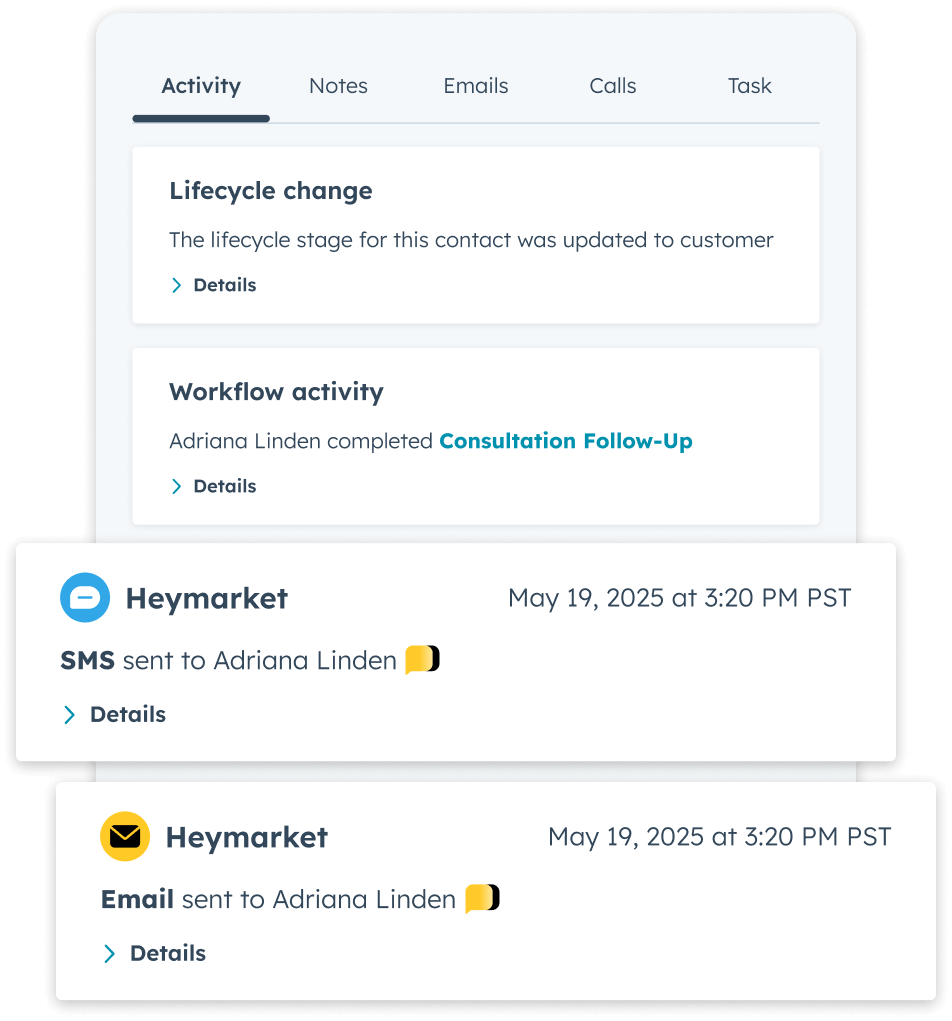
Log Heymarket emails and texts as activities on the HubSpot timeline so anyone can review sent messages, replies, and recent actions. See all the relevant details like email recipients and CCs. Visible email activity alongside other HubSpot engagement and CRM actions facilitates coordination and more informed decision-making.
Track email using the same custom HubSpot property approach as SMS to keep reporting consistent. Maintain one measurement framework across channels without rebuilding dashboards or reworking your existing reporting setup.

Our SOC 2 Type 2, HIPAA-compliant platform offers features that help you control access and protect customer data. Support large-scale communication without compromising governance requirements or customer trust.
Once the HubSpot CRM email integration is set up, you can send emails from HubSpot records using the Heymarket chat widget. SMS will still be available in the same place when the conversation calls for it.

Open the contact (or a related record like a deal, ticket, or company) where the Heymarket Chat tile is available.

Find the Chat tile on the right side of the record and open the Heymarket widget.

Compose and send your email in the widget. You can also switch to SMS if the contact has both channels available.

Send your message and track email activity on the HubSpot timeline as replies come in.
Send and receive SMS in HubSpot and create powerful texting workflows without leaving your CRM.
Learn moreHubSpot is a powerful platform. You can use it to engage, track, and convert leads with tools like ...
Learn moreHubSpot and Heymarket are powerful tools on their own—but did you know they work even better together? The ...
Learn moreBring email and SMS together inside HubSpot for consistent replies, coordinated follow-up, and connected customer conversations.
Book a demo Add Email to HubSpotLooking for quick answers about using email in HubSpot with Heymarket? These FAQs cover how the HubSpot email integration works, how email stays connected alongside SMS, and how to use omnichannel Workflows in HubSpot.
What is a HubSpot email integration?
A HubSpot email integration connects email activity to HubSpot so you can send, track, and manage customer emails with CRM context. It keeps email tied to the records and processes that HubSpot users already rely on. It also allows you to send and receive emails from your company’s existing email domain.
How does Heymarket’s HubSpot email integration work?
Heymarket logs email activity to HubSpot for up-to-date record keeping. It also provides a chat widget within HubSpot’s interface so you can use Heymarket’s email and messaging features without bouncing between tools.
Can I send and receive email in HubSpot with Heymarket?
Yes. HubSpot users can send customer emails and handle replies within the Heymarket widget.
What does Heymarket’s integration add to HubSpot’s existing tools
HubSpot supports email, but Heymarket is especially useful when email needs to work alongside SMS in coordinated outreach and message management. Heymarket also supports omnichannel actions in HubSpot Workflows, so automation can include email and SMS together.
Can I use email and SMS together in HubSpot?
Yes. Heymarket keeps HubSpot SMS and email connected in a single tab, so you can switch channels without losing history.
Can I automate email in HubSpot Workflows with Heymarket?
Yes. Heymarket adds email actions to HubSpot Workflows so you can trigger messages based on HubSpot events and CRM properties. If SMS is also in play, you can automate both channels within the same Workflow.
What HubSpot records can I use Heymarket email on?
Heymarket works directly from HubSpot contact records, which are the foundation for customer communication in HubSpot. From there, email and SMS activity can also be accessed in the context of related records, including Contacts, Deals, Tickets, and Companies.
Messages sent through Heymarket are logged back to HubSpot as timeline activities, so communication remains visible alongside related CRM activity.
Does Heymarket’s email integration work with other CRMs?
Yes. If you’re comparing CRM options or supporting multiple systems, Heymarket also offers a Salesforce email integration so customer communication can stay connected to whichever CRM your organization uses.

We use third-party cookies and tracking technologies that collect information about your use of the site. These third parties may use your information for their own purposes, as described in our Privacy Policy.
