


Think about the last time a customer texted to confirm an appointment, check on an order, or respond to a promotion. That conversation almost certainly ran on SMS, which means it was limited to plain text, with a link if you needed them to take action. Now, RCS messaging support is giving businesses the ability to send branded, interactive, media-rich messages that feel more like an app experience than a text.
The difference between RCS vs. SMS is that RCS supports images, video, read receipts, and tap-to-action buttons within the message thread, while SMS is limited to text-only messages sent over the cellular network. In more technical terms, RCS (Rich Communication Services) is the next-generation messaging protocol built for rich media, branded sender profiles, and interactive buttons. SMS (Short Message Service) is the original standard with plain text, a 160-character limit, and universal reach.
What to know about SMS vs. RCS
- SMS works on every mobile phone regardless of device type or internet access, making it the most reliable channel for transactional messages like appointment reminders and delivery alerts.
- RCS adds rich media, interactive elements, and verified branding to text conversations, creating app-like messaging experiences without requiring a separate download.
- Most RCS implementations automatically fall back to SMS when a recipient’s device doesn’t support it, so businesses don’t have to choose one over the other.
- With Apple adding RCS support to iPhones starting with iOS 18, RCS’s addressable audience has grown significantly, making it a more viable channel for business messaging than ever before.
If you’re evaluating how RCS vs. SMS fits into your messaging strategy, here’s what each protocol does well and when to use it.
How RCS and SMS are used in 2026
RCS adoption has accelerated since Apple added support with iOS 18 in late 2024. Before that update, RCS was largely limited to Android-to-Android conversations, which kept many businesses from investing in the channel.
Now that cross-platform business messaging is an option, more companies are testing RCS for marketing campaigns, customer service, and transactional workflows. SMS messages still carry the bulk of business messaging, particularly for time-sensitive notifications, two-factor authentication, and high-volume outreach where universal delivery is more important than rich features.
Most businesses use RCS and SMS together, with RCS as the primary format for supported devices and SMS as the automatic fallback.
What is SMS messaging?
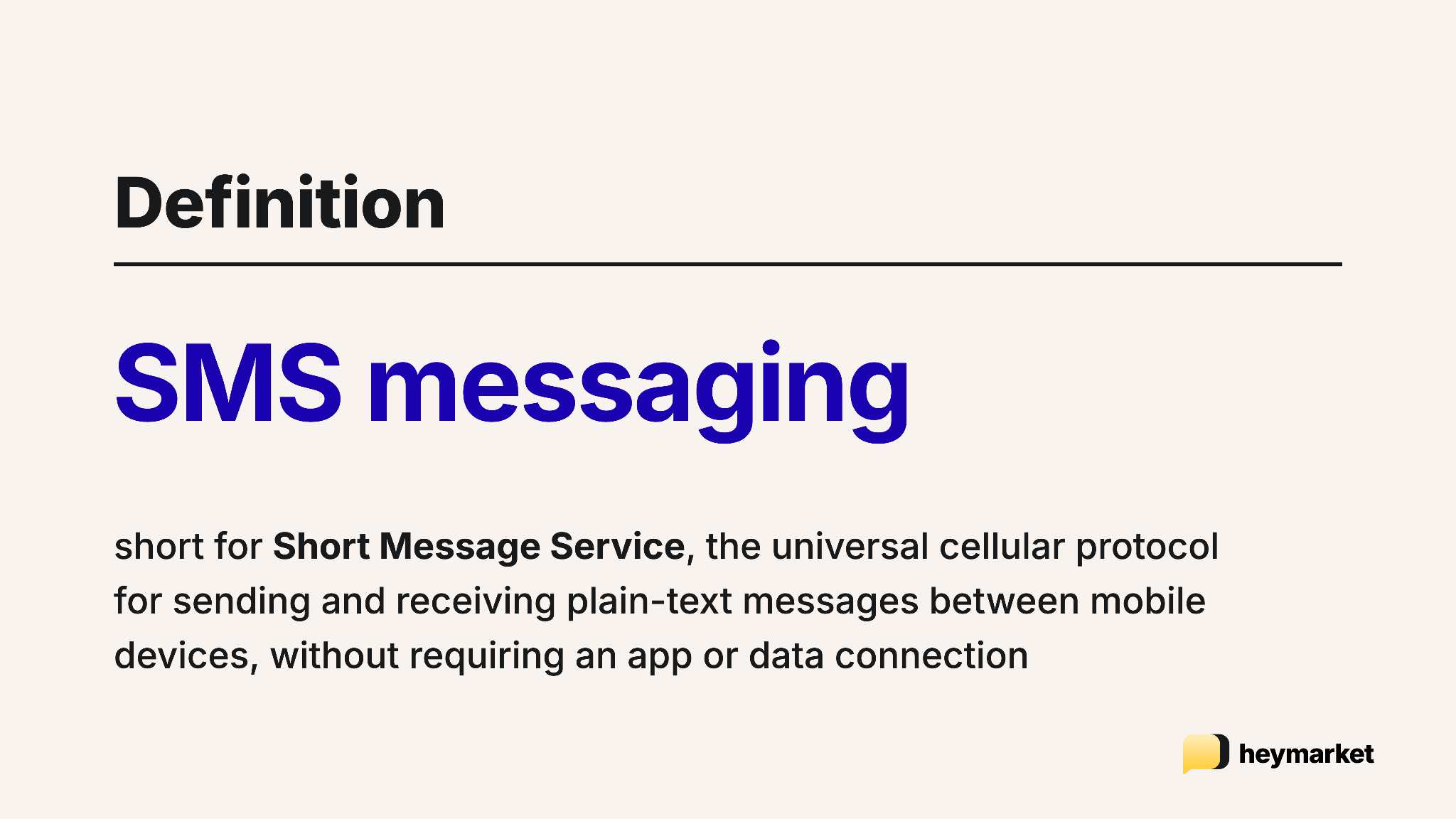
SMS stands for “Short Message Service,” and while the concept was invented in 1984, the first SMS message was officially sent in 1992. It’s the text messaging protocol most people have used for decades, with a 160-character limit for plain text, delivered through a cellular network.
SMS is simple. It doesn’t require a smartphone, a data connection, or a specific app, so if a phone can connect to a cell tower, it can send and receive SMS. That universality is why SMS is used for business text messaging, from two-factor authentication codes to order confirmations to marketing campaigns.
Because of this universality, SMS open rates sit around 98%, and most recipients read them within minutes of delivery. If your business needs to reach people reliably, that consistency is difficult to match with any other channel.
What is RCS messaging?
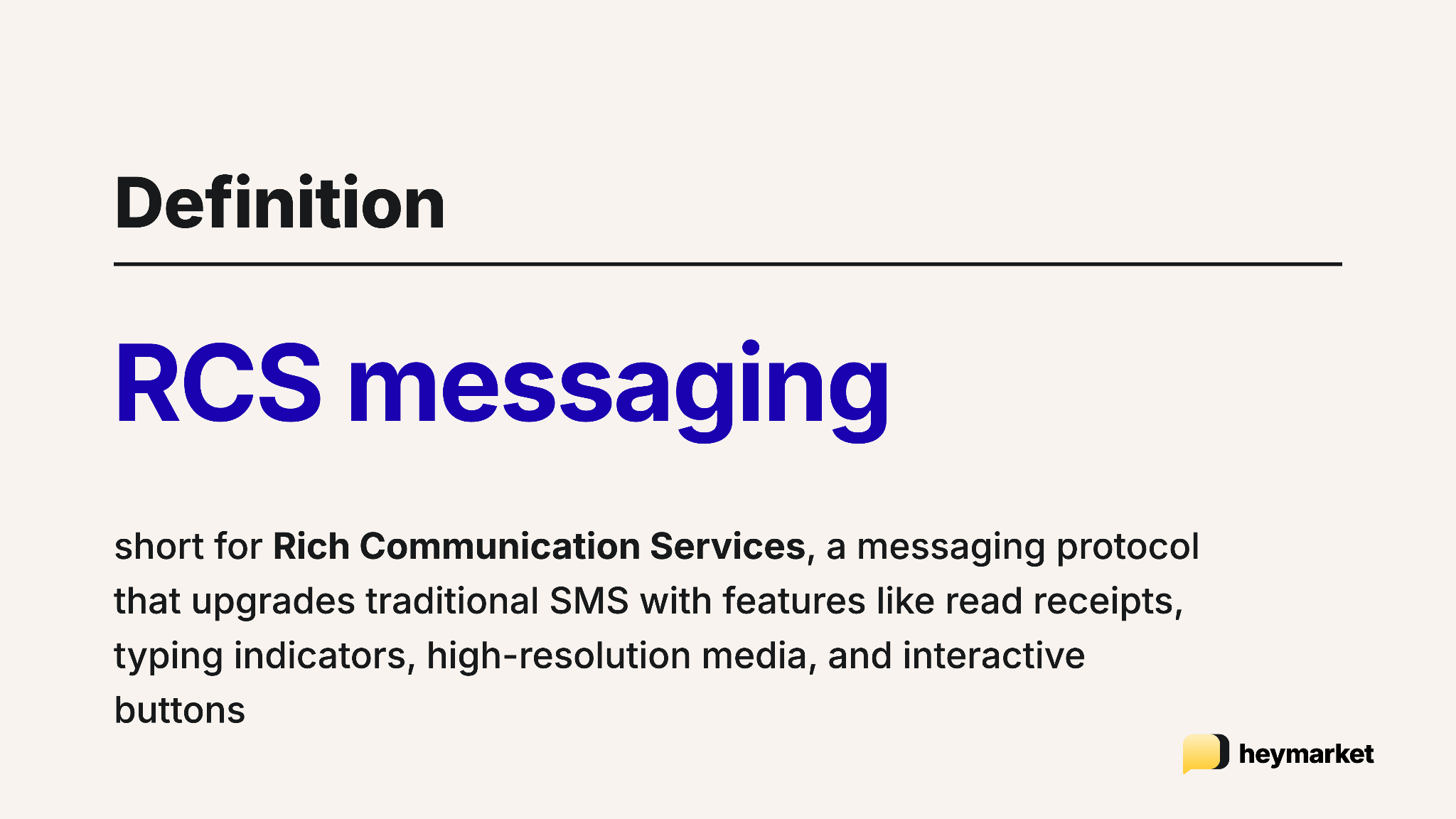
RCS stands for “Rich Communication Services.” It brings the features customers are familiar with from apps like iMessage or WhatsApp directly into the default messaging app on a phone, with no separate download needed.
RCS supports a wider range of messaging features than SMS, including:
- High-resolution images, video, audio, and file sharing
- Read receipts and typing indicators
- Verified sender profiles with brand logos and colors
- Interactive elements like buttons, carousels, and suggested replies
- No character limit on messages
- Improved group messaging functionality
RCS messages require data networks (Wi-Fi or mobile data) rather than the traditional cellular infrastructure, which is what enables the richer experience. It also means delivery depends on internet connectivity and whether the recipient’s device supports RCS.
For businesses, RCS creates opportunities to send product carousels inside a text thread, add tap-to-book appointment buttons, run branded customer service conversations, and build marketing messages that feel more like app experiences than plain texts. If you’re already using an omnichannel messaging approach, RCS fits naturally into that strategy as another channel in your shared inbox.
What is RCS vs. SMS at a high level?
When your team is evaluating SMS vs. RCS, the decision typically comes down to four things:
- What you can include in a message
- How your brand shows up
- How interactive the experience is
- How reliably the message gets delivered
Here’s how the RCS and SMS compare across each of those areas:
| Feature | SMS | RCS |
| Character limit | 160 characters | No limit |
| Media support | Text only | Images, video, audio, files |
| Read receipts | No | Yes |
| Typing indicators | No | Yes |
| Sender branding | No | Verified logos, colors, business name |
| Interactive elements | No | Buttons, carousels, suggested replies |
| Delivery method | Cellular network | Data network (Wi-Fi or mobile data) |
| Device compatibility | All mobile phones | Smartphones with RCS support |
| Fallback | N/A | Falls back to SMS automatically |
How do SMS vs. RCS compare for customer communication?
Choosing between RCS and SMS for your business depends on your use cases. How your messages look when they land on your customer’s phone, what that customer can do inside the conversation, and whether the message reaches them at all shape the actual experience your team delivers.
1. Media and content
SMS messages are limited to plain text, so any visual content requires MMS. MMS comes with file size caps (usually around 300–600KB), inconsistent rendering across devices, and higher costs per message.
RCS handles rich media natively, supporting high-resolution product photos, how-to videos, and branded visuals directly in the conversation thread. For businesses comparing RCS vs. SMS for campaigns that rely on visuals, RCS removes the constraints that make MMS unreliable.
2. Branding and verification
SMS messages arrive from a phone number or shortcode with no visual branding attached. Your customers see digits rather than your company name or logo, which limits brand recognition. Recipients might even think your text is spam.
RCS supports verified sender profiles where your business name, logo, and brand colors appear directly in the message thread. Carriers verify these profiles, giving customers confidence that the message is legitimate. This can improve both open rates and trust.
3. Interactivity
An SMS message isn’t interactive. If a recipient taps a link to your website, clicks to call a number, or wants to leave support feedback, they will have to leave the conversation and use a different app. RCS keeps those types of interactions inside the thread.
RCS keeps the interaction inside the thread with quick reply buttons, product carousels, and suggested actions like “Get directions” or “Book now” so customers don’t have to leave the conversation to take action. The in-message interactivity RCS provides can boost conversion rates for both marketing and customer service messages.
4. Delivery and reliability
SMS has the strongest delivery advantage of any messaging channel. If someone has a phone with cellular service (including a basic flip phone), they can receive an SMS. They aren’t required to have a data plan or app, which makes it easy to reach more customers.
RCS requires a smartphone with an active data connection and RCS support. Most RCS implementations handle this gap by automatically falling back to SMS when the message can’t be delivered as RCS, which means the recipient still gets the message—just without the rich features.
When to use RCS vs. SMS for business
For most businesses, the RCS vs. SMS decision isn’t about choosing one protocol over the other—it’s about using both together. The automatic fallback from RCS to SMS means you can lead with RCS and still guarantee delivery to every recipient.
Here’s where SMS and RCS make the most sense.
Use SMS when:
- You need guaranteed delivery to every phone, regardless of device type.
- You’re sending high-volume transactional messages like one-time passcodes or shipping alerts.
- Your audience spans regions where RCS support varies.
- Cost efficiency is the priority for straightforward notifications.
SMS can’t support images, video, or rich media natively like RCS can. It has to rely on MMS, which has its own file size and rendering constraints. There are also no read receipts, typing indicators, branding, or ways to include interactive elements like buttons or carousels. If you need your customers to take an action, you’re relying on them to tap a link and leave the conversation.
Use RCS messaging when:
- You’re running marketing campaigns where visuals and interactivity drive engagement.
- You want branded, verified conversations that build trust with customers.
- You’re creating conversational commerce experiences like product browsing or appointment booking inside the message thread.
- You want your messaging to feel modern and aligned with how people already communicate through apps.
A platform like Heymarket supports multiple messaging channels, enabling you to offer RCS alongside SMS and deliver the richest possible experience based on what each recipient’s device supports, without managing separate workflows. The same automations and templates you already use for SMS can extend to RCS as the channel becomes available.
How does RCS-to-SMS fallback work?
The RCS-to-SMS fallback is one of the protocol’s most useful features for businesses. When you send an RCS message to customers, the system checks whether the recipient’s device supports it. If the recipient’s device supports RCS, they’ll get the full experience: branded sender, media, and interactive buttons. If it doesn’t (or they’re offline), the message automatically delivers as a standard SMS.
Fallback doesn’t require any manual setup or audience segmentation from your team. Here are a few examples:
RCS-to-SMS fallback example for retail
If you send an RCS message promoting a new product with an image carousel and a “Shop now” button, customers with supported smartphones and an active data connection get the full branded message and can browse products right in the thread.
Another customer on an older device or in an area with limited connectivity receives an SMS version of the same message. The promotional text will just be a link to your product page.
RCS-to-SMS fallback example for transactional messages
If you send an appointment confirmation with an RCS “Confirm” button, supported devices let the customer tap to confirm without leaving the conversation. For everyone else, the fallback SMS includes the appointment details and a link or reply option to confirm.
Will RCS replace SMS in the future?
RCS won’t fully replace SMS, and the two protocols will coexist for the foreseeable future. SMS has three decades of infrastructure behind it, universal device support, and deep trust built into everything from two-factor authentication to emergency alerts.
A gradual shift is more likely. RCS will probably become the default for marketing, customer engagement, and branded conversations, while SMS will continue to handle transactional messages and serve as the reliable fallback when RCS isn’t available.
With Apple supporting RCS, Google continuing to push adoption, and carriers expanding coverage, RCS’s addressable audience is growing steadily. The smart approach for any business investing in messaging is to treat SMS and RCS as complementary channels rather than competing ones.
Bringing RCS and SMS together for business messaging
Your team doesn’t have to choose between SMS and RCS—SMS handles the reach, RCS handles the experience. Heymarket is working on an RCS integration to help you manage both in one shared inbox, so your workflows run smoothly regardless of channel. If your team is already using business texting for customer communication, RCS is a natural next step that makes those conversations richer without requiring your customers to download anything new.
See how our current integrations can support your business and stay updated on our RCS feature release on the integrations page.
FAQs about RCS vs. SMS
Understanding the differences between RCS and SMS can help you make better decisions about your business messaging strategy. Here are answers to some of the most common questions about text message RCS vs. SMS.
What’s the difference between text message, RCS, and SMS?
“Text message” is the general term for any message sent through a phone’s default messaging app, and it can be delivered using either SMS or RCS. SMS is the original protocol, sending plain text messages up to 160 characters over the cellular network to any mobile phone. RCS is the newer standard that sends rich messages with images, video, branded sender profiles, and interactive buttons over data networks, requiring a smartphone with an active internet connection.
When would a business use RCS vs. SMS?
Businesses use RCS for marketing and customer service conversations where branded visuals and interactive elements drive engagement, and SMS for transactional messages like appointment reminders and shipping alerts, where universal delivery is the priority. Most businesses use both together, sending RCS as the primary format and letting it fall back to SMS when a recipient’s device doesn’t support it.
What are the disadvantages of RCS for business messages?
RCS requires recipients to have a smartphone with an active data connection and RCS support, so it can’t reach every customer the way SMS can. Pricing varies by carrier and region and tends to be higher per message than SMS, which can add up for businesses sending high-volume notifications. Carrier support also varies by market, meaning RCS availability isn’t consistent across all regions or audiences.
Do RCS messages fall back to SMS?
Yes, RCS messages automatically fall back to SMS when the recipient’s device doesn’t support RCS or doesn’t have an active data connection. The message still gets delivered as a standard text, just without the rich features like media, branding, and interactive elements. The fallback happens automatically and doesn’t require any extra configuration from the sender.
Is RCS more expensive than SMS?
RCS pricing varies by carrier, region, and provider, and the cost structure is still evolving. In many cases, individual RCS messages cost more than SMS. However, RCS’s richer features, like embedded buttons, product carousels, and branded visuals, tend to drive higher engagement and conversion rates, which can offset the higher per-message cost depending on your goals and use case.