

Conversational AI is technology that understands human language and responds to it naturally. It uses natural language processing (NLP) and machine learning to interpret what a person means, hold a genuine two-way conversation, and improve with every interaction.
Picture a clinic’s front desk on a Monday morning: 40 texts to reschedule appointments and a weekend of unanswered messages before the first patient walks in. Conversational AI handles that routine volume automatically, freeing your team for the conversations that need real human judgment.
Key takeaways about conversational AI
- Conversational AI is software that uses NLP and machine learning to hold natural, two-way conversations, interpreting intent and retaining context instead of following a script.
- It differs from a rule-based chatbot, which can only follow preset rules and keywords.
- It works through three mechanisms: NLP, dialogue management, and context retention.
- Common business uses include support triage, lead qualification, and appointment scheduling across SMS, email, and social channels.
This guide covers what conversational AI is, a breakdown of how the technology works, real business examples, and the features to evaluate when you or your team are comparing platforms.
What is conversational AI?
Conversational AI is a category of software that understands, processes, and responds to human language in an organic way. Rather than matching keywords to canned replies, it interprets what your customer is really saying. Whether they type “reschedule my delivery” or “can we push my order back a few days”, conversational AI responds appropriately in real time.
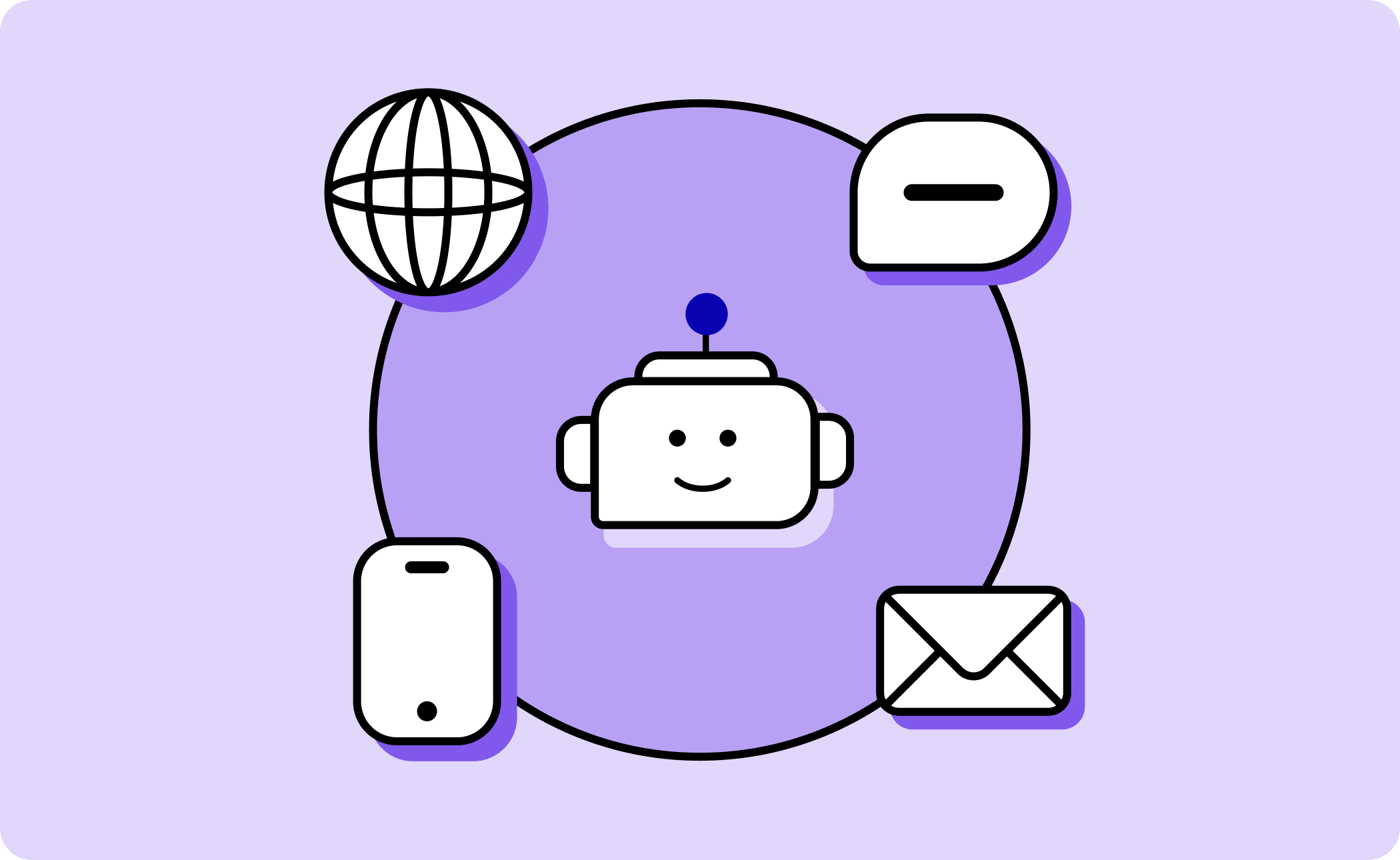
Conversational AI powers the automated side of business communication: answering questions, qualifying leads, booking appointments, and routing conversations over SMS, email, webchat, and social messaging. It’s the technology behind conversational messaging, where businesses and customers exchange messages the way people naturally text.
Adoption reflects how mainstream the technology has become. According to McKinsey’s State of AI research from their 2025 survey, 88% of organizations now use AI in at least one business function. For IT and operations leaders, that means the evaluation question has shifted from whether to use conversational AI to where it fits in your communication stack.
How does conversational AI work?
How conversational AI works is by interpreting a message with natural language processing, deciding how to respond through dialogue management, and remembering the conversation through context retention. These three mechanisms run together in milliseconds, which is why a well-built system feels like texting a knowledgeable colleague rather than filling out a form.
Natural language processing (NLP)
Natural language processing is the mechanism that lets software understand human language, including slang, typos, and ambiguity. NLP breaks a message down into intent (what the person wants) and entities (the specific details, like a date or order number).
Modern NLP is built on large language models, which is why current conversational AI can handle phrasing it has never seen before. When your customer writes “my thing never showed up”, it gets routed to order tracking without ever using the words “delivery” or “shipment.”
Dialogue management
Dialogue management is the decision-making layer that determines what the system says or does next. Once NLP identifies the intent, dialogue management chooses the response: answer the question, ask a clarifying follow-up, complete an action like booking a time slot, or route the conversation to a person.
This is where business rules live. A well-configured system knows which questions it can answer confidently and which ones should go straight to your team.
Context retention
Context retention is the system’s memory of the conversation so far—and, in business settings, of the customer’s history. It’s what allows your customer to say “actually, make it Thursday instead” without repeating everything they said two messages ago.
Context retention becomes far more powerful when it’s connected to your CRM. A system that can see a contact’s past orders, appointments, and previous conversations responds like someone who knows the customer, because functionally it does.
What’s the difference between conversational AI vs. chatbots?
The difference is that traditional chatbots follow pre-written scripts, while conversational AI understands language and generates responses dynamically. A rule-based chatbot is a decision tree with a chat window on top. Conversational AI interprets meaning, so it can handle questions through AI texting or messaging that your team never explicitly anticipated.
| Rule-based chatbot | Conversational AI | |
| How it responds | Follows a fixed script or decision tree | Interprets intent and generates responses |
| Handles unexpected phrasing | No–falls back to “I didn’t understand” | Yes–NLP interprets meaning, not keywords |
| Remembers context | Rarely, and only within one session | Retains conversation and customer history |
| Improves over time | Only when someone rewrites the script | Learns from interactions and feedback |
| Best suited for | Simple, predictable FAQs | Multi-step conversations and real workflows |
| Human handoff | Often a dead end | Escalates with full conversation context |
The right choice depends on the work you need the conversation to do. A rule-based chatbot remains a reasonable fit for a narrow set of predictable, high-volume questions to do with store hours and tracking links. Conversational AI earns its place when conversations branch: multi-step scheduling, lead qualification, and support that draws on customer history.
What is an example of conversational AI?
Common examples of conversational AI in business include AI agents that triage support, follow up with leads, and schedule appointments, over channels customers already use, like SMS and email. The strongest implementations are for omnichannel messaging: the same AI works across any channel, and every conversation lands in one platform where your team can see it.
Customer support triage
In support triage, conversational AI resolves routine inquiries on its own and routes complex ones to your team. The conversational support chatbot answers order status, store hours, password resets, and delivery windows instantly, and escalates anything nuanced with the full conversation attached, so the customer never repeats themselves.
Salesforce research found that 45% of consumers are more likely to use an AI agent when there’s a clear escalation path to a human. Designing the handoff well is what makes customers comfortable with the automation in the first place.
Sales follow-up and lead qualification
For sales teams, conversational AI responds to inbound leads within seconds and asks the qualifying questions your reps would ask first. It can confirm budget range, timeline, and fit, then enrich the lead record and hand qualified prospects to a rep–or gracefully close the loop on poor fits.
Speed is the operational win here. Leads that would have sat in a queue for hours get an immediate, natural reply–and by the time your rep picks up the conversation, the qualifying questions are already answered.
Appointment scheduling and reminders
Conversational AI can book, confirm, reschedule, and remind–the highest-volume, lowest-complexity conversations most teams handle. Your customer texts to move an appointment, the AI offers open slots, confirms the change, and updates the calendar without a person touching the thread.
Paired with automations, the same workflow sends reminders before the appointment and follow-ups after, which is where no-show rates start to drop.
What features should you look for in a conversational AI platform?
The right features in a conversational AI platform should help your team work more efficiently across multiple channels without adding headcount, and while staying in compliance.
Look for the following features when evaluating platforms:
- NLP quality and multi-channel support: Look for AI that understands natural phrasing and works across any channel your customers use, from SMS and email to social messaging.
- Human handoff and supervised mode: Look for explicit controls over when the AI acts on its own and when it escalates. Heymarket’s AI agents run in supervised mode, keeping humans in control for edge cases.
- CRM integration depth: A native integration means the AI and your team work with live customer data instead of a synced copy. If your team runs on Salesforce or HubSpot, look for messaging that works inside the CRM as a native workspace rather than a bolt-on.
- Compliance and security certifications: For regulated industries, verify SOC 2 Type 2, TCPA support, A2P 10DLC registration, and HIPAA compliance for healthcare with a business associate agreement (BAA). Ask which plan tier includes the BAA, since vendors typically reserve it for mid-tier plans and above.
- Team collaboration: Automated conversations still need human visibility. A shared inbox lets your team see, join, and take over any AI conversation, so customers get personal connection at scale rather than automation in a silo.
- Analytics: Response times, resolution rates, and escalation patterns tell you where the AI is working and where your prompts, templates, or routing rules need tuning.
Before committing, test the platform against your real processes: load your actual FAQs, connect your CRM, and let a small group run live conversations for a week or two. A short pilot shows you where the AI resolves on its own, where it escalates, and where your workflows need adjusting–before customers ever see it.
Put conversational AI to work in your communication stack
A good next step is a pilot: pick one high-volume, low-complexity workflow–like appointment reminders or order-status questions–connect it to your CRM, and measure resolution and escalation rates for 30 days.
That gives you real data on fit before you expand to more channels or teams. If you want to see what that pilot looks like with AI agents, a shared inbox, and your CRM in one platform, book a Heymarket demo with your team.
FAQs about what conversational AI is and how it’s used
These are the questions we hear most often from IT and operations when evaluating what conversational AI is, and whether it belongs in their stack. These also double as talking points for your rollout.
Is conversational AI the same as a chatbot?
No, conversational AI isn’t the same as a chatbot. A chatbot is any software that chats, and most traditional chatbots follow fixed scripts. Conversational AI is the subset that understands language, interprets intent, and retains context, which is why it can handle conversations a scripted bot would fumble.
What are the best conversational AI tools for customer engagement?
The best conversational AI tools for customer engagement combine strong language understanding with multi-channel messaging, human handoff, and CRM integration. For mid-market teams in healthcare, logistics, and retail that engage customers over text messaging, Heymarket fits this profile: AI agents and a shared inbox across SMS, email, and social channels, native to Salesforce and HubSpot.
Can conversational AI handle complex customer inquiries effectively?
Conversational AI handles complex inquiries by resolving the routine parts on its own and escalating anything nuanced to your team with full context attached. It won’t replace human judgment on a truly complicated case, and a well-built system isn’t designed to. The point is triage: it clears the repetitive questions automatically and hands off the rest, so your team picks up exactly where the conversation left off.
Does conversational AI replace human agents?
No, conversational AI won’t completely replace human agents. Conversational AI absorbs routine volume so your team can focus on conversations that need judgment and empathy. Transparency matters to customers–treat disclosure and easy escalation as requirements, and the AI becomes something customers appreciate rather than tolerate.
Do you need technical staff to run conversational AI?
No, technical staff isn’t needed to run conversational AI when using modern business messaging platforms. Configuration typically means writing instructions in plain language, connecting your CRM, and defining escalation rules. Work an operations lead can own. IT involvement is usually limited to initial security review and integration approval.