


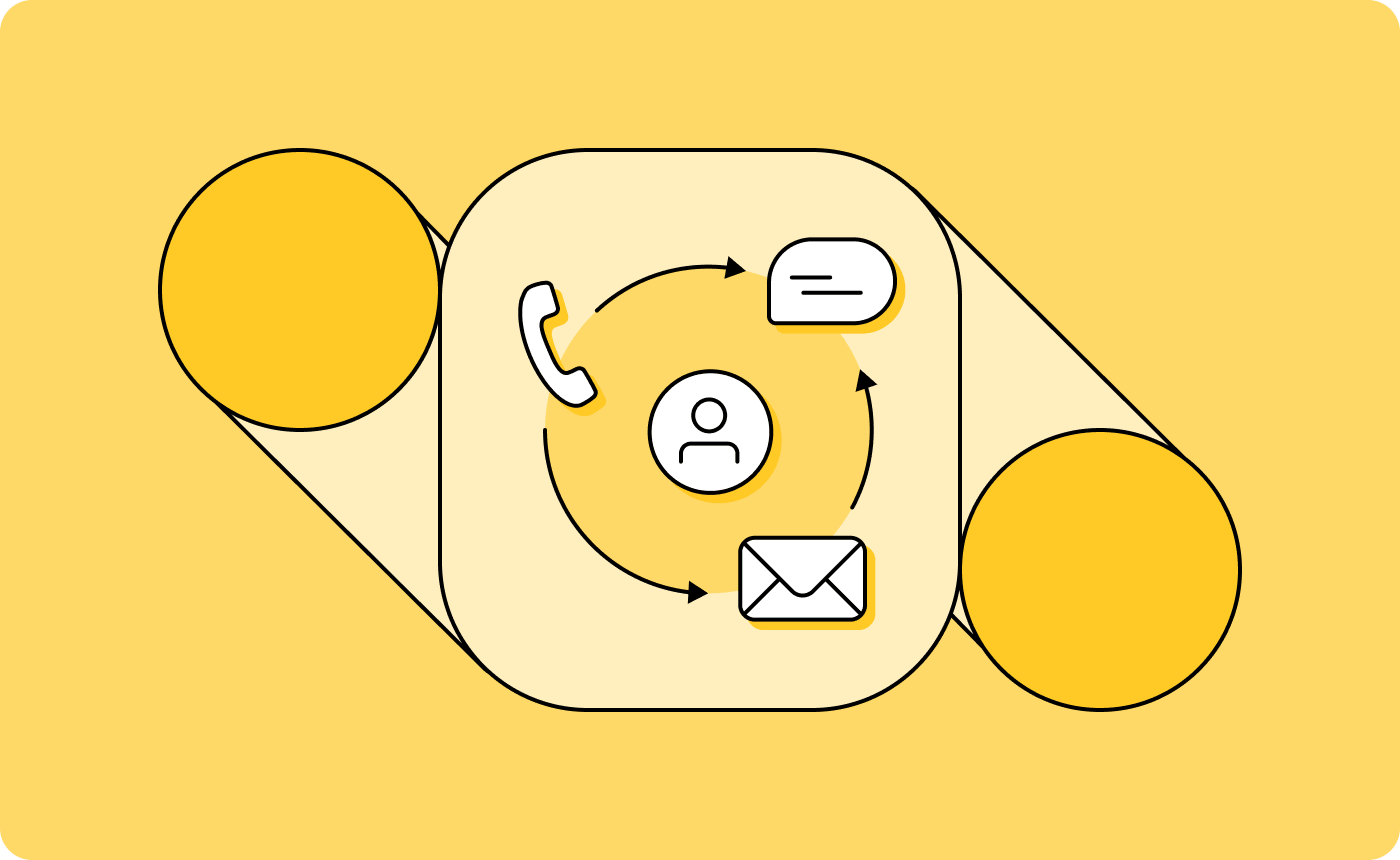
A customer emails your customer service team on Monday with a billing question. By Wednesday, they haven’t heard back, so they send a follow-up text. Your agent sees the text, has no idea an email was sent, and asks the customer to explain the issue again.
That disconnect happens when channels operate individually rather than as part of a unified customer service inbox. Conversations regularly jump between email, SMS, and messaging apps, and when context doesn’t travel with them, customers have to repeat themselves and agents lose time reconstructing the problem. Either way, customer satisfaction suffers.
An omnichannel customer service platform keeps that context intact across every channel, so conversations stay continuous and your team can respond with the full picture from the start.
Here’s what you need to know to choose the right one for your business.
What is an omnichannel customer service platform?
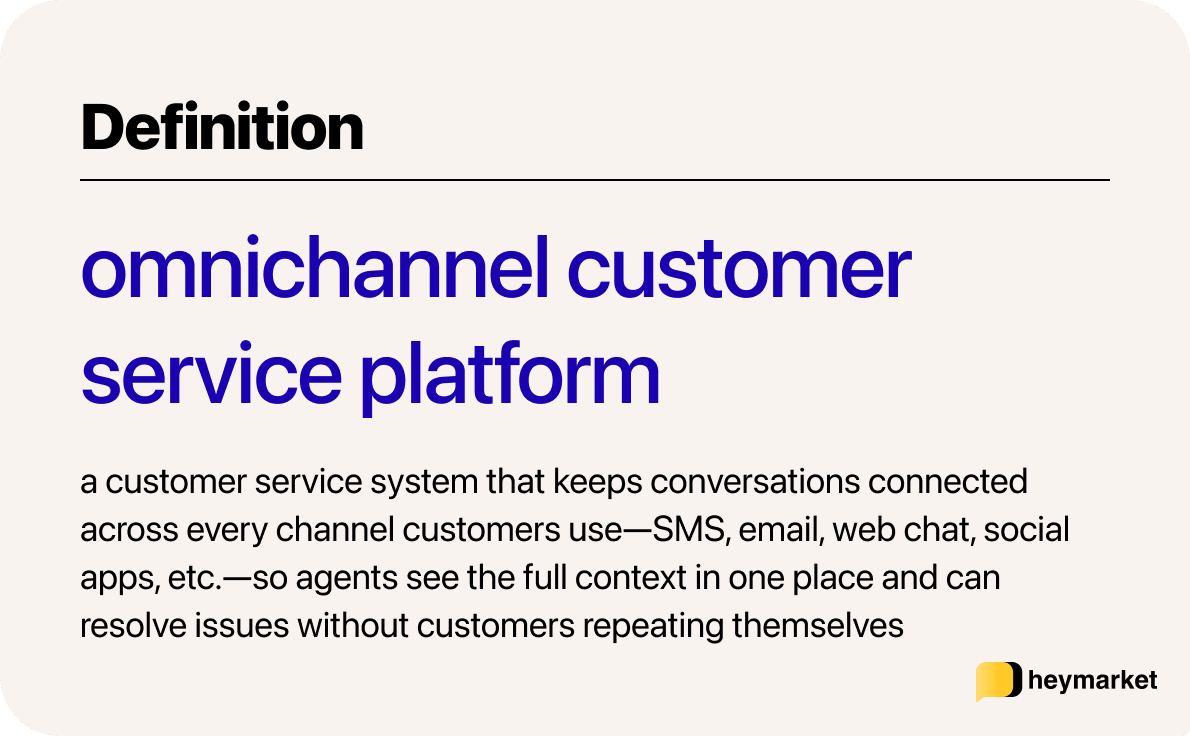
An omnichannel customer service platform brings your support channels—SMS, email, web chat, and messaging apps—into a single shared workspace, so every message from a customer appears in one connected thread regardless of where it was sent. For agents, it’s the difference between chasing context across tools and having everything needed to respond already in front of them.
Most businesses already use multiple channels, but multichannel and omnichannel aren’t the same thing. In a multichannel setup, each channel operates independently—separate inboxes, separate histories, no shared context between them. When a customer moves from one channel to another, the conversation doesn’t follow. That means an agent picking up a text has no visibility into the email sent two days earlier, which wastes time and frustrates customers.
In an omnichannel setup, that history travels with the conversation. Your agents see everything, no matter which channel they’re working from, which means faster resolutions, fewer repeated questions, and a customer service experience that feels cohesive and consistent.
One way to tell which you’re working with: if a customer emails about a billing issue and follows up by text a few hours later, does the next agent already know the full story? If yes, that’s omnichannel. If they’re asking the customer to start over, that’s multichannel.
Why channel coordination matters for customer service
Customer service conversations rarely stay on one channel. A customer might ask a quick question through Facebook Messenger, then need a detailed breakdown sent to their email once the issue is resolved, then check back in about their purchase a few days later via SMS or live chat. Instead of agents manually piecing those sequences together, an omnichannel messaging platform connects them based on how the conversation actually unfolds.
Part of what makes that coordination valuable is that each channel has a different job:
- SMS and live chat are built for quick confirmations, short questions, and time-sensitive updates where a fast reply matters more than detail.
- Email is better for more complex messages, like longer explanations, attachments, billing summaries, and anything that’s likely to need referencing later in-depth.
- For B2B conversations, integrations with messaging apps like Slack or Teams mean support can happen where clients already work, with other stakeholders just an “invite to channel” away.
No single channel covers all of that.
Coordination matters on the outbound side too, especially for workflows like payment reminders, appointment confirmations, ticket follow-ups, and other campaigns that tend to stall without consistent follow-through. When those channels are connected, each follow-up feels like part of the same conversation.
What to look for in an omnichannel customer service platform
Platforms vary widely in how connected their channels actually are. This generally shows up in details like how easy it is to review context, how easily teams can coordinate from one shared inbox, and how time-saving AI and automations work across channels.
Here’s what you should look for when choosing an omnichannel business messaging solution.
A unified conversation view and team workspace
An omnichannel shared inbox is the workspace where conversations get assigned, prioritized, and managed across an entire team. Every channel—SMS, email, social channels, web chat, and more—should feed into a single view with full customer history accessible alongside it. That way, you don’t need dedicated agents for each channel, and you can answer inbound messages faster because everyone’s watching the same unified inbox.
Team-level tooling should be built into that same workspace rather than layered on separately. Look for clear conversation ownership and assignment, internal commenting so agents can coordinate without that back-and-forth becoming visible to the customer, and visibility into who’s actively handling which threads. This helps avoid common issues like two agents replying to the same customer, or no one replying because everyone assumes it was covered.
Cross-channel automation
What separates advanced automation from basic scheduling is whether it can respond to what customers actually do. Look for behavior-based triggers—reply status, contact field changes, inactivity windows—combined with timing controls and the ability to move between channels within a single workflow.
With every channel accessible for outbound messages, you can automate campaigns and answer replies, no matter where they come from, in one place.
AI tools that support agents
AI is now a standard part of most omnichannel support platforms, but the implementations vary widely in how useful they actually are day-to-day. The features worth looking for are ones that reduce friction in conversations:
- Suggested replies generated from a custom knowledge base
- Conversation summaries that give agents instant context when picking up a thread
- Sentiment analysis that flags how a customer is feeling before the agent responds
- One-click message refinement for tone, length, and clarity—even on templated messages
AI texting tools built into the platform are also more useful than bolted-on integrations or switching tabs to ChatGPT, since they have access to conversation history and can generate contextually relevant responses rather than generic ones.
Reporting, integrations, and data flow
A good omnichannel platform gives you response times, resolution rates, and volume across all channels in one place, alongside agent workload visibility. When something is slipping, a single dashboard makes it easier to catch early.
Equally important is how the platform connects to your existing stack. It should pull relevant customer data from your CRM, help desk, or billing platform into the conversation view. The depth of these integrations plays a major role in how easy it is to have tailored conversations with customers, especially when agents don’t have time to go back and check customer profiles for their purchase history or other context.
Getting omnichannel customer service right
Omnichannel support works when the conversation stays intact regardless of where it started or where it goes next. The platform behind it needs to make that feel natural for agents—full context in one place, clear ownership, and follow-up that happens without anyone manually tracking every open thread.
If SMS is at the center of how your team communicates with customers, and you want email and messaging apps running in that same workflow rather than alongside it, try Heymarket.
Book a demo to see it in action, or start a free trial and put it to work with your team today.

