



Your team checks email in one tool, responds to texts from another, and monitors social DMs in a third. Each channel has its own queue, its own notification rules, and its own blind spots. When a customer reaches out in more than one place—which they often do—nobody has the complete picture, and the conversation starts to break down.
This is the inbox management problem most businesses face today. It’s not about having too many emails; it’s about having too many inboxes. When each of your channels is siloed, customer conversations are scattered across platforms with no shared context between them, which leads to slow responses, missed messages, and the kind of disjointed experience that erodes customer trust.
For modern business teams, inbox management means organizing every customer conversation—regardless of channel—into a system with clear ownership, shared visibility, and the tools to respond quickly at scale.
In this article, we’ll discuss how you can improve response times and the customer experience with the right habits, processes, and tools.
What is inbox management?
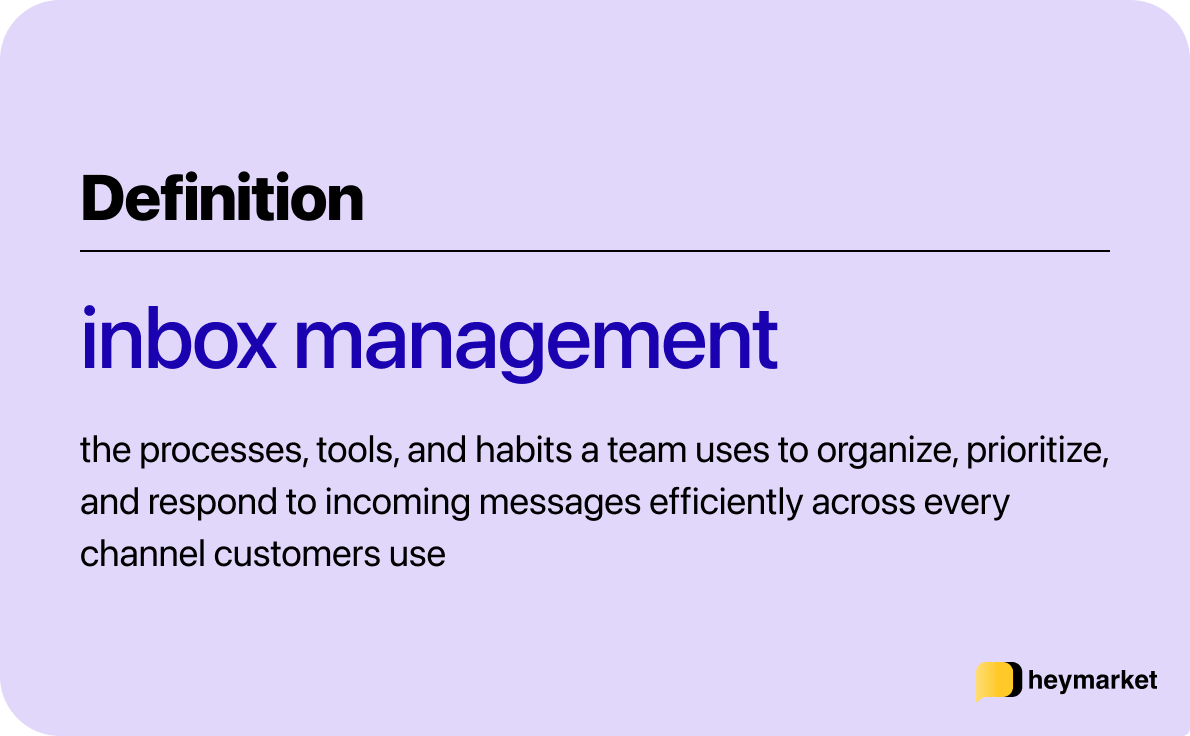
Inbox management is the combination of processes, tools, and habits a team uses to organize, prioritize, and respond to incoming messages efficiently.
For individual professionals, that usually means sorting messages into folders so they’re easier to find later, setting up filters to keep low-priority emails out of the way, and carving out time every week or so to scan through everything unread and make sure nothing important was missed.
But for business teams handling customer communication, the stakes are higher, and the problem more complex. A cluttered personal inbox is an inconvenience; a disorganized business inbox means missed revenue, slower resolutions, and customers who feel ignored.
Today’s business inbox isn’t just an email folder. It’s every channel customers use to reach you: SMS, email, web chat, Facebook Messenger, Instagram, WhatsApp, and more. When those channels are managed separately, teams lose context, duplicate work, and miss messages entirely. For example, an agent responding to a text has no idea a related email came in two days earlier, and the customer has to start over.
That’s why more businesses are moving toward an omnichannel shared inbox—a single workspace where multiple team members can access, triage, and respond to messages across channels, with full conversation history in one place.
But getting a shared inbox is only the first step. How your team organizes conversations, assigns ownership, and handles follow-through inside that inbox is what determines whether it actually works at scale.
How to improve business inbox management
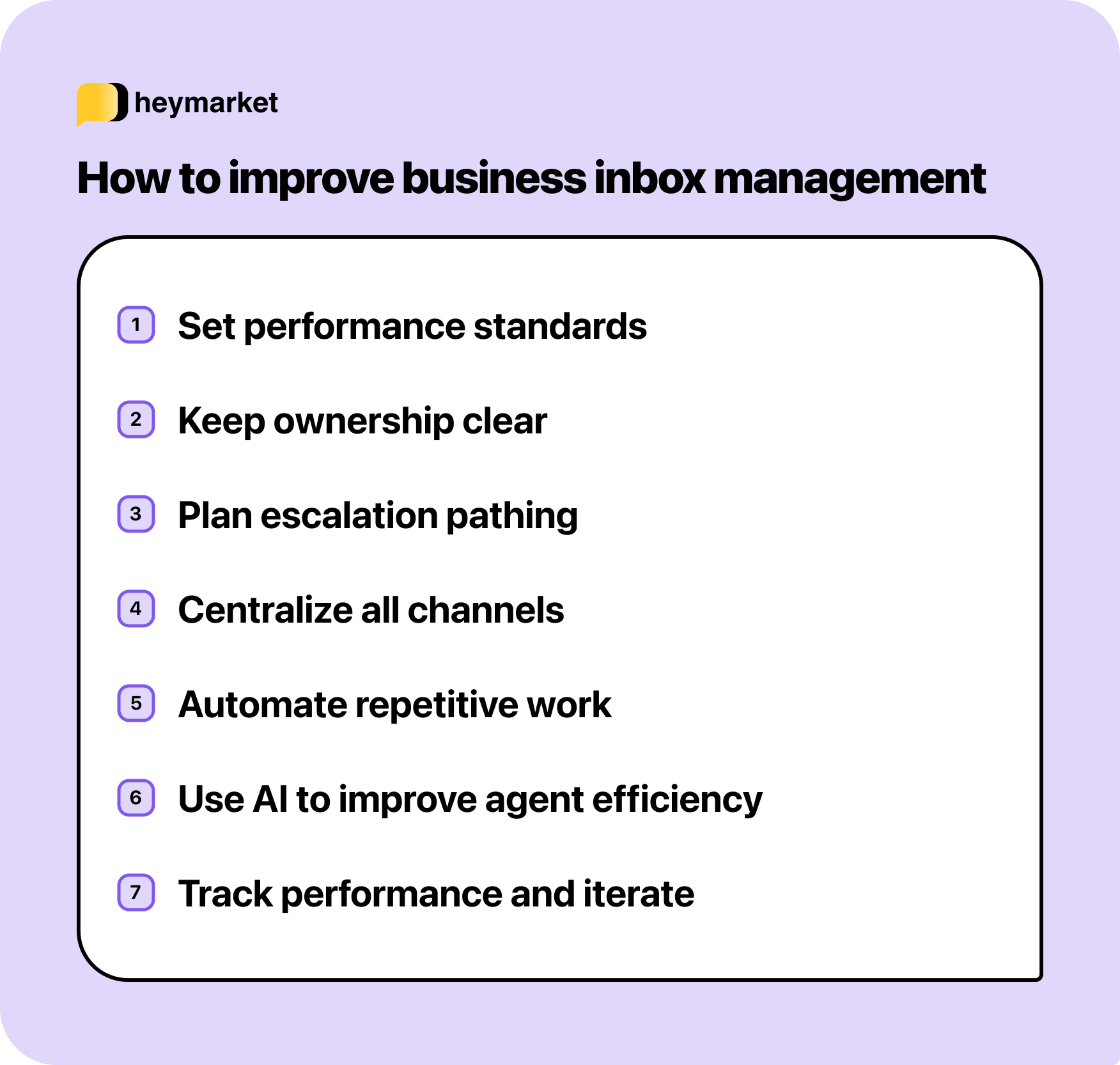
Good inbox management comes down to a mix of team habits, clear processes, and the right tools working together. Here are seven strategies to help your team respond faster, stay organized, and keep conversations from falling through the cracks.
Set response time standards and stick to them
Before optimizing anything else, establish clear expectations for how quickly your team should respond to different types of messages. A billing question might warrant a two-hour window; a time-sensitive delivery update might need a response within minutes. Documenting these standards gives your team a shared target to hit, and gives managers something concrete to measure against.
The key is consistency. When everyone knows the benchmark, it’s easier to prioritize incoming messages instead of treating everything as equally urgent.
Create clear ownership rules
In any shared inbox, the biggest risk is ambiguity: either two people reply to the same message, or nobody does because everyone assumes someone else handled it. Fix this by establishing clear rules for who owns what. That might mean assigning conversations by channel, by topic, by customer segment, or just to the first available team member.
What matters is that every message has a name next to it. Whether your team does this manually or uses a platform with built-in assignments and routing—including AI agents who handle the first touch—the principle is the same: ownership eliminates confusion.
Build an internal escalation path
Not every message can be resolved by the first person who reads it. Without a clear escalation process, those conversations tend to stall, sitting in the inbox while the original agent tries to figure out who to loop in, or worse, sending the customer a vague “let me get back to you” that turns into days of silence.
Define a simple path: if an agent can’t resolve something within a set timeframe, who does it go to? How does the context get handed off? Through an internal note in the thread, a tagged message to a manager, or a reassignment to a specialist? The specifics depend on your team’s size and tooling, but the principle is universal: every conversation should have a next step, even when the first responder doesn’t have the answer.
Centralize your channels into one inbox
The biggest source of inbox chaos for teams is channel fragmentation and messaging silos. When email lives in Outlook, texts on someone’s phone, and social DMs in native apps, messages get lost and response times suffer.
Moving to a unified inbox—where SMS, email, chat, and social all feed into one shared workspace—eliminates the need to check five tools, and dramatically reduces the chance that something slips through. Plus, it’s easier to get the whole picture when customer conversations are visible in one place, regardless of where they started.
Automate the repetitive work
Every team has a handful of messages they answer dozens of times a week: business hours, return policies, appointment confirmations, order status checks. Instead of writing those from scratch each time, use templates and automations to handle the predictable stuff—auto-replies for common keywords, scheduled reminders, and drip campaigns that follow up without manual effort.
For example, a customer who texts “hours” could automatically receive your current schedule without an agent ever touching the conversation. That kind of low-effort automation adds up quickly when your team is handling hundreds of messages a day.
Use AI to work faster, not replace your team
Automation handles the predictable stuff, but AI can help with the conversations that don’t follow a script. Suggested replies that draw from your knowledge base and conversation history can draft a response in seconds. One-click message tuning lets agents adjust tone, length, or language without rewriting from scratch. Sentiment analysis flags urgent or negative messages so your team knows where to focus first.
AI can also go a step further, handling routine conversations autonomously, resolving FAQs or even coordinating scheduling within a single thread, then handing off to a human when the conversation needs more attention. The key is having control over where automation runs independently and where your team reviews before anything goes out.
Track your performance and iterate
Treat inbox management like any other operational function: measure it, find the bottlenecks, and improve. Key metrics in addition to response time include resolution time, message volume by channel, and team workload distribution.
The best inbox management systems include built-in reporting so you’re not exporting data to spreadsheets to understand what’s working. Review these numbers regularly and adjust your routing, staffing, or automation rules accordingly.
What to look for in an inbox management system
Now that you know how to use an inbox management system effectively, the next step is finding a tool that will actually support your team’s needs. The tips above only work if the platform underneath them can keep up—and not every tool can.
Some are built primarily for email, with other channels bolted on as an afterthought. Others have automation but no meaningful AI, or reporting that looks comprehensive until you try to act on it. Knowing what to look for helps ensure you end up with a tool that actually fits.
Here are the criteria to weigh when choosing the right inbox management tool for your business.
Channel coverage that matches your volume
A team managing mostly email doesn’t need an eight-channel platform—but a team fielding SMS, social DMs, and web chat alongside email needs a tool that handles all of them in one place. The question isn’t how many channels a platform supports; it’s whether the channels your customers use are all covered, with the same visibility and routing logic applied across each one.
Ownership and routing that keeps conversations clear
Clear assignment rules prevent messages from slipping through cracks or getting double-handled. Look for a platform that supports both manual assignment and automatic routing—by channel, keyword, team, or availability—along with collision detection so two agents don’t reply to the same thread simultaneously.
Inboxes should also offer filtered views, so agents see the conversations they’re responsible for, not every message in the queue. That way, they can respond faster.
Collaboration that stays inside the conversation
When an agent needs to loop in a colleague or escalate to a manager, that coordination should happen inside the thread—through internal notes, @mentions, or shared drafts—not through a separate Slack message that pulls context away from the conversation.
The more coordination happens outside the tool, the more likely something gets lost or miscommunicated before the customer hears back.
Automation built around message content, not just timing
While templates and scheduled sends cover the basics of agentless communication, advanced automations that trigger based on what’s actually in a message—keywords, customer attributes, or conversation stage—save the most time. That means more FAQs answered by auto-replies, more conversations routed to the right agent without manual triage, and less repetitive work eating into your team’s capacity.
AI with access to your actual context
Evaluate whether the AI draws from your conversation history, your knowledge base, and your approved content, or whether it’s operating generically. Context-aware AI catches up on a customer’s history before drafting a response. Generic AI doesn’t, and that can mean frustrated customers and inaccurate responses that hurt CSATs and brand reputation.
Reporting you can act on without exporting
Look for visibility into response time, resolution time, volume by channel, and workload distribution across your team, all from a single dashboard. If pulling those numbers requires an export to a spreadsheet, you’re delaying decisions that affect how quickly customers get responses.
Security and admin controls that scale with your team
SOC 2 Type 2 certification and HIPAA compliance are baseline requirements for teams handling sensitive customer data. Beyond certifications, role-based permissions, SSO, and MFA determine how much control you actually have over what each team member can see and do, which becomes harder to manage manually as your team scales.
Getting inbox management right
When inbox management is working, your team isn’t scrambling to figure out who’s handling what or piecing together context from three different tools. Conversations move forward, response times stay consistent, and nothing sits unanswered because someone assumed it was already taken care of.
Which system fits best depends on where your conversations happen and how much structure your team needs. An email-heavy team has different requirements than one managing SMS, chat, and social alongside email. The comparison above should help narrow that decision based on your team’s actual workflow.
If your team manages conversations across messaging and email channels and wants them all in one organized inbox—with automation, AI, and collaboration tools built in—Heymarket is built for that.
Book a demo to see it in action, or start a free trial and put it to work with your team today.

