x
Sign Up
Free trial. No credit card required.
Email already taken. Please sign in or try another email.
I agree to the terms of service and privacy policy.
Please agree to the terms of service and privacy policy to continue.


Free trial. No credit card required.
Please check your email.
We've sent you an email. Please check your inbox and follow the link provided to verify your email address.

Learn how Heymarket can help your business create personalized conversations at scale.
Book a DemoText-enable your existing phone number to send and receive SMS messages online from the number your customers already know.
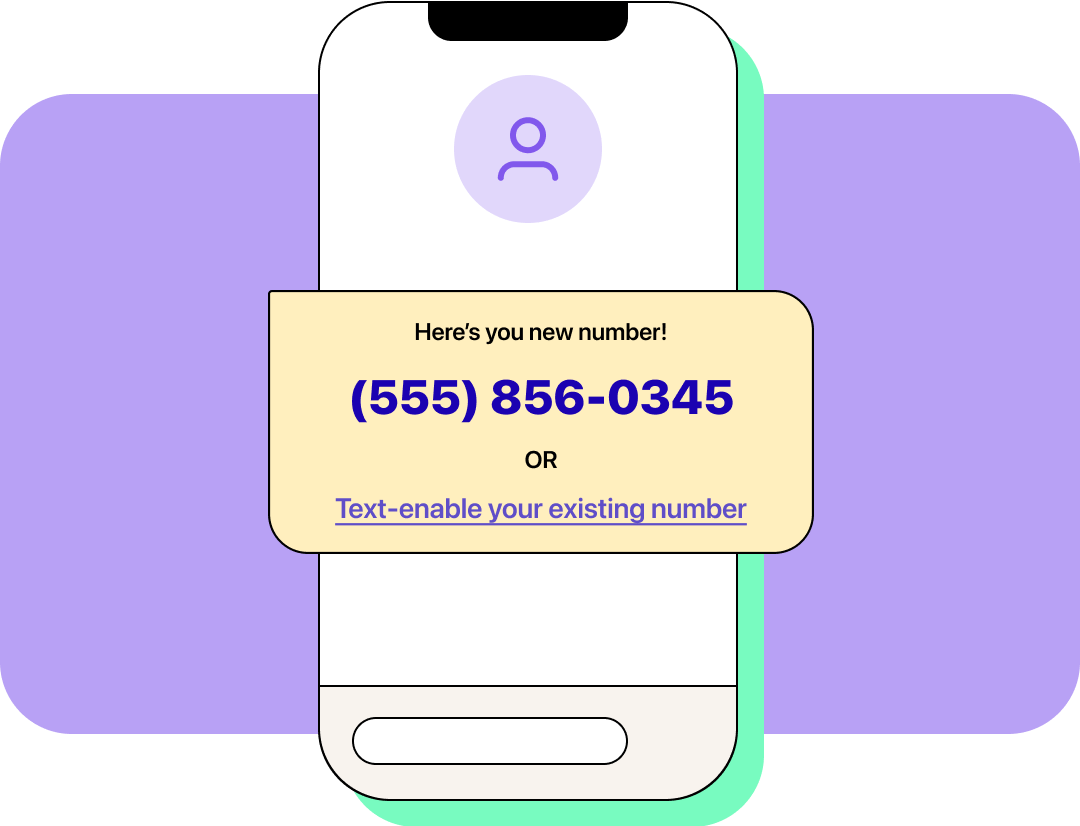
Heymarket allows businesses to text from a phone number they already use—or choose a brand-new one—without changing how customers reach them.
By text-enabling an existing landline, VoIP, or toll-free number or by using a current mobile number, you can turn a familiar phone number into a two-way texting line. Alternatively, you can select a new text-ready number in a zip code of your choice.
Once you’ve enabled SMS on your preferred number, you can send and receive texts online from a shared inbox on desktop and mobile devices. The result is a flexible, seamless experience for both agents and customers.
With total control over your business texting number, you can focus on building strong connections over messaging.

Text-enable your existing number in a few short steps and with our team’s support.

Keep your current voice service or forward your calls to another active number.
Our specialized agents work alongside your team in your shared inbox to speed up response times, schedule meetings,
and enrich data to reduce manual work.

Answers FAQs instantly from your approved knowledge base. Works across all your messaging channels and gets smarter every day.

Books, reschedules, and cancels appointments via text. Detects intent, presents available slots, and sends confirmations automatically.

Extracts and enriches lead data from every conversation — name, company, intent, budget, timeline — and syncs it to your CRM.

60% response rate
“Heymarket’s Salesforce SMS integration makes messaging leads and customers a smooth experience for our agents.”

10x Increase in agent capacity
“The biggest thing about being able to text with our customers is the relationship we’re able to build. Messaging is key for referrals and retention.”

12% Increase in productivity
“Replying quickly to incoming queries has empowered our team to earn customer trust and build valuable relationships.”
Build strong connections with the people who matter most to your business with Heymarket’s powerful text messaging features.
Learn moreCan I text from my phone number?
Yes. Heymarket lets businesses send text messages using a phone number they already use by enabling SMS on existing landline, VoIP, toll-free, or mobile numbers. This allows you to text customers from a familiar number without changing how they contact your business.
Will text-enabling my number affect voice calls?
For many landline, VoIP, toll-free, and business numbers, SMS can be enabled while voice service remains with your current provider. Calls can also be forwarded to another active number if needed. Mobile number setups may differ depending on your carrier.
Can I receive SMS online instead of on a phone?
Once your number is enabled for texting, incoming messages can be received and managed online from a shared inbox on desktop and mobile.
Is there a texting app that uses your number?
Heymarket is a business texting app that works with your existing phone number, so you don’t need to switch to a new number or ask customers to update their contact information to start texting.
Can multiple people text from the same phone number?
Yes. Messages sent to your business number appear in a shared inbox, allowing multiple agents to respond from the same number with full visibility into conversations.
Can I use multiple phone numbers in one inbox or account?
Yes. Heymarket lets businesses manage multiple phone numbers from a single account and shared inbox. This makes it easy to text from familiar numbers—such as location-based or department-specific lines—while keeping all conversations organized in one place.
Can I choose a new number instead of using my current one?
If using an existing number isn’t the right fit, Heymarket lets you choose your own text-ready number in a zip code of your choice.
What types of phone numbers can be enabled for texting?
Many landline, VoIP, toll-free, and business phone numbers can be enabled for SMS. Availability depends on the number type and carrier.


