


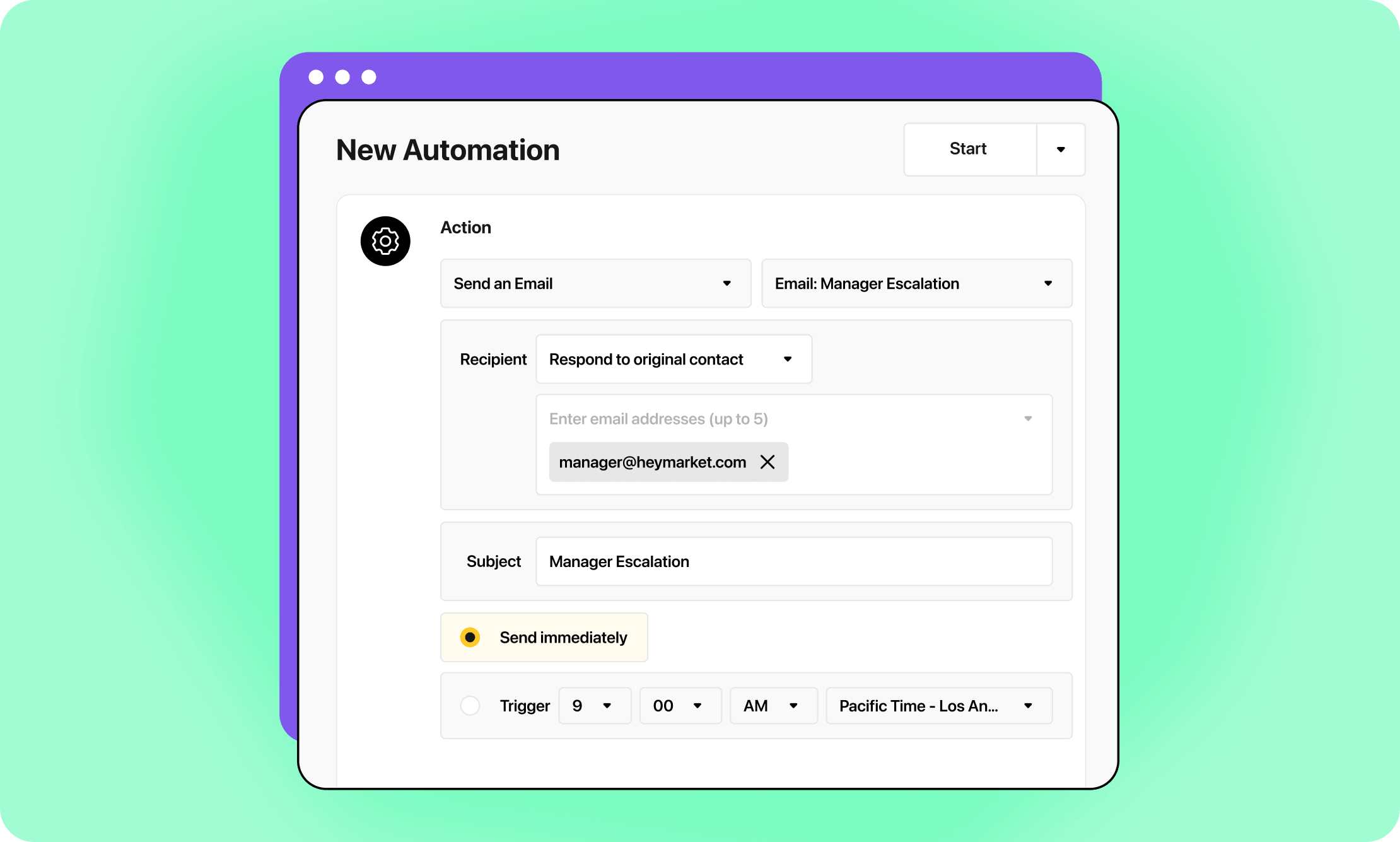
As customer messaging continues to grow, it can be a challenge to keep up with the volume. Within every busy shared inbox, a few specific conversations often carry a bit more weight—like a VIP client with a billing question, a patient sharing a symptom, or a prospect ready to sign on the dotted line.
These moments are great opportunities to shine, but they usually require a specific person to jump in quickly. We know that missing that window can be tough to recover from. That’s why we are so excited to introduce Escalations. This new Automation action sends Email or SMS alerts to your team members the moment a conversation meets the criteria you define.
Why we built Escalations
Most teams use a mix of Slack channels, email rules, and CRM pings to stay on top of urgent work. However, these systems often hit a snag: by the time an alert moves from the conversation into another app, it usually loses its context or its timing.
The even bigger challenge is “notification fatigue.” When your team gets hundreds of pings a day, it’s only natural to start tuning them out. If every message looks “important,” then nothing truly stands out. This means high-value opportunities or urgent requests can accidentally sit in the same queue as routine questions.
We designed Escalations to cut through that noise. Instead of adding to a stream of endless alerts, they fire only when specific, high-signal conditions are met. Best of all, they go straight to the person responsible for the outcome on a channel they actually check.
How it works
You’ll find Escalations as a new action type right inside the Automations builder. You can set up a trigger just like you always have—using a keyword, a time window, or a custom field—and then simply add a “Send Escalation” step.
- Choose your channel: Send alerts via Email, SMS, or both.
- Pick your recipients: Route messages to specific teammates, a distribution list, or an on-call group.
- Customize the message: Use merge tokens to include the contact’s name, the specific inbox, and a direct link that takes your team right back to the chat.
Since Escalations live within our Automation Engine, they work beautifully with your other workflows. With a single trigger, you can acknowledge the customer, alert your team, and tag the conversation all at once.
Opportunities for every team
Here are just a few ways you can turn urgent messages into successful outcomes:
- Retail Operations: If a customer mentions a “damaged” or “wrong item,” you can alert the store manager immediately while your frontline team continues to handle routine questions.
- Healthcare Teams: You can route messages with symptom-related keywords directly to an on-call clinician via SMS, ensuring patients get the quick attention they need.
- Sales & Success: When a prospect says they’re “ready to move forward,” or if a message stays unresponded for 30 minutes, you can trigger an SMS to an account executive to keep the momentum going.
Designed to protect your focus
We want your team to trust their alerts. To prevent notification fatigue, we’ve built in several smart features:
- Precise Logic: Alerts only fire when a scenario truly warrants one, thanks to our detailed automation filters.
- Recipient Controls: Admins can set quiet hours and cap alert frequency so nobody feels overwhelmed.
- Instant Context: Every alert includes the triggering message, so your team knows exactly what’s happening before they even open the app.
At the end of the day, a great messaging platform shouldn’t just hold your conversations—it should reliably surface the ones that matter most. Escalations are how we help you build that reliability every single day.
Would you like to see how to set up your first Escalation for a specific keyword today? Request a custom demo today.

